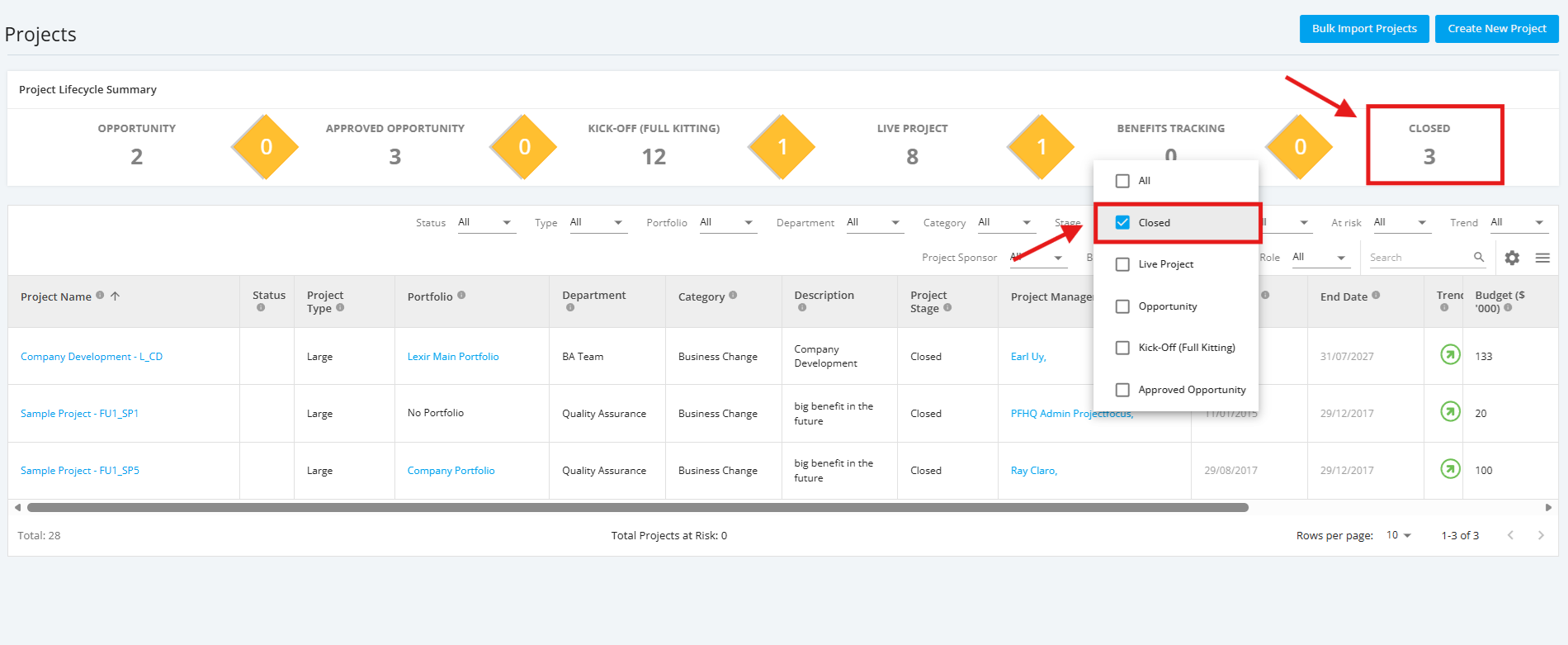
1. View Closed Projects
To view Closed Projects, from the Focus HQ ‘Home’ page, within the ‘Tiles’ section, navigate to ‘All Projects Dashboard’ by clicking the ‘All Projects’ tile or ‘Projects’ from the main navigation menu then selecting 'Projects' from the dropdown.
Once redirected to the ‘All Projects Dashboard’ page, click ‘Closed’ in the Project Lifecycle Summary Table to see a display of Closed projects.
You can also select 'Closed' from the 'Stage' Filter to see a display of Closed projects.