1. Export Project Overview in PDF
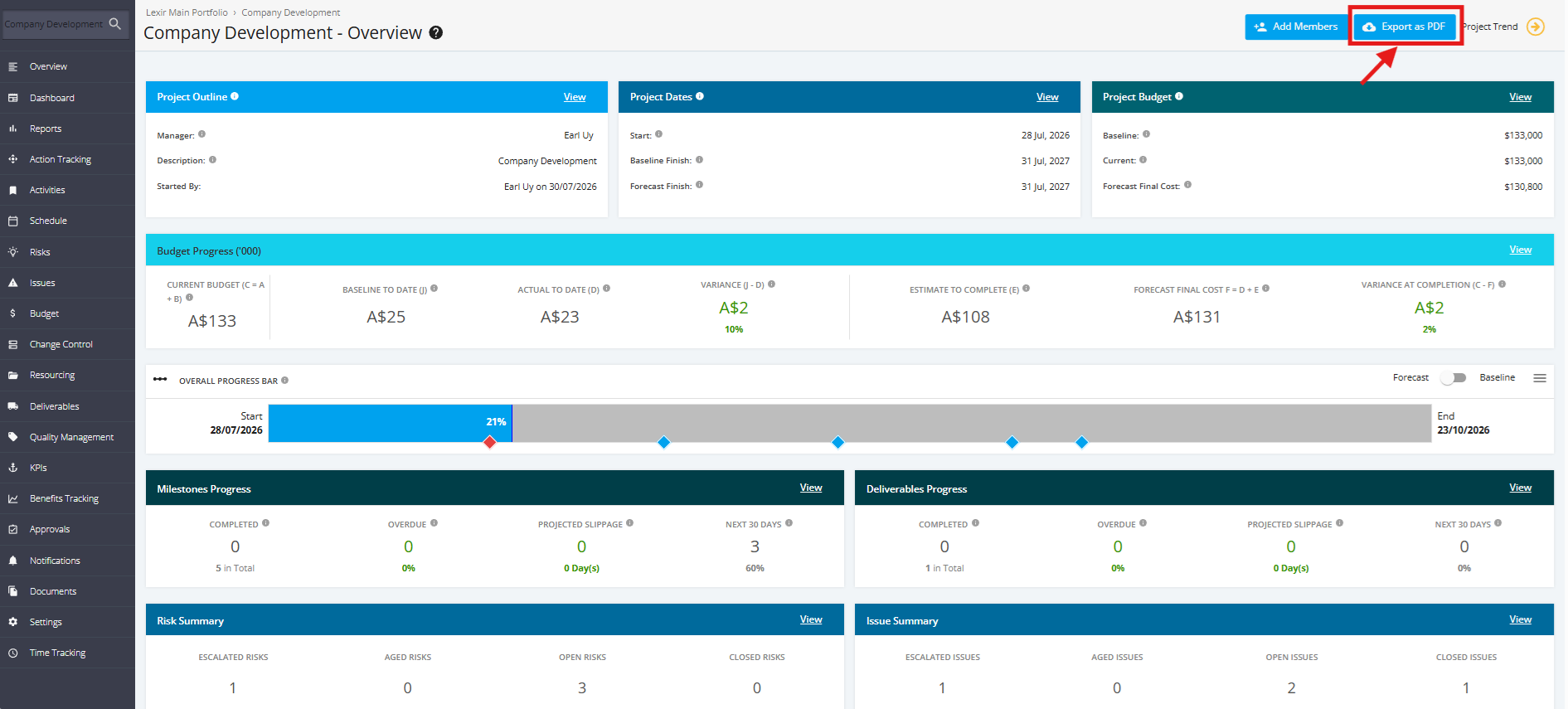
To download the information displayed on the Project Overview page as a file, click the 'Export as PDF' button.

Modified on: Wed, 9 Sep, 2026 at 12:04 PM
1. Export Project Overview in PDF
To download the information displayed on the Project Overview page as a file, click the 'Export as PDF' button.
Did you find it helpful? Yes No
Send feedback