
1. Navigate Issue Summary
Navigate to the ‘Issue Summary’ section within the ‘Project Overview’ page. You can view the following information:
- Escalated Issues - Open issues that have been flagged for increased visibility or higher-level review, typically due to elevated severity/impact or a manual escalation action.
- Aged Issues - Open issues that have remained unresolved beyond the expected timeframe (e.g., no recent update or past a target resolution date), indicating they may need follow-up.
- Open Issues - Issues that are currently active and unresolved. This is the total count of issues still requiring management, regardless of severity or age.
- Closed Issues - Issues that have been resolved or formally closed. These are no longer counted as active exposure.
NOTE: Escalated and Aged Issues are both subsets of Open Issues. An issue can appear in either (or both) of these counts while still being counted as Open. Once resolved, it moves to Closed.
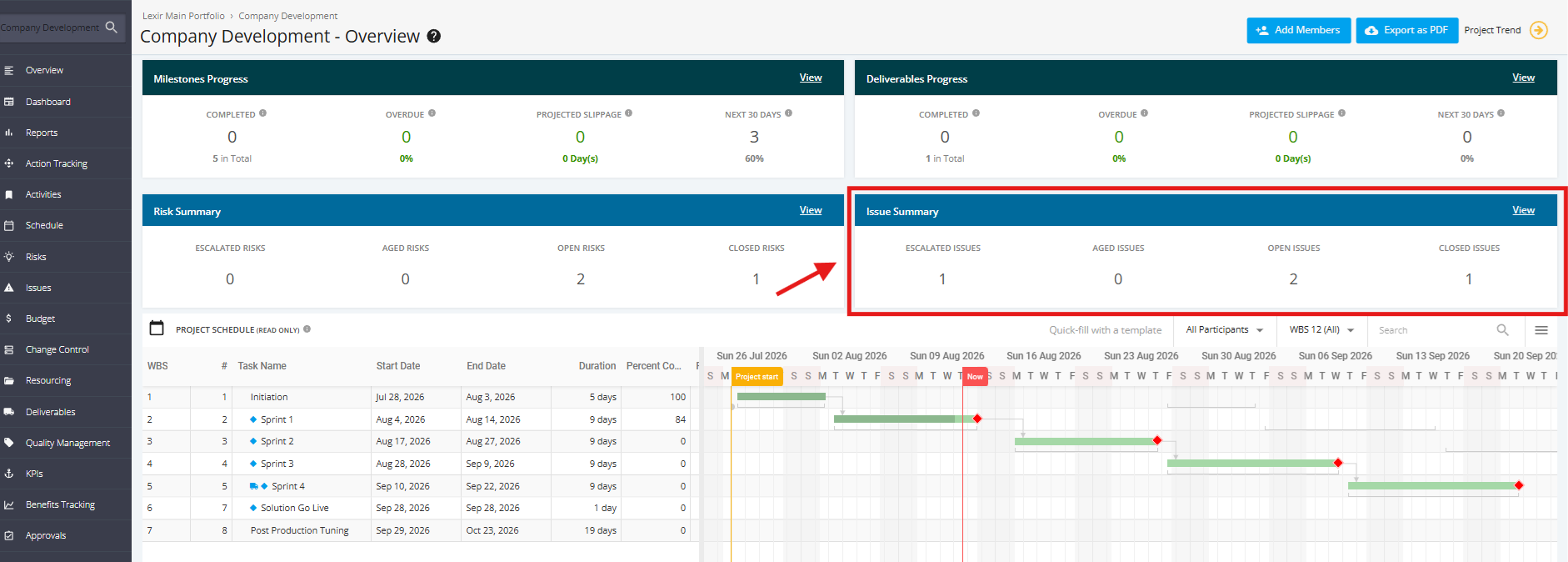
To view the Issue Summary in Detail, click the 'View' link on the top-right corner of the tile.
