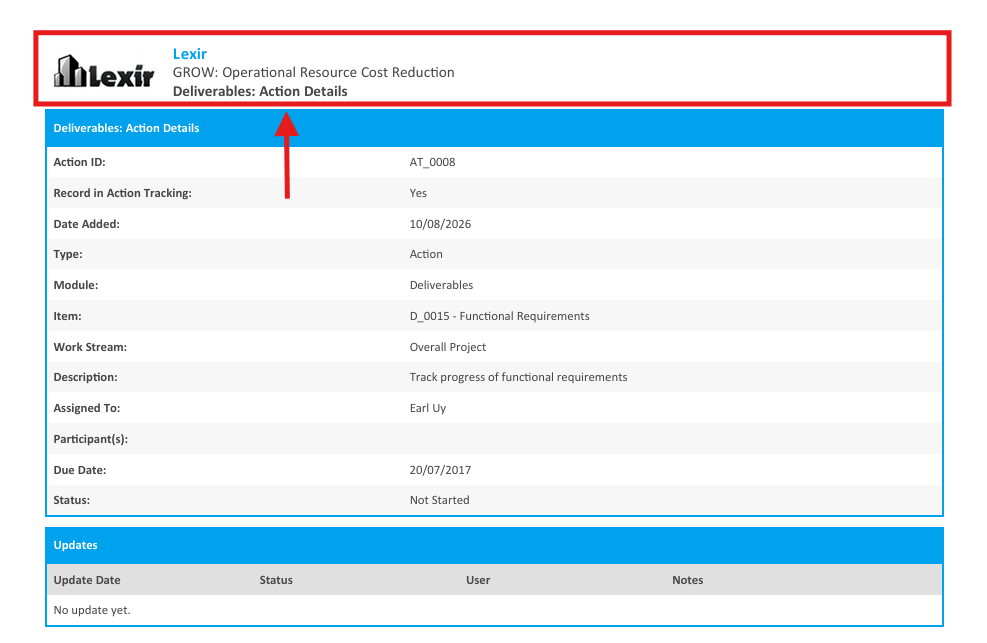
1. Download Deliverable Actions in PDF Format
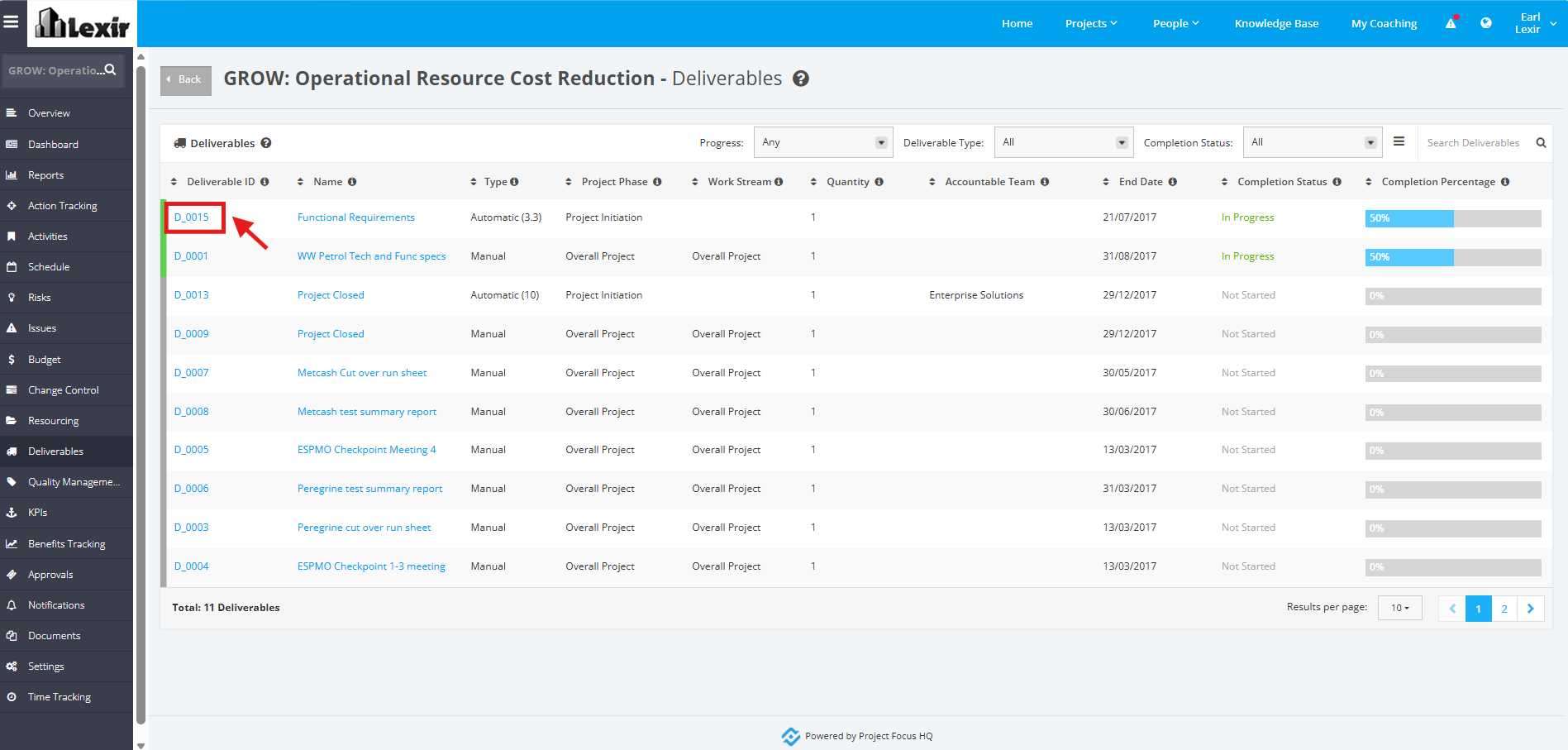
1. In the ‘Deliverables’ table, click the ID of the Deliverable that you want to download Action Details.
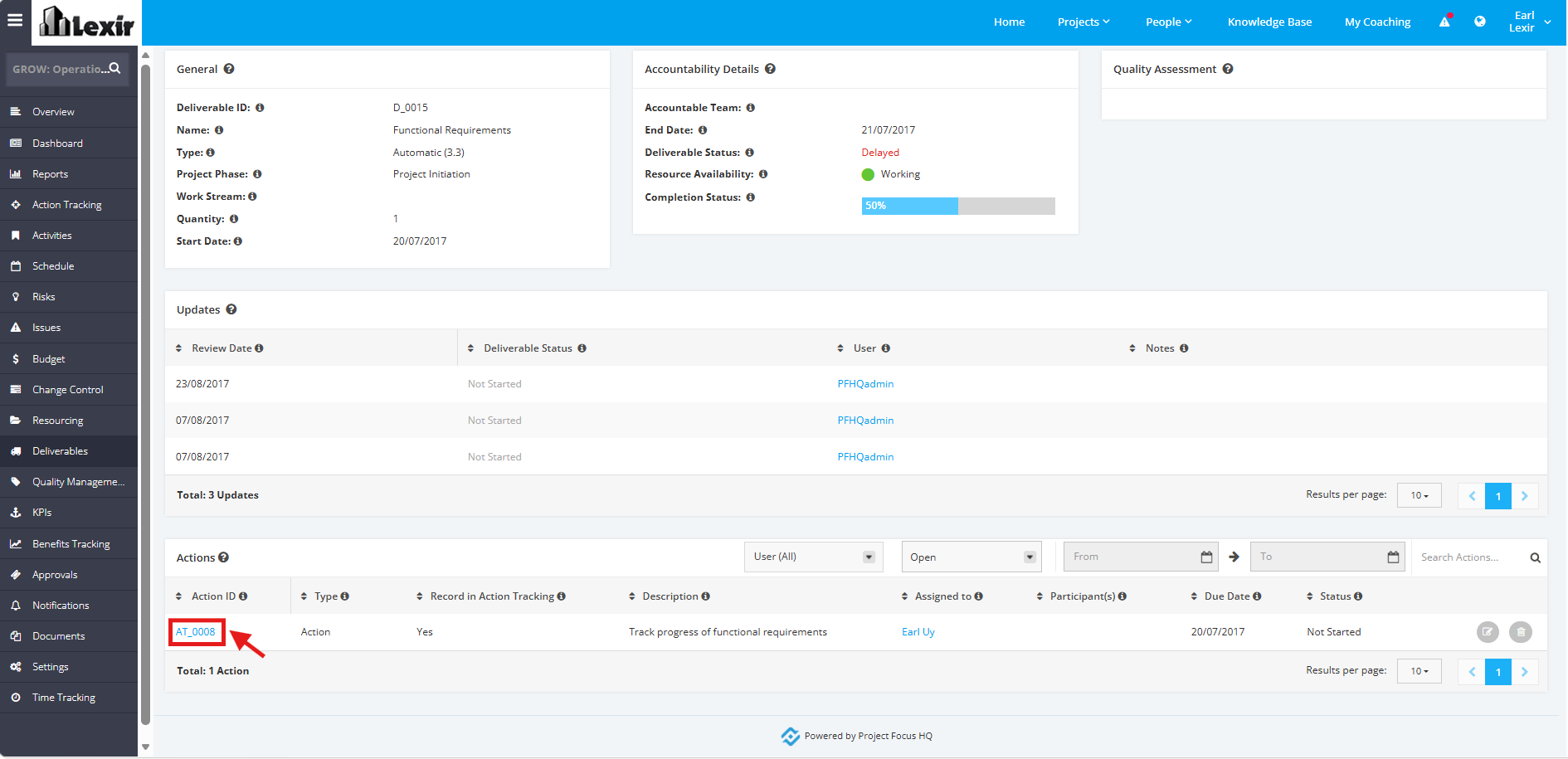
2. Once redirected to the ‘Deliverable Details’ page, scroll down to the ‘Actions’ section and click the ‘Action Item’.
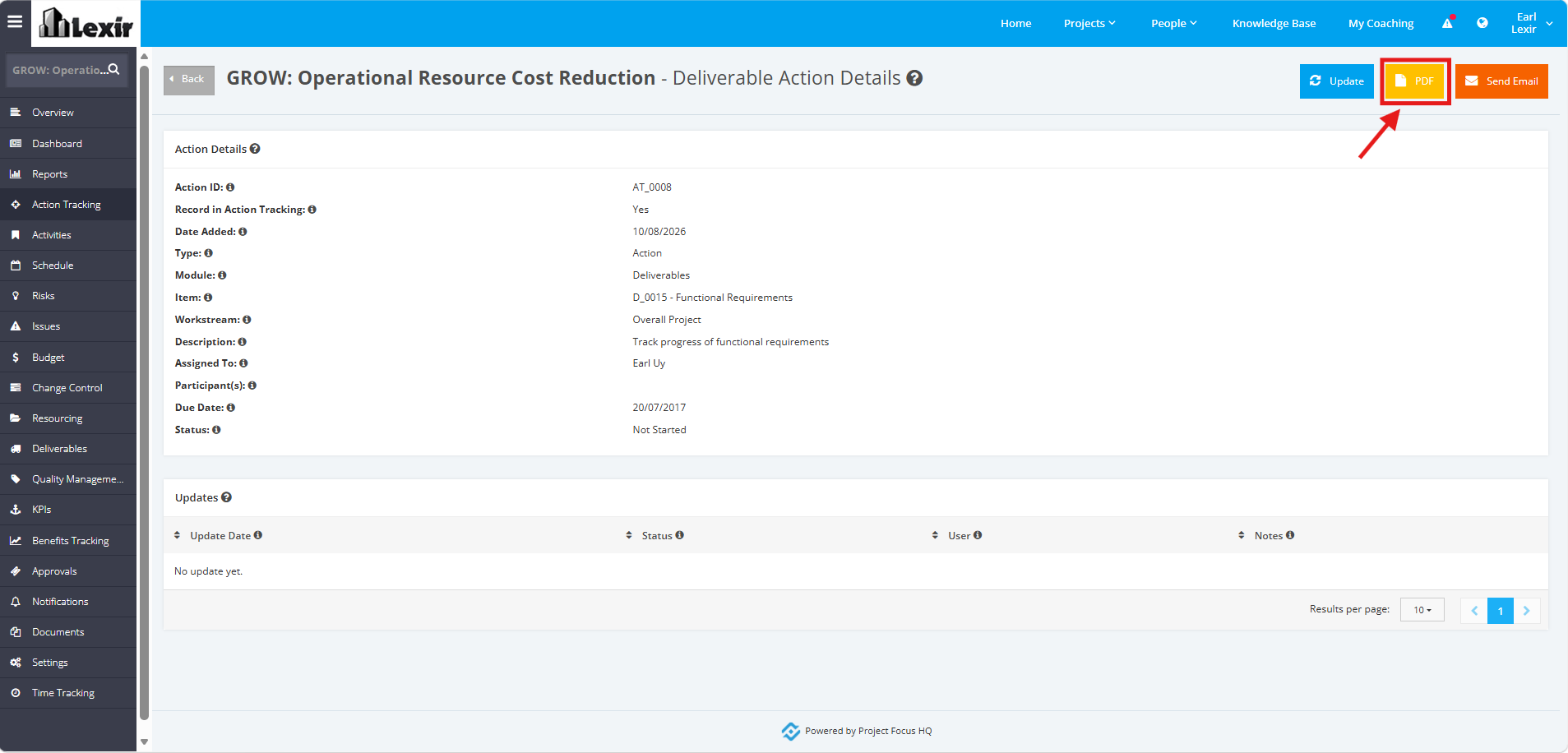
3. Click the ‘PDF’ button within the Deliverable Action Details page.
4. Once clicked, the Deliverable Action details will be exported into a PDF file.