
1. Delete Deliverable Action
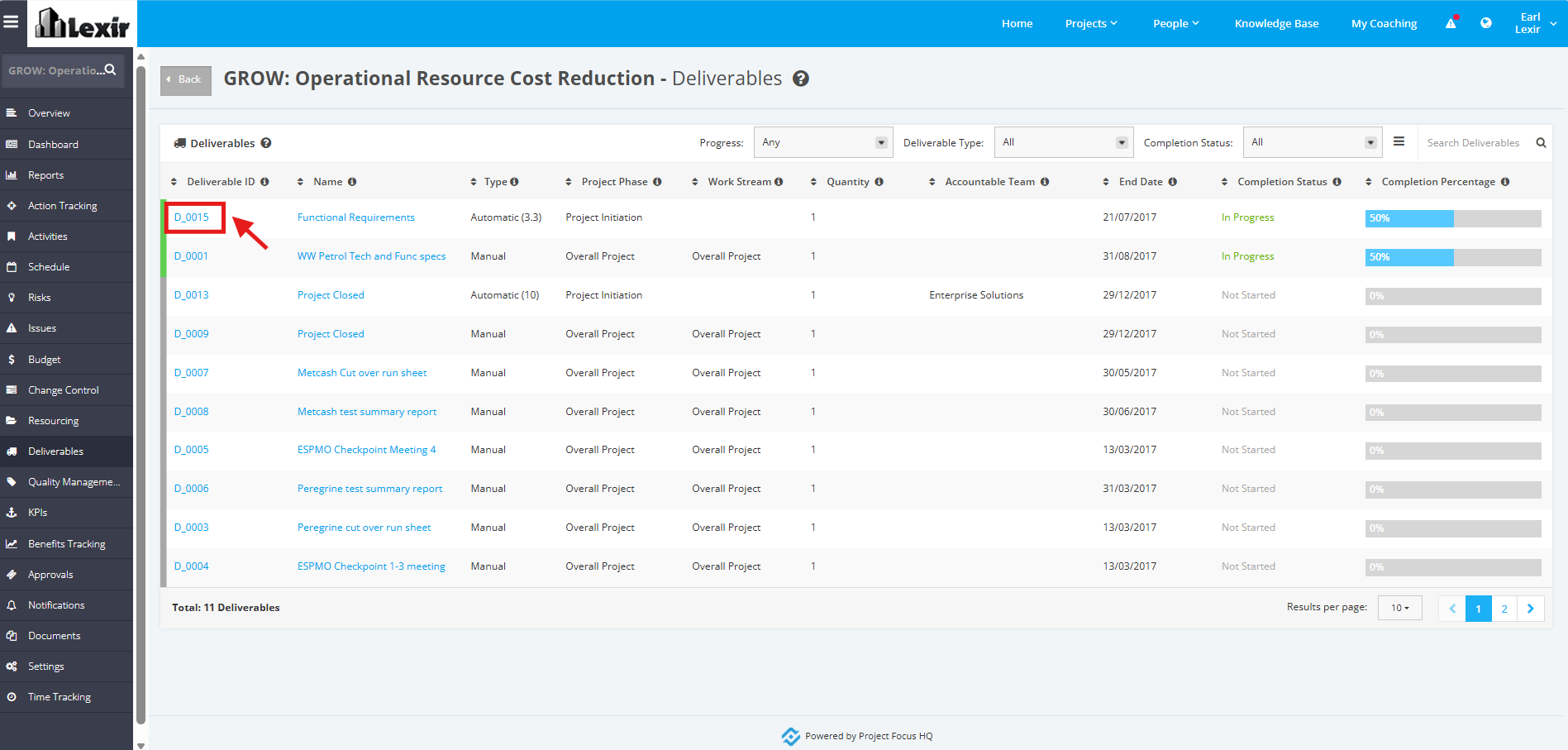
1. In the ‘Deliverables’ table, click the ID of the Deliverable that you want to delete an Action with.
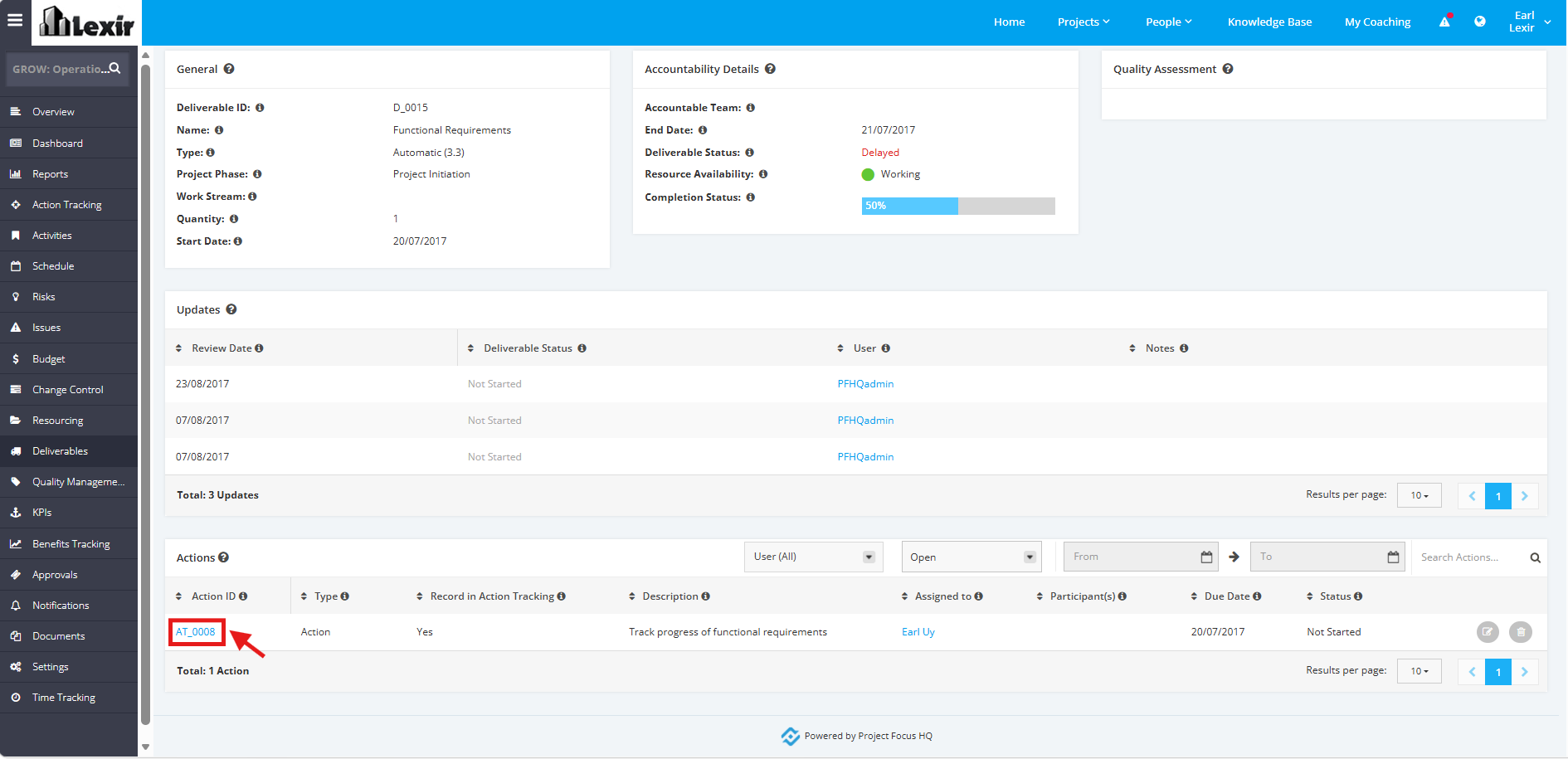
2. Once redirected to the ‘Deliverable Details’ page, scroll down to the ‘Actions’ section and click the ‘Action Item’.
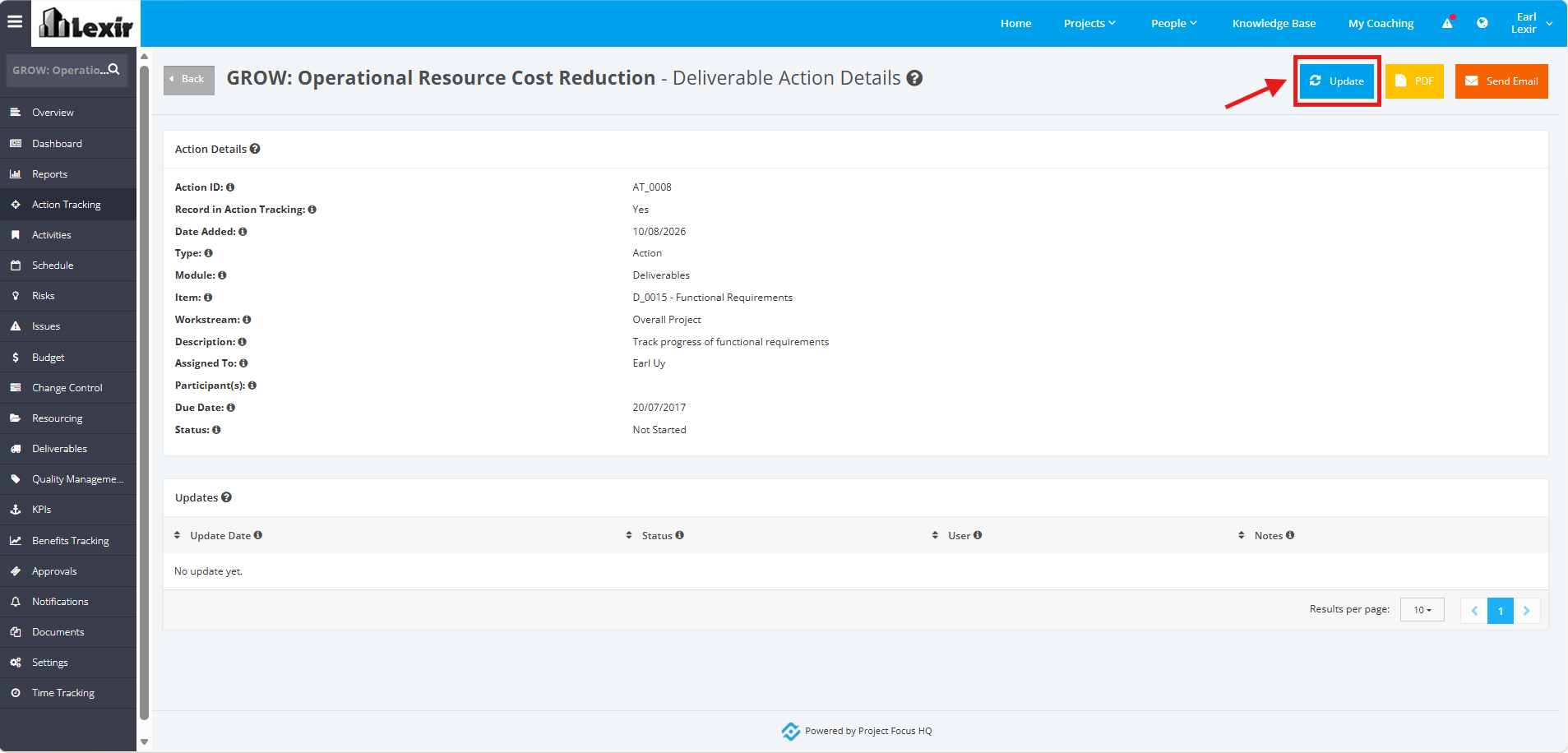
3. Click the ‘Update’ button within the ‘Deliverable Action Details’ page.
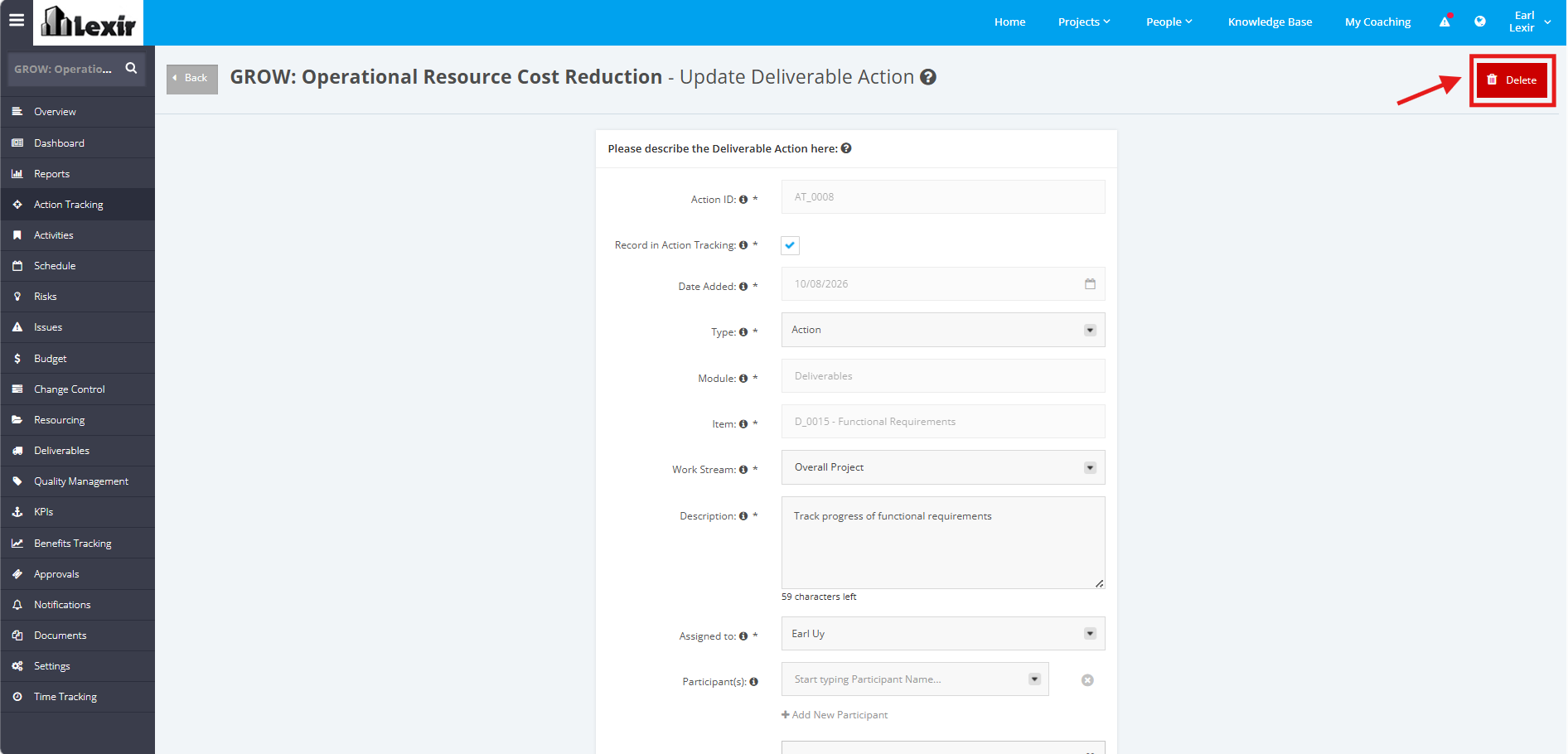
4. In the Update Action page, click the ‘Delete’ button.
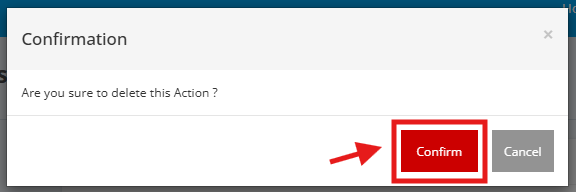
5. A confirmation pop-up message will then appear. Click the 'Confirm' button, and the Action item will be deleted.
TIP: You can also click the trash can icon to directly delete the Action Item.
