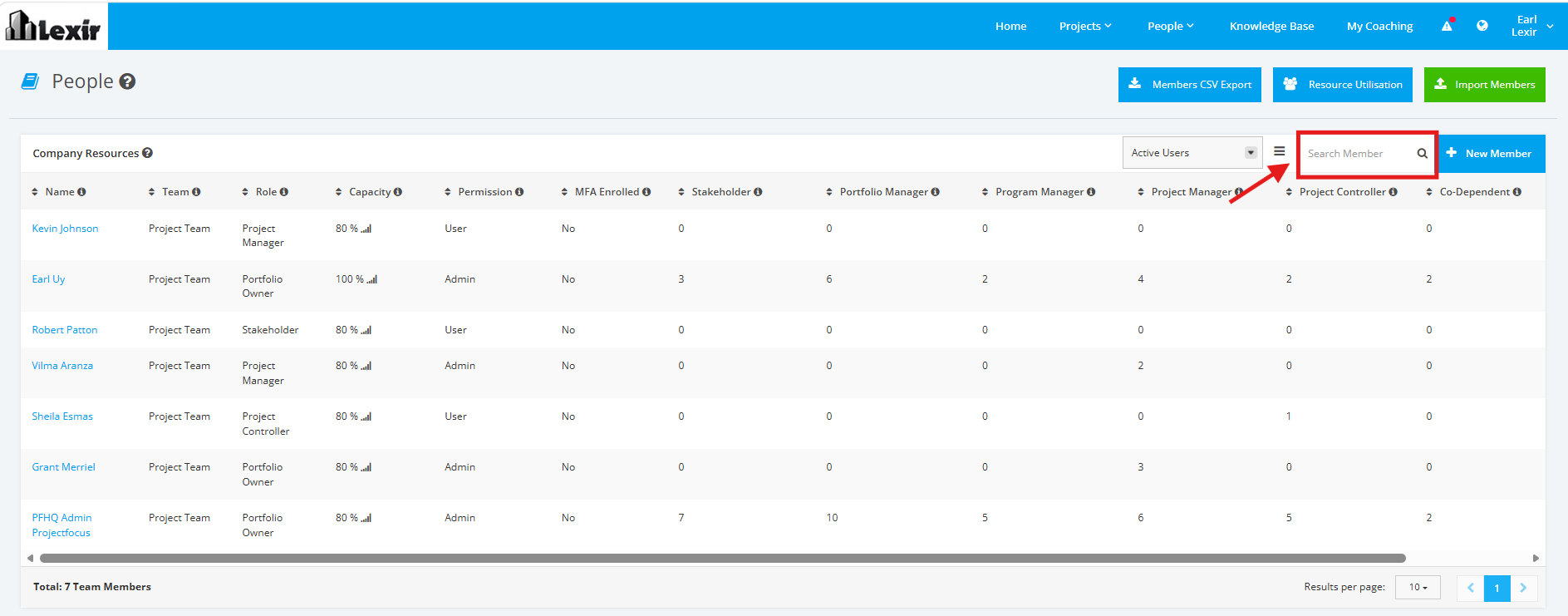
1. Navigate Company Resources
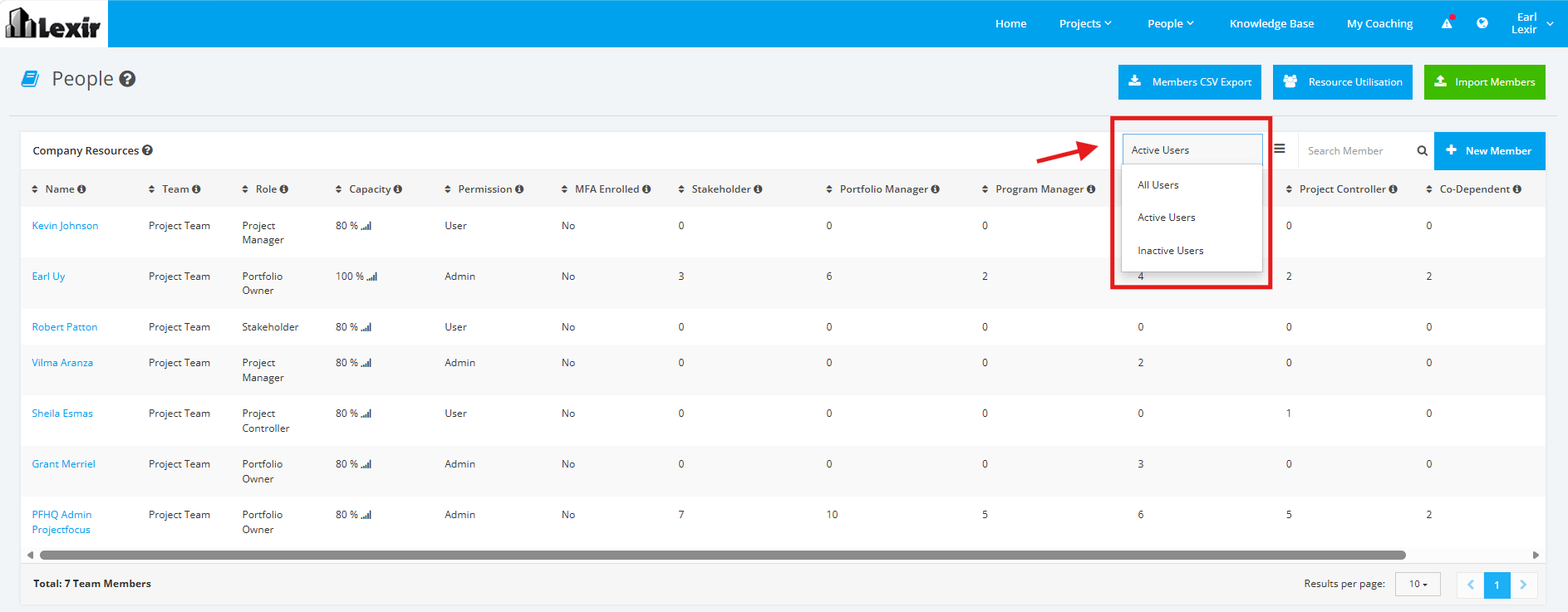
1. User can filter the Company Resources to be seen on the section by clicking the 'Users' filter. Select one of the following options: ‘All Users’, ‘Active Users’ or ‘Inactive Users’.
Users will be displayed based on selected dropdown option.
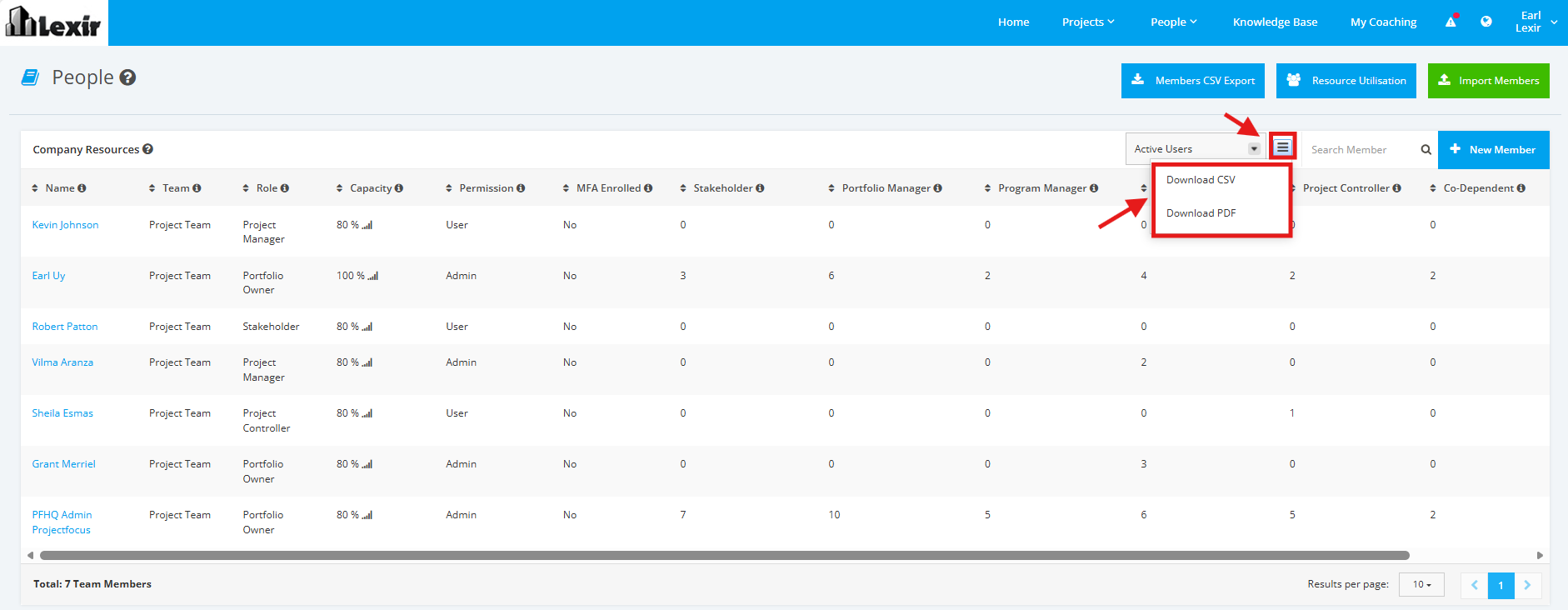
2. User can download the Company Resources section by clicking the three-lined download icon. Select a file to export details to: 'Download CSV' or 'Download PDF'.
Once selected, the file will be successfully downloaded.
3. Use can search a Company Resource by entering the Resource Name in the Search box and clicking the ENTER key.
The section will display based on the inputted Resource.