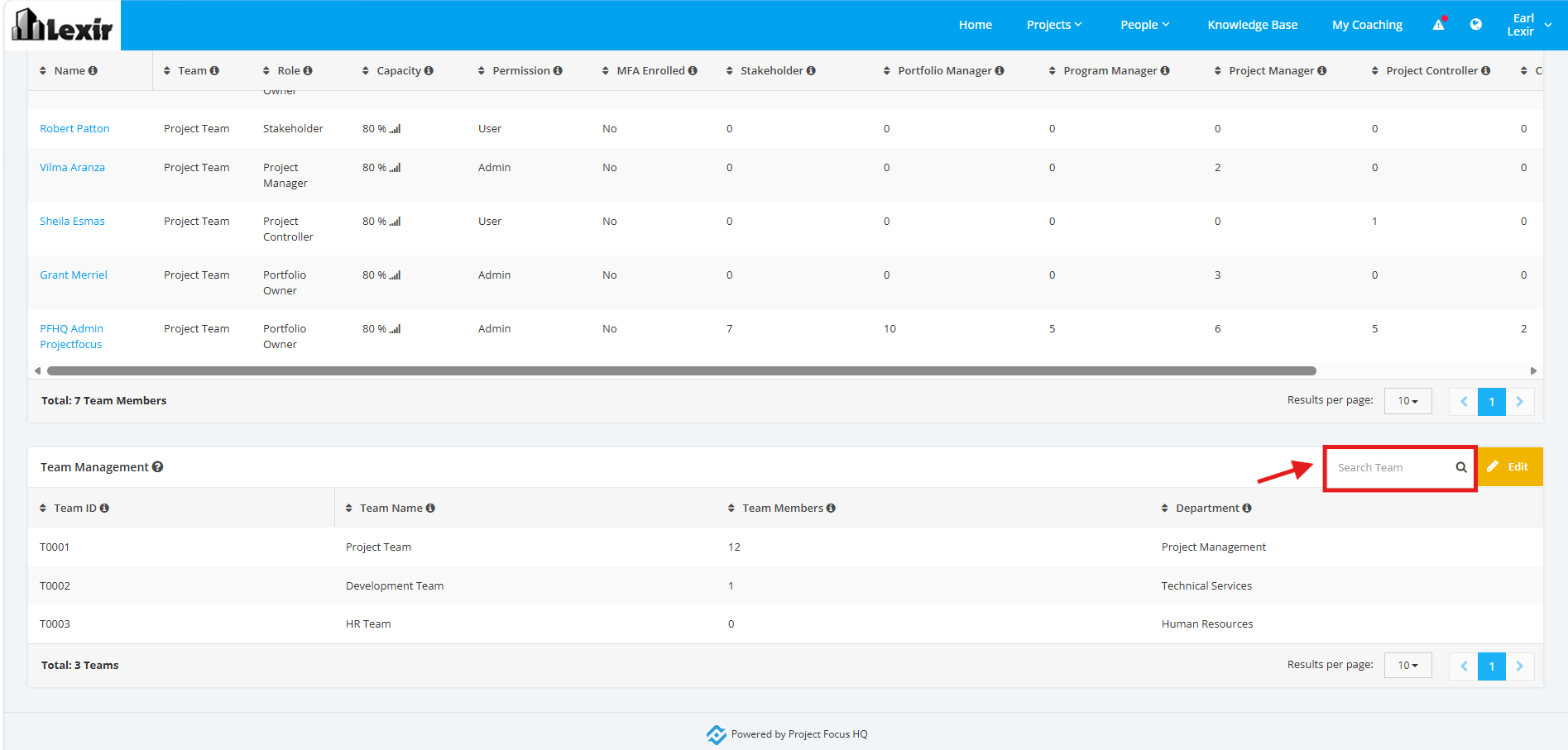
1. Navigate to Team Management
1. Once redirected to the ‘People’ page, scroll to the ‘Team Management’ section then click the ‘Edit’ button.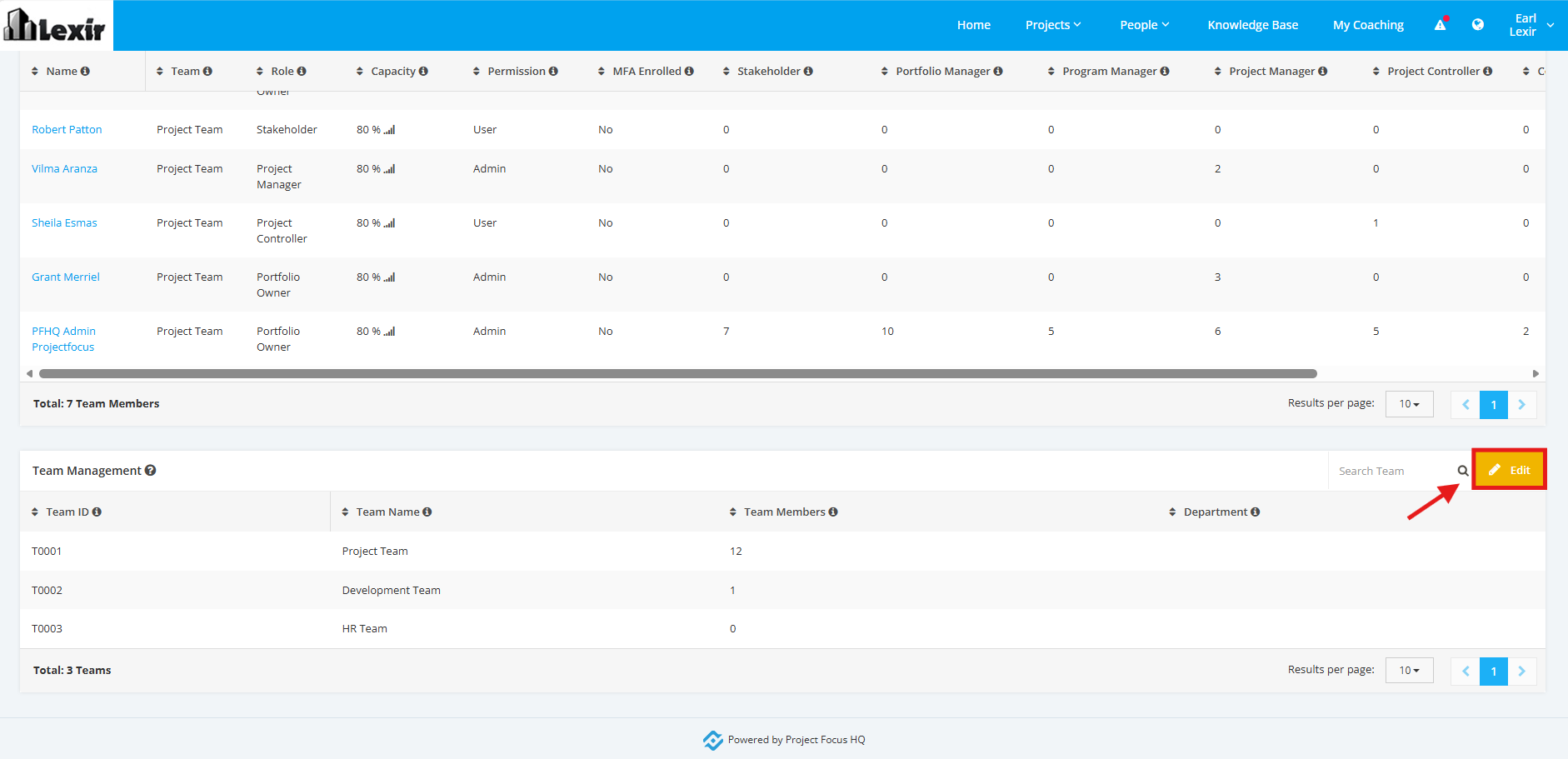
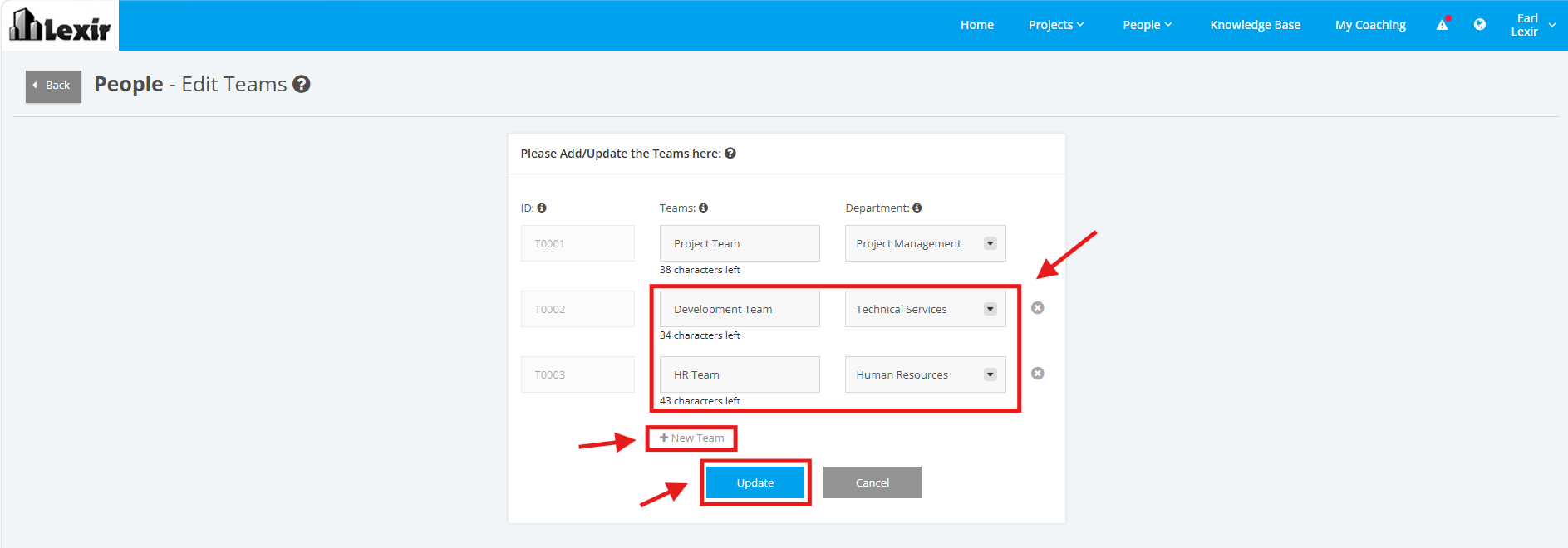
2. To add a new Team, click the ‘+New Team’ link. Once done, enter Team name in the field as shown below. Select a department to be associated with the Team.
Once done, click the ‘Update’ button to save the changes.
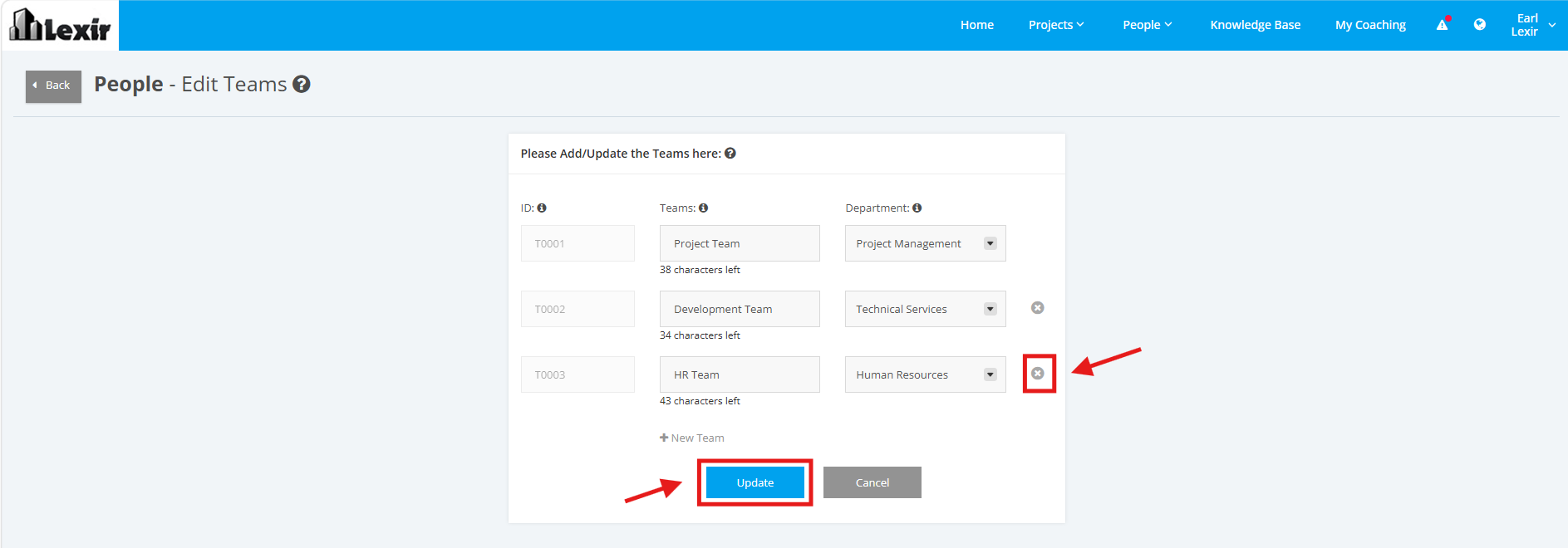
3. To delete a Team, click the ‘x’ button and then click ‘Update’ to save changes.
4. To 'search' a Team, enter the Team Name in the Search box then click the ENTER key.