1. Team Member – View Visible Projects/ Portfolios/ Programs
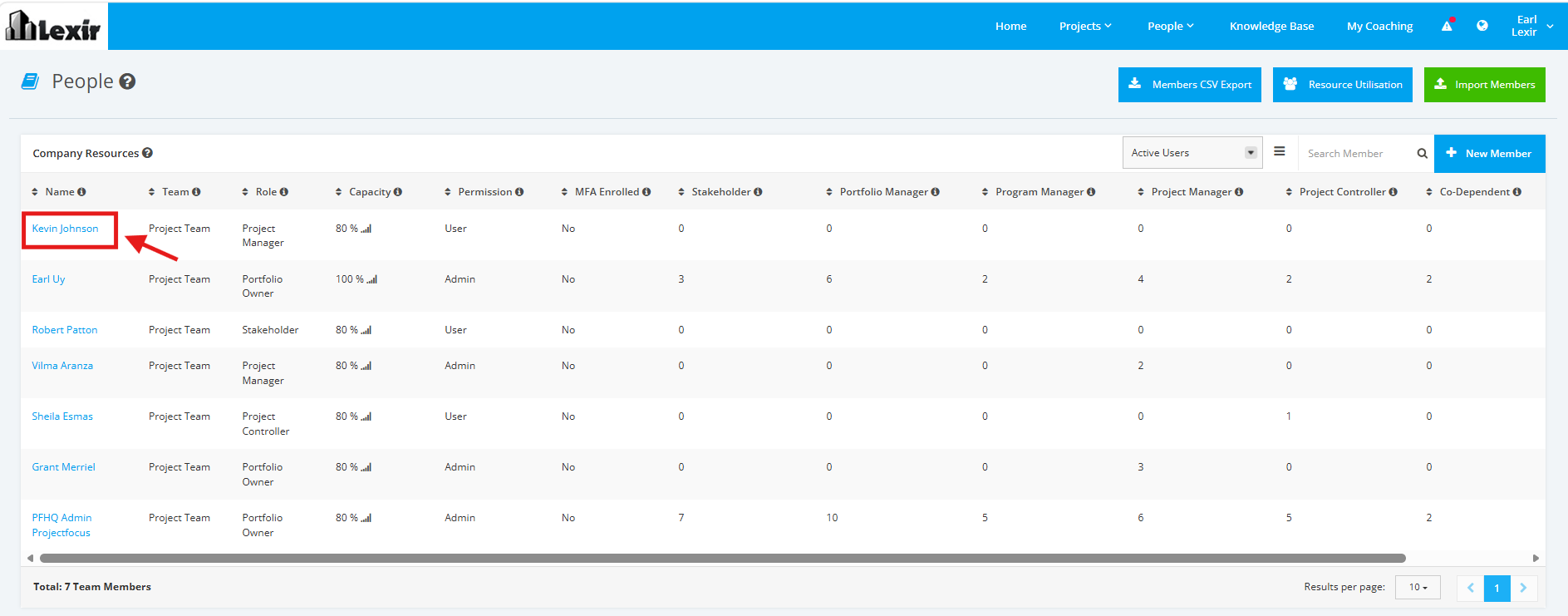
1. Within ‘People’, scroll to the ‘Company Resources’ section and click the ‘Name’ of the Team Member that you want to view visible projects/ portfolios/ programs as shown below.
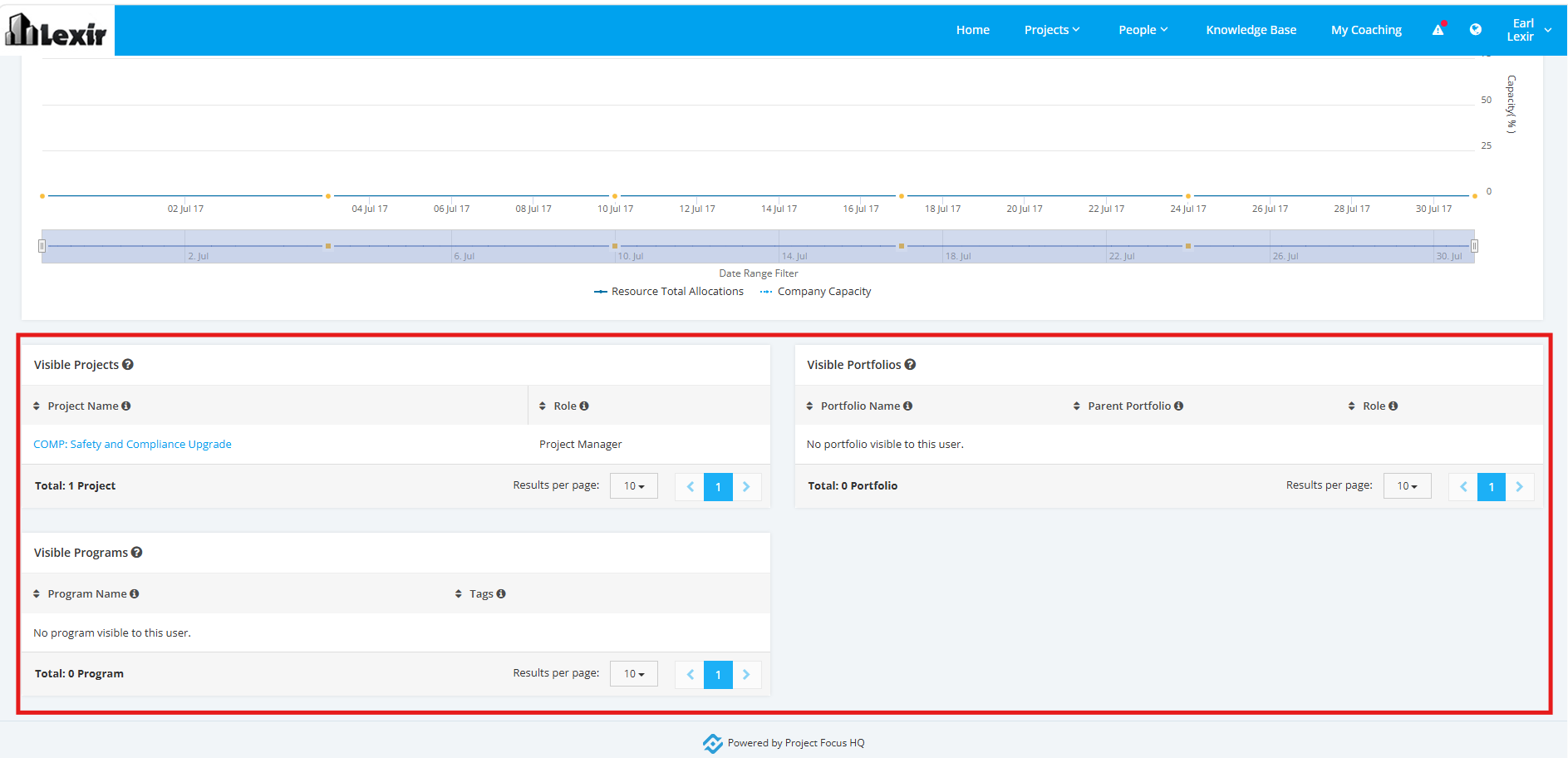
2. Once done, you will reach the Team Member Details’ page. Go to the ‘Visible Projects’, ‘Visible Portfolios’, and ‘Visible Programs’ sections. This is the section where you can view the projects, portfolios, and programs user has access to.