
1. Clone a Project Type
1. To clone a Project Type, navigate to the Company Profile. Scroll down to the ‘Default Settings’ section then ‘Project Types’. Then, click the 'Clone' icon of the ‘Project Type’ you want to clone.
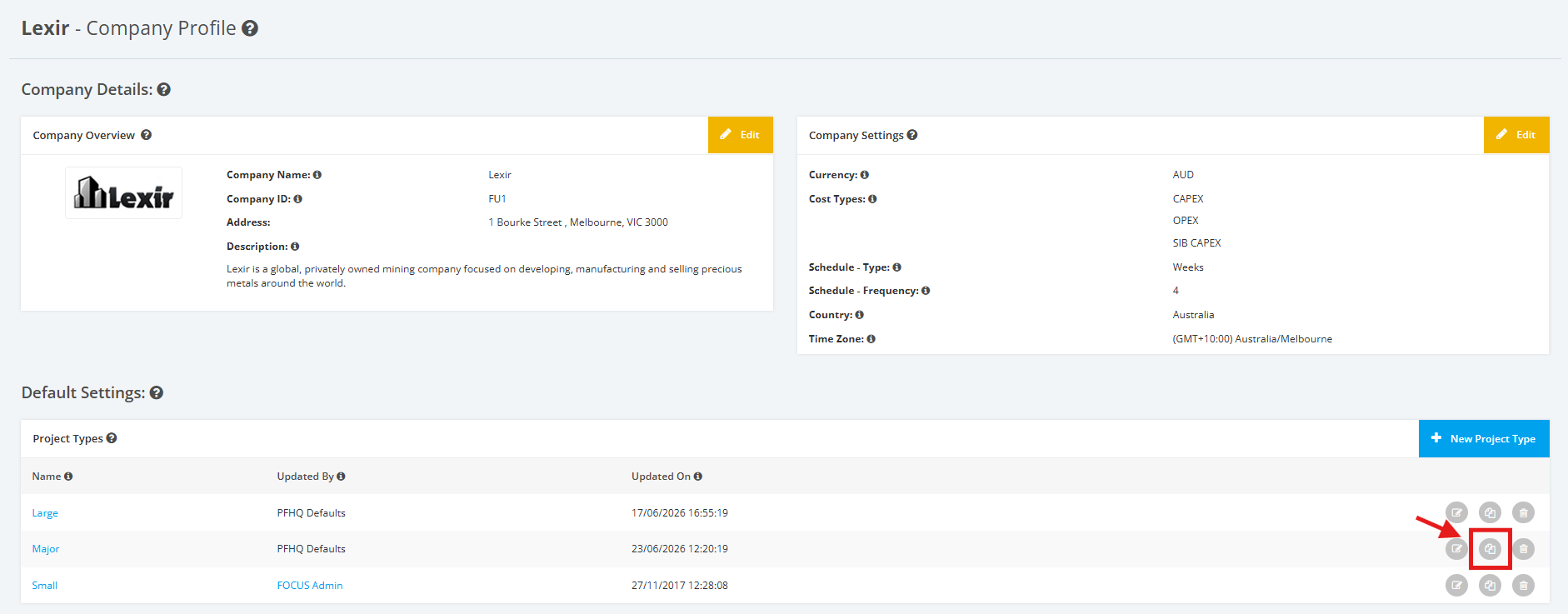
2. The cloned Project Type will then be displayed in the Project Types list.
