1. Manage Project Types
- To manage Project Types in the Company Profile Settings, open the FOCUS™ platform using this link:https://app.projectfocushq.com/accounts/login/.
- Login using your ‘Username’ and ‘Password’ and click the ‘Log-in’ button.
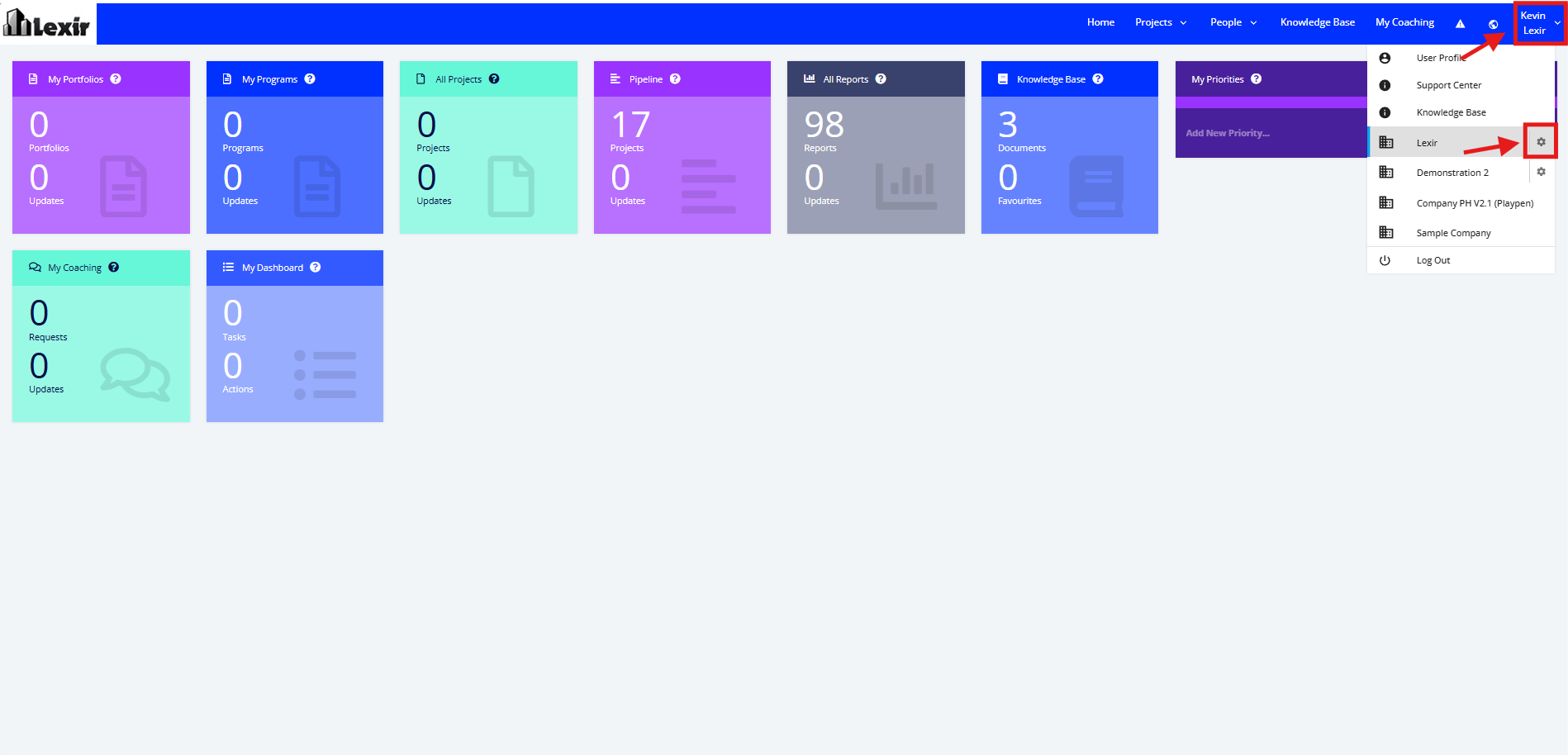
- Once logged in you will reach the Company’s Homepage. Go to the Top Navigation, hover over your ‘Company Name’ then click on the ‘Edit’ icon as shown below. Once done, you will reach the Company Profile.
Note: Only Users with access to the Company Profile can edit this page.
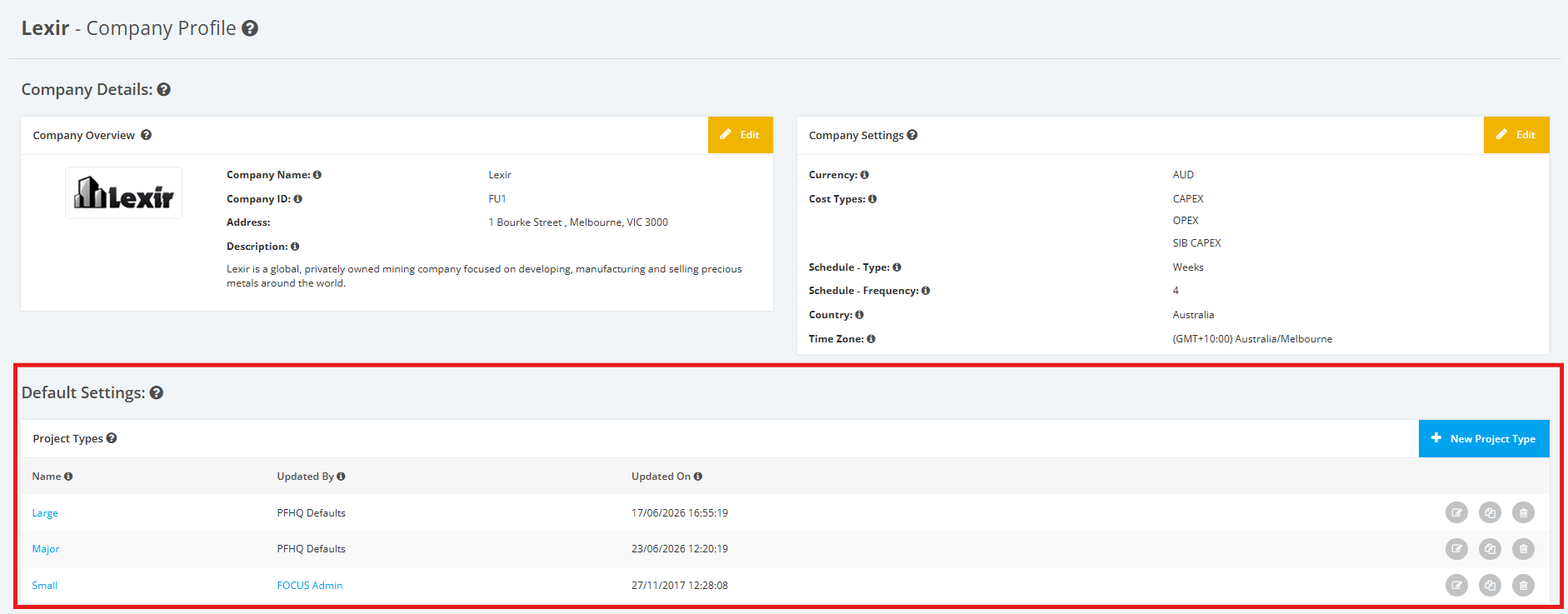
- Scroll down to the 'Default Settings' section, then 'Project Types'.