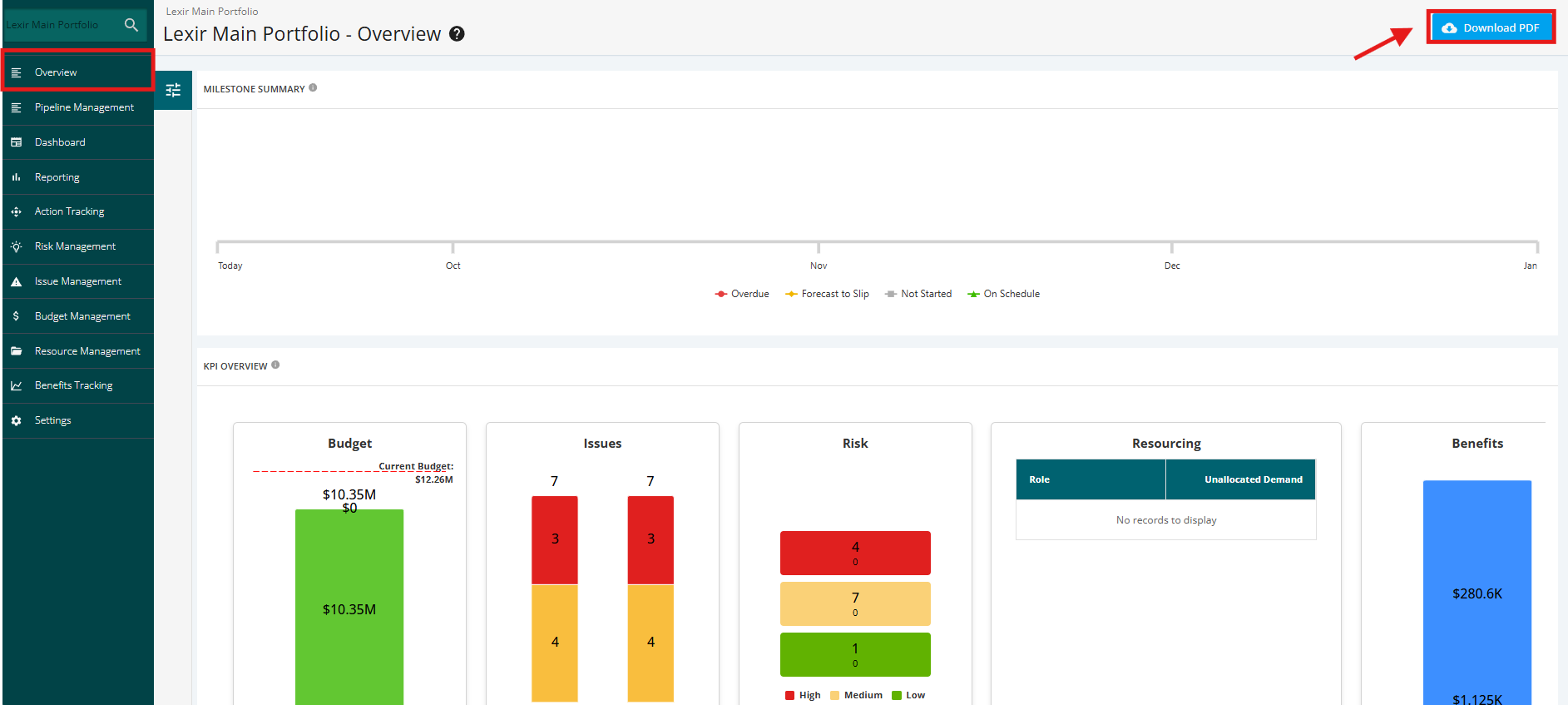
1. Export Portfolio Overview in PDF
Click the ‘Overview’ tab from the left side bar of the page.
Then, click the ‘Download PDF’ button to export the Portfolio Overview information in a file.
NOTE: The PDF displays only "Project Summary" and "Pipeline Chart" as of the moment.