1. Update an Issue to a Project Risk
1. To update an Issue to a Risk within a Project, navigate to the ‘Risks’ section and then click the ID of the Risk that you want to add an action to.
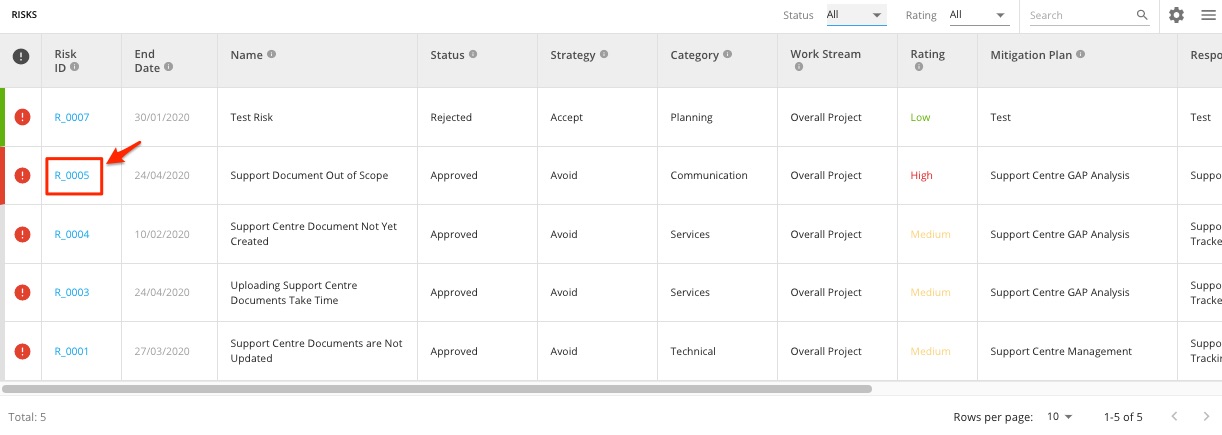
2. Once in the Project Risk details, scroll to 'Issues' section and click the ID of the 'Issue' item. This opens a new tab and brings you to the Issue Details page.
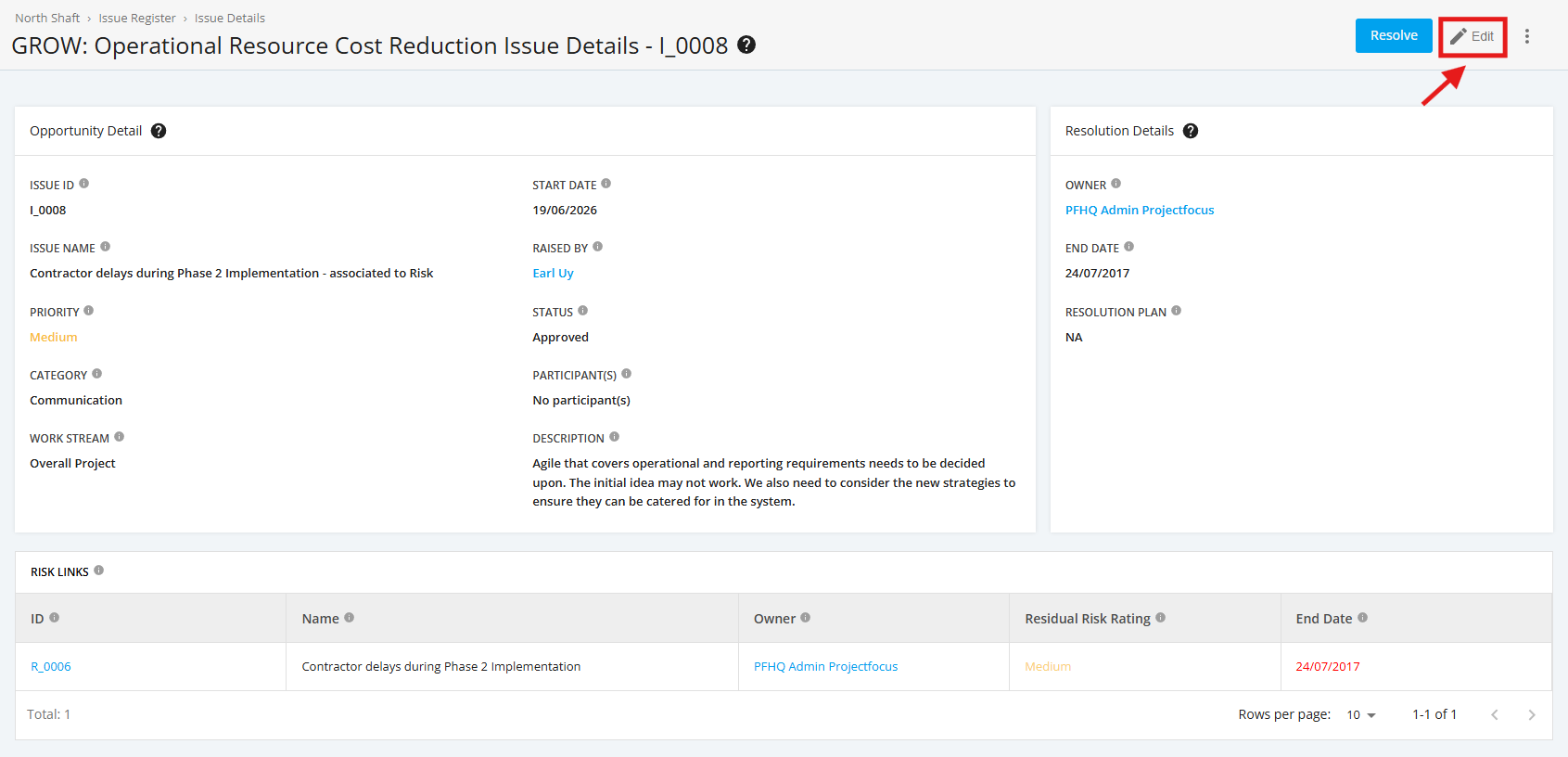
3. Once in the Issues Details page, click ‘Edit’.
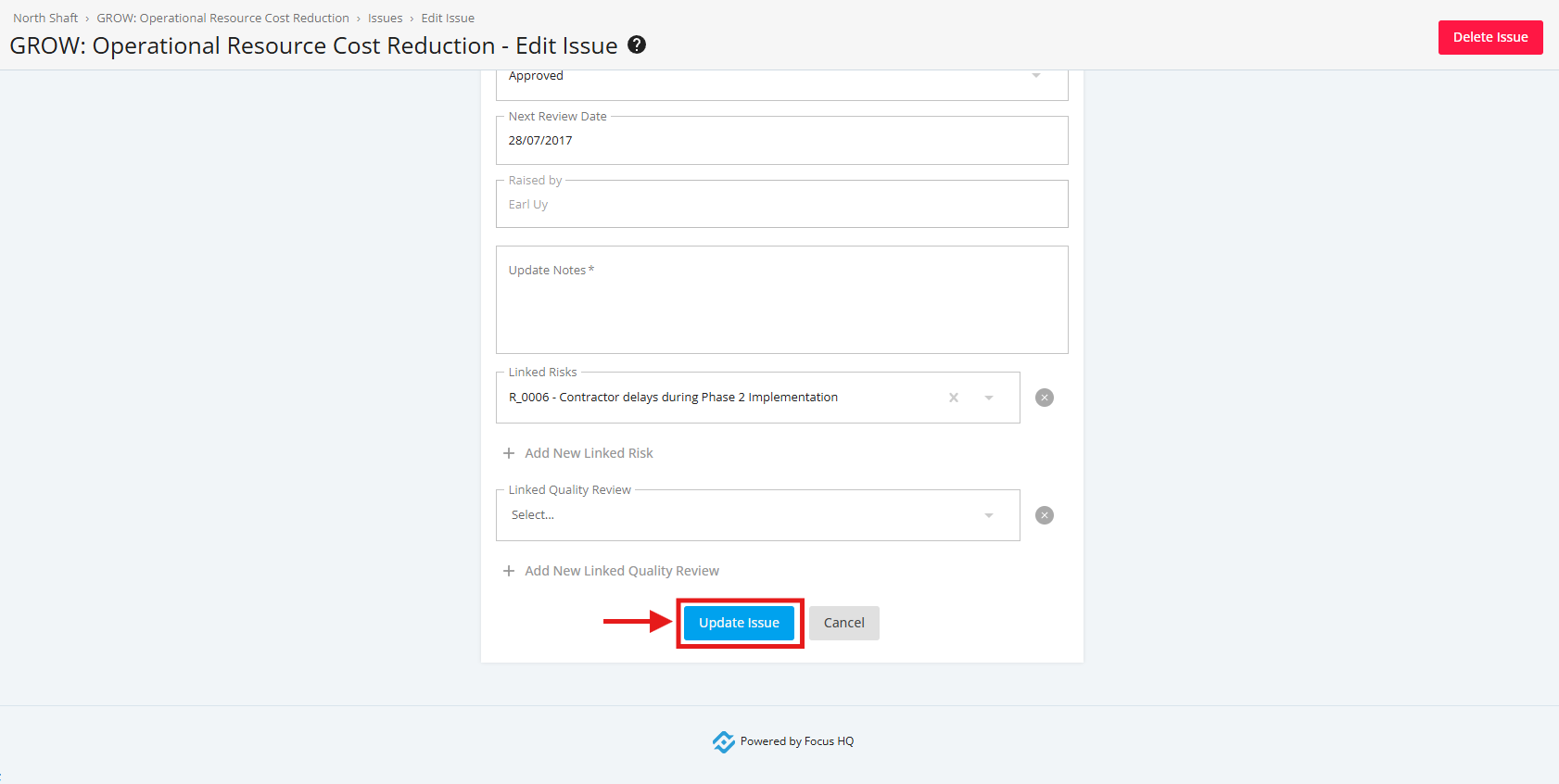
4. Add the necessary changes in the form. Once done, click the 'Update Issue' button to save the changes made.