
1. How to Delete Sent Project Reports
NOTE: This is only available for users with Admin access.
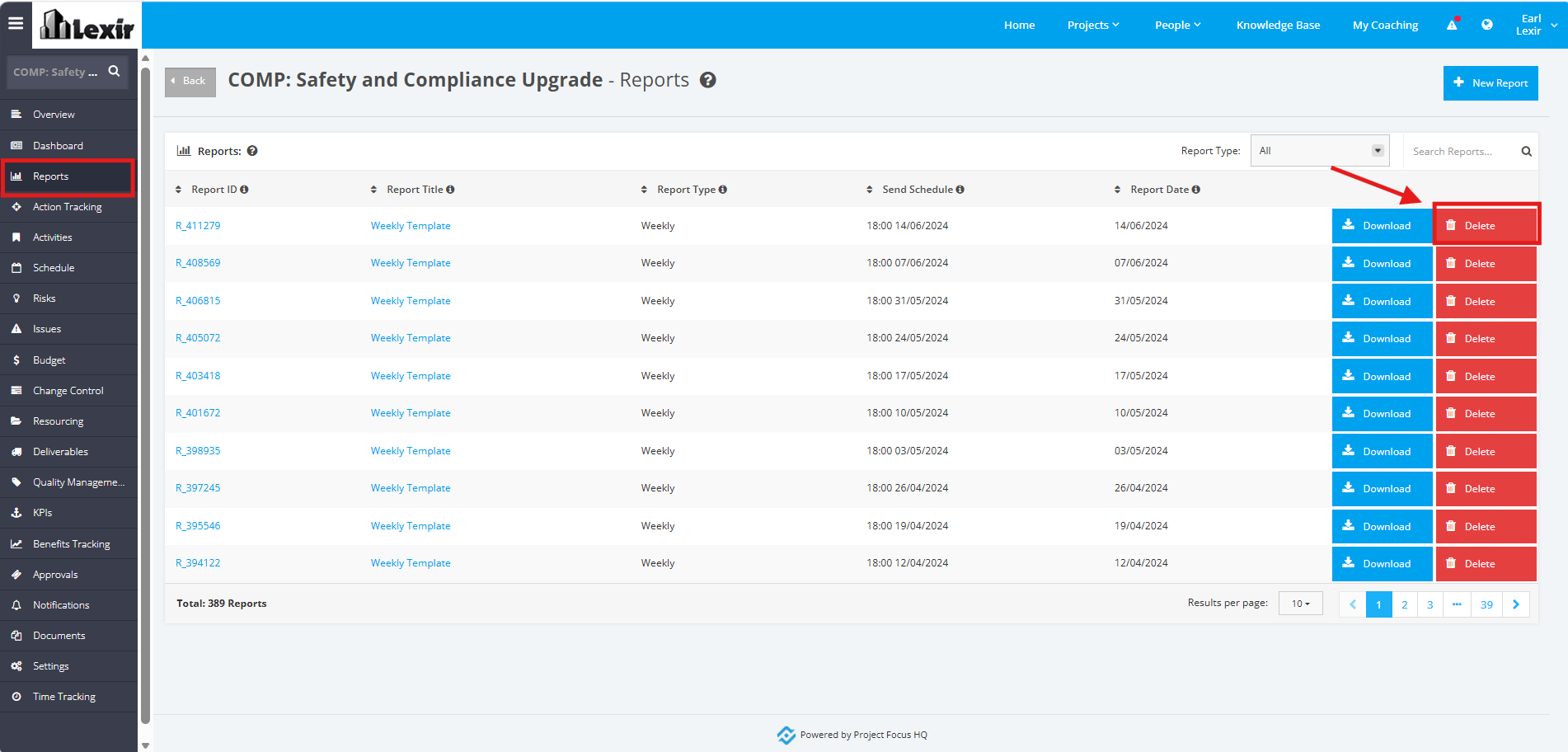
1. To delete a Sent Report, click on the ‘Reports’ tab from the left sidebar of the Project page. Once you reach the Project ‘Reports’ page, click the ‘Delete’ button.
2. A popup will appear for confirmation. Click the ‘Confirm’ button to continue with the deletion.
