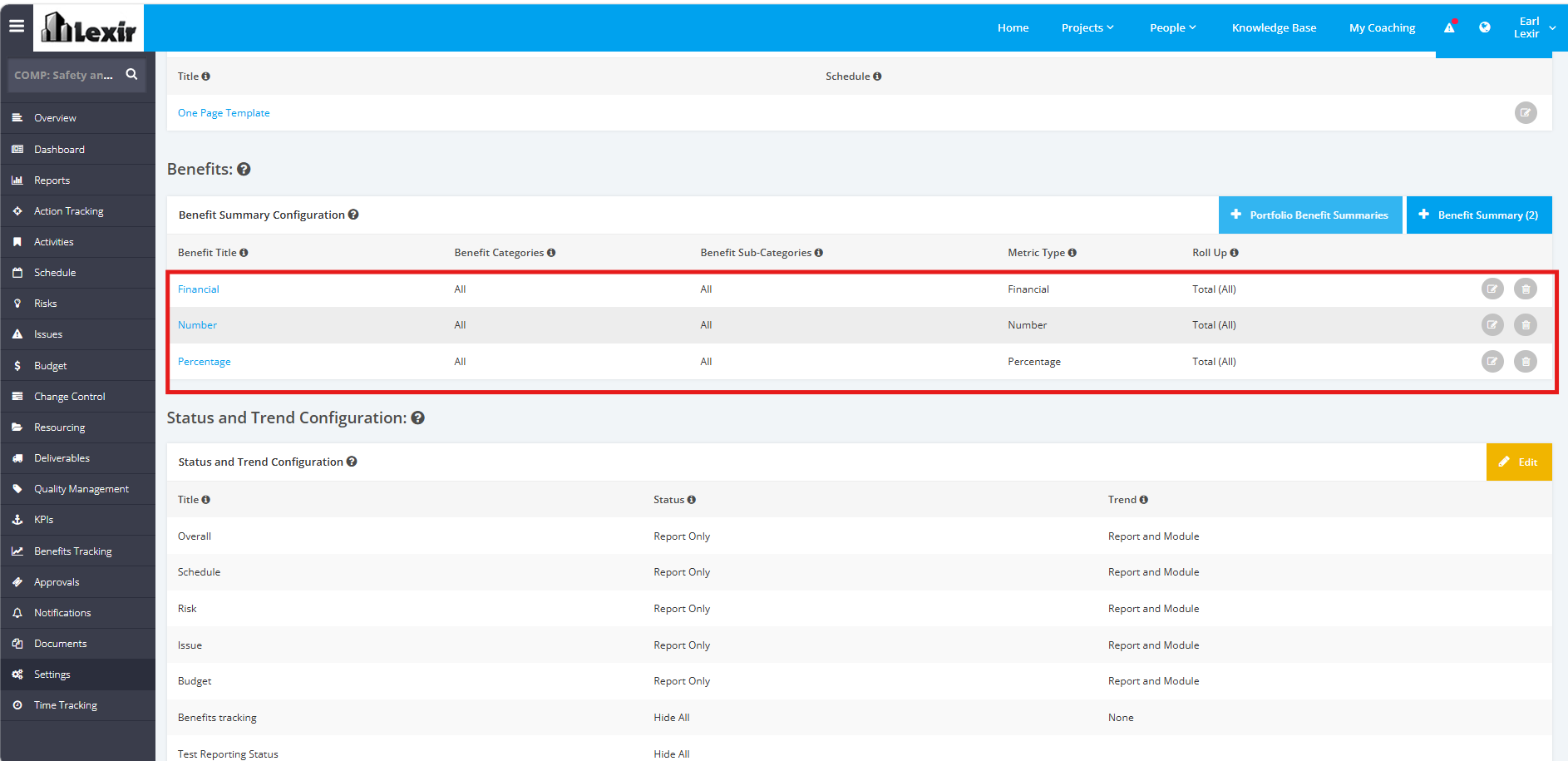
1. Add Portfolio Benefit Summaries to a Project
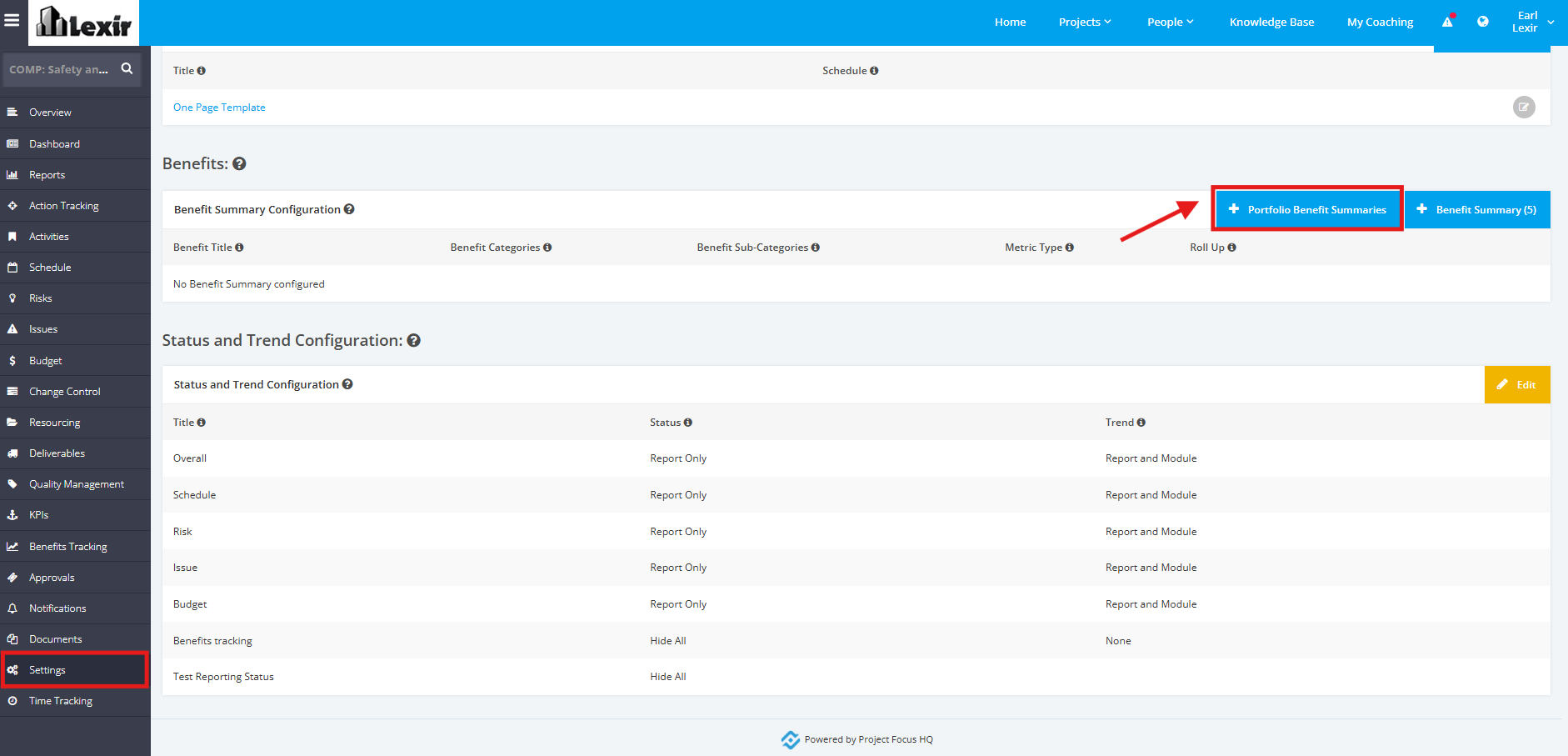
1. To add Portfolio Benefit Summaries to a Project, click the ‘Settings’ tab from the left side bar of the Project page. Check if the Project is assigned to a Portfolio, and the said Portfolio has existing Benefit summaries.
Once done, navigate to the ‘Benefits’ section. Then, click the '+ Portfolio Benefit Summaries' button.
2. The Benefit Summaries from the Portfolio will be successfully added to the Project.