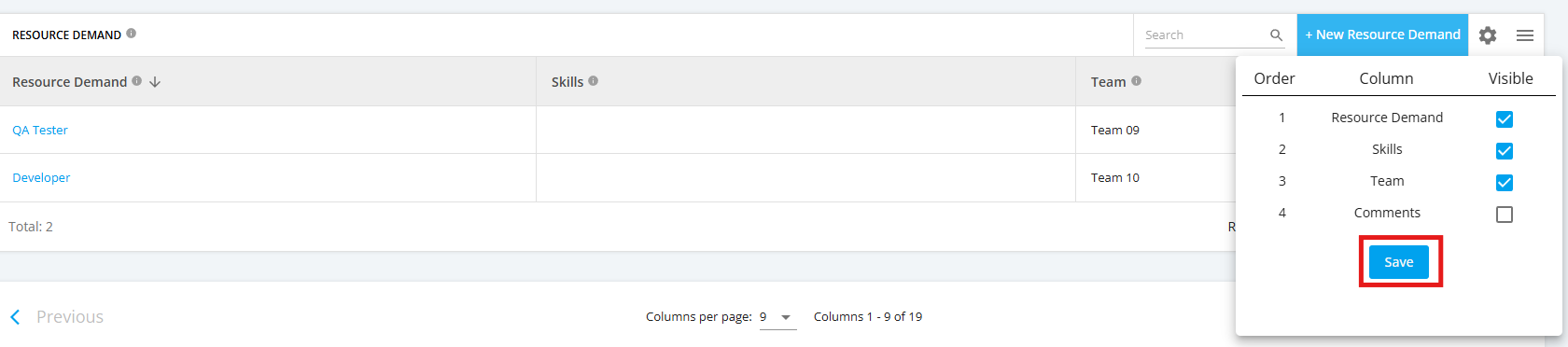
The ‘Resource Demand’ table can be configured to display selected columns and view them in a preferred order.
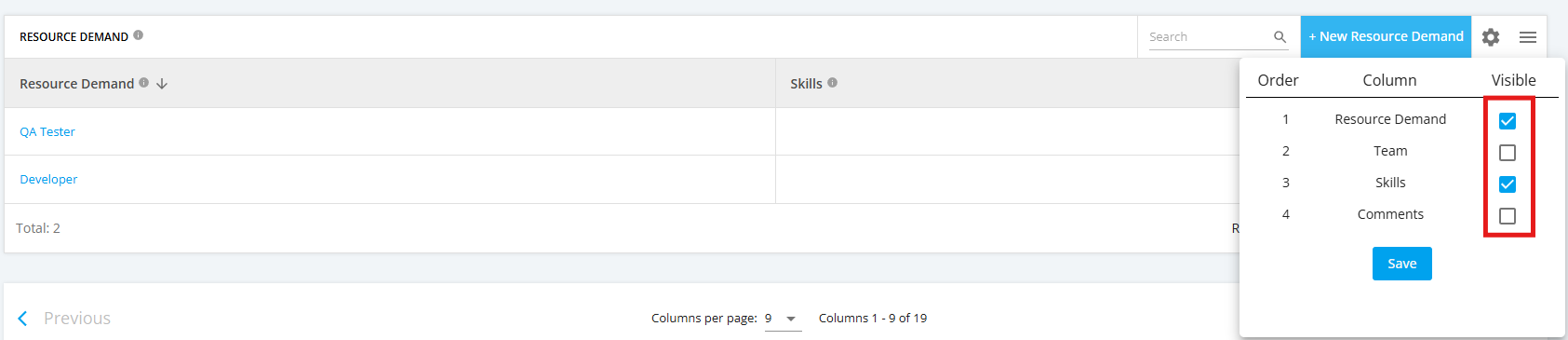
1. You can select the checkboxes for the columns you want to display in the table and clear the checkboxes for those you don’t.
2. You can also drag and drop columns to rearrange the order in which they are displayed.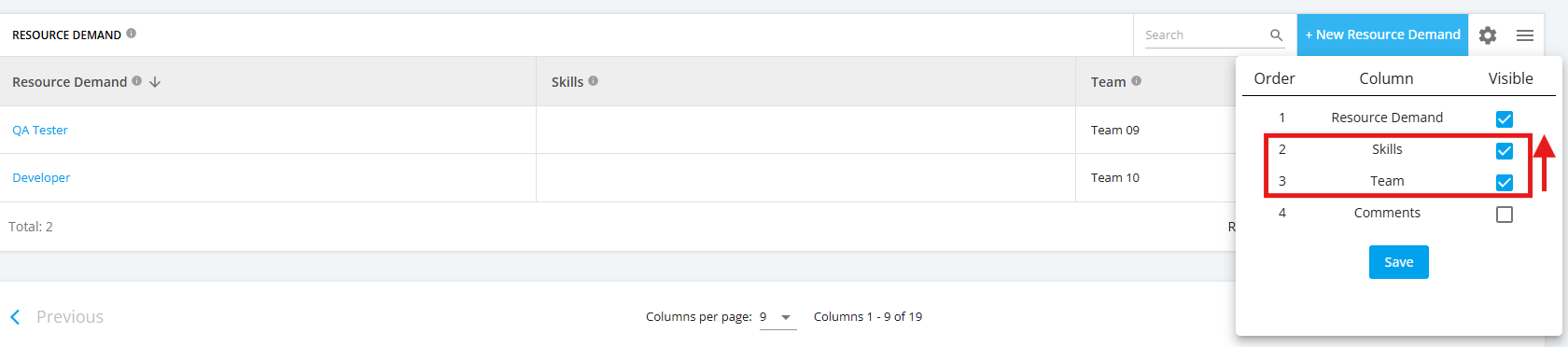
To save your configured changes, click the ‘Save’ button.
Note that these changes apply only to the project where the configurations were made.