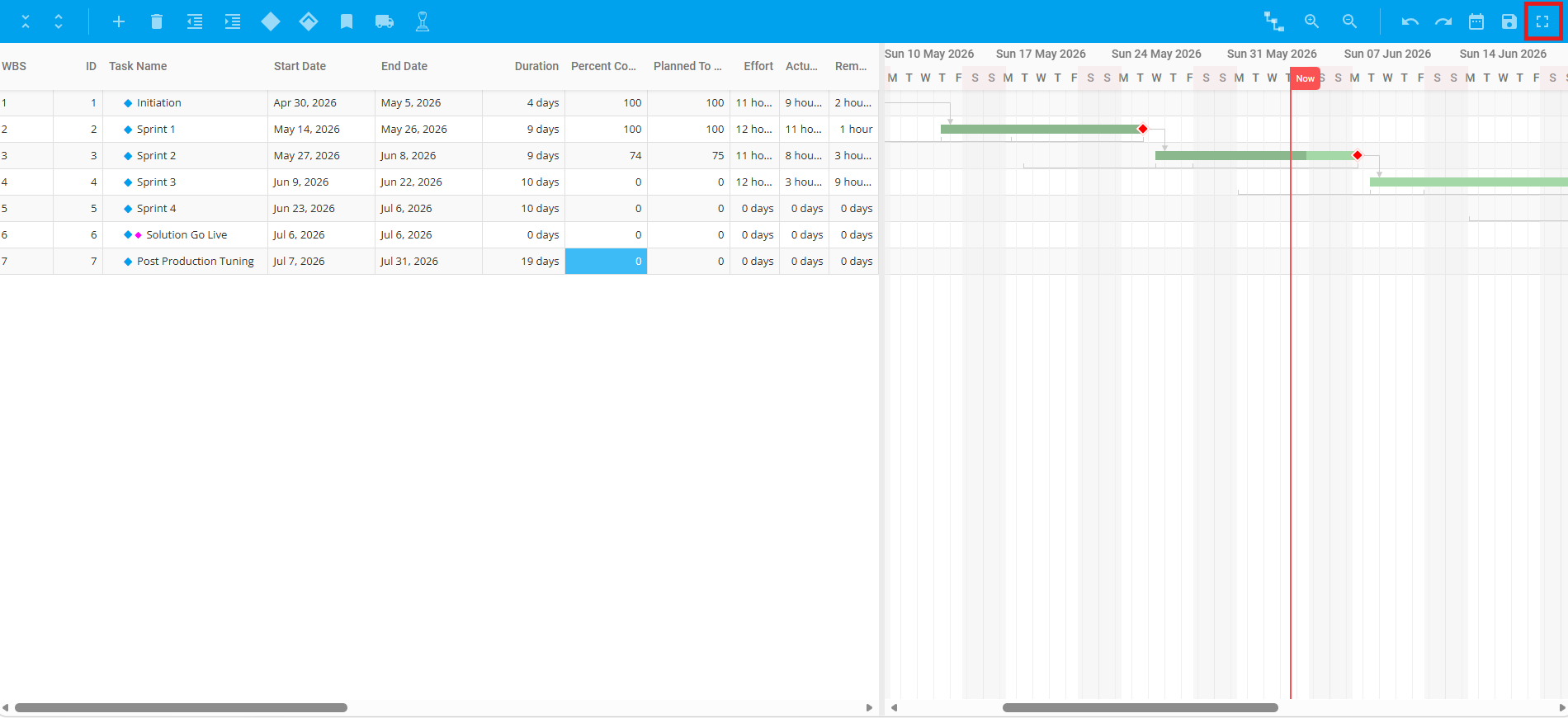
1. View Project Schedule in Full Screen
The Project Schedule can be viewed in Full Screen.
To view Project Schedule in Full Screen, select the ‘Schedule’ module from the left sidebar of the page then navigate to ‘Project Schedule’. Once done, click the ‘Full Screen’ icon in the Project Toolbar.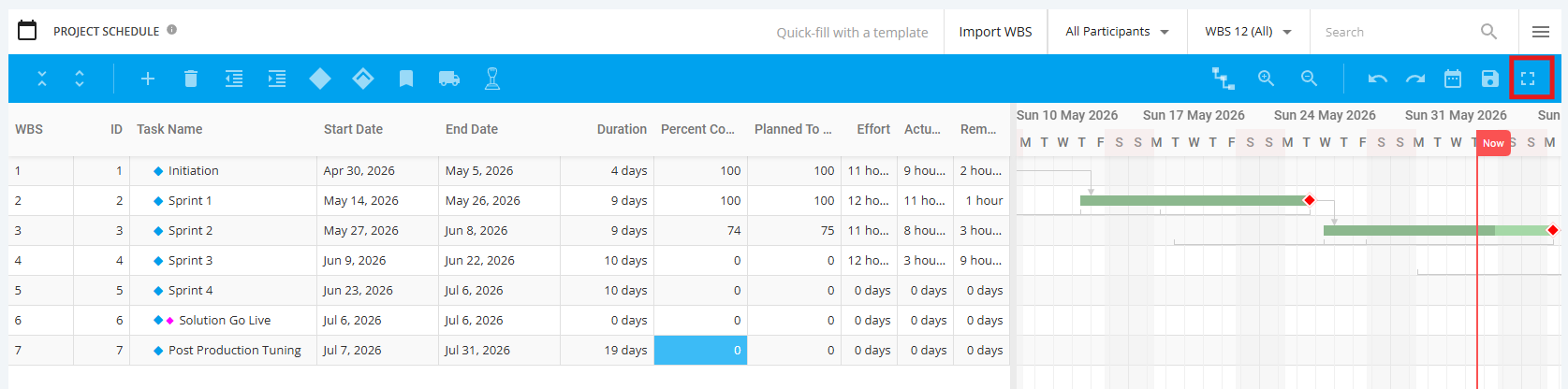
The Project Schedule Table should now occupy the entire browser window.
To return to the normal view, click the 'Full Screen' icon again in the Project Toolbar.