
1. Project Schedule Trends
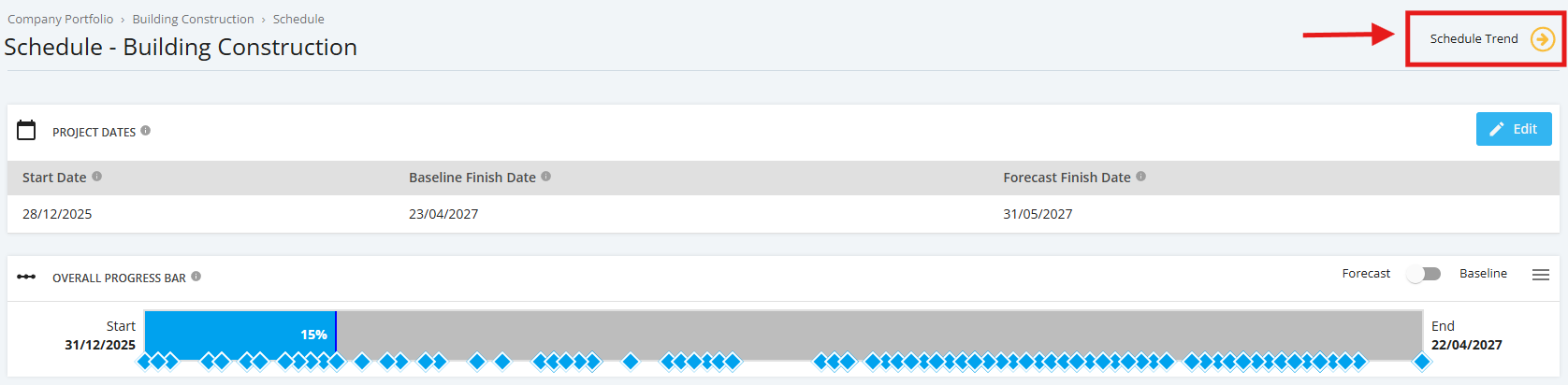
Schedule Trend is the variance between actual and planned % of days completed for the entire project reflected as a % score as of “today.” It is expected that the Overall Progress Bar and Schedule Trend would reflect the same “colour” as both are based on the same calculation.
To navigate to the Schedule Trend Calculations, click the ‘Schedule’ tab from the left sidebar of the page. Once done, hover over ‘Schedule Trend’ icon located at the upper-right corner of the page.
Trend Icon:
- Improved: If the ‘Actual Percent Complete’ (represented in days) for the Entire Project Progress is greater than the ‘Planned Percent Complete’ (represented in days) for the Entire Project Progress.
- No Change: If the ‘Actual Percent Complete’ (represented in days) for the Entire Project Progress is exactly equal to the ‘Planned Percent Complete’ (represented in days) for the Entire Project Progress.
- Worsened: If the ‘Actual Percent Complete’ (represented in days) for the Entire Project Progress is less than the ‘Planned Percent Complete’ (represented in days) for the Entire Project Progress.