1. Manage Resources within a Project Schedule
For Resource Planning in the Schedule, resources can be assigned against individual tasks.
- Once a project is selected, to assign a resource, click the ‘Schedule’ tab from the left sidebar of the page and the navigate to ‘Project Schedule’.
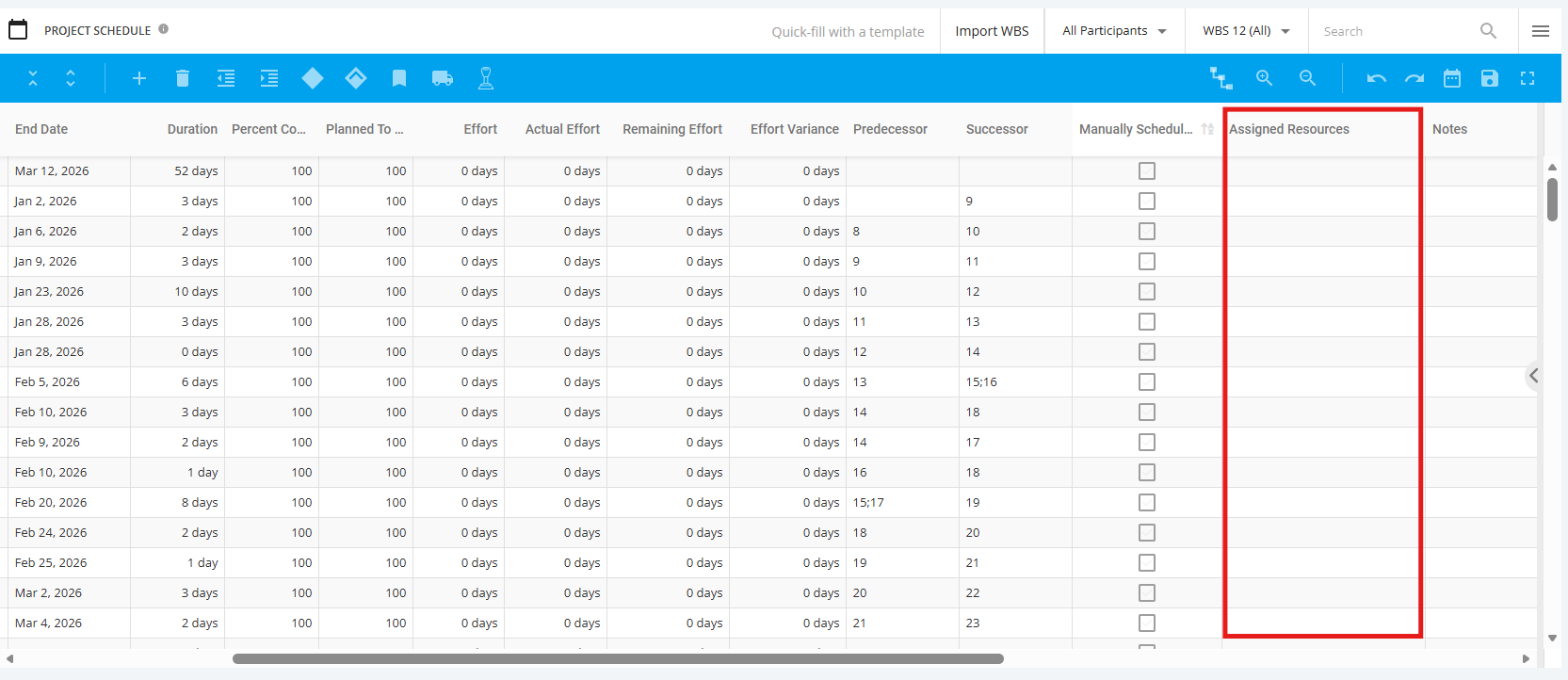
There are several options available to update the assignment of a task with a resource
- Manually- Click on the Assigned Resource field to make the necessary changes.
- Resource needs to be an assigned user to the project
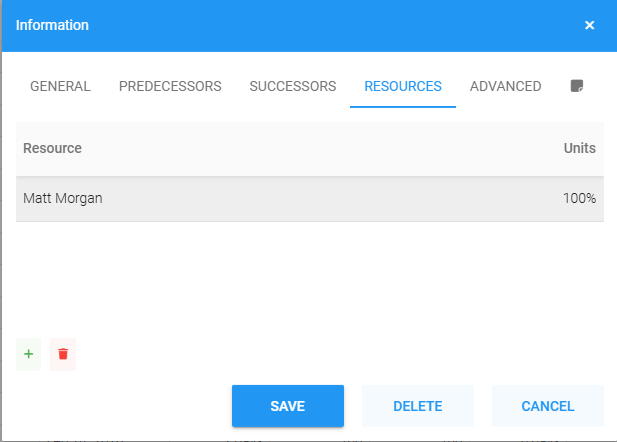
- Context Information Box - Right click on existing task and a pop-up will display then choose ‘Edit’. User to update details via the Resources Tab.
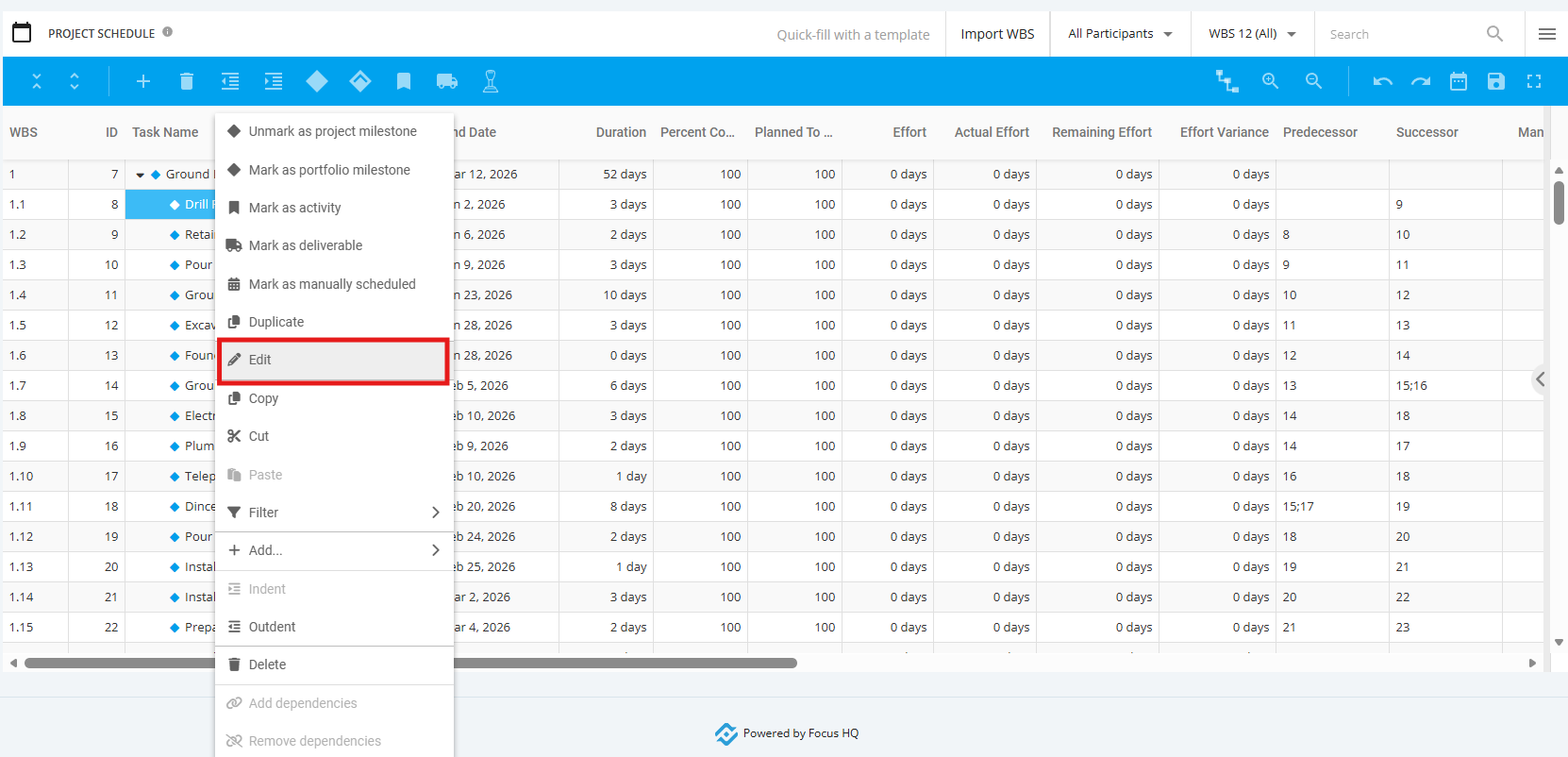
Select Resources tab – select name from drop down list and adjust Units% if not 100%