1. Reverse Execution Project
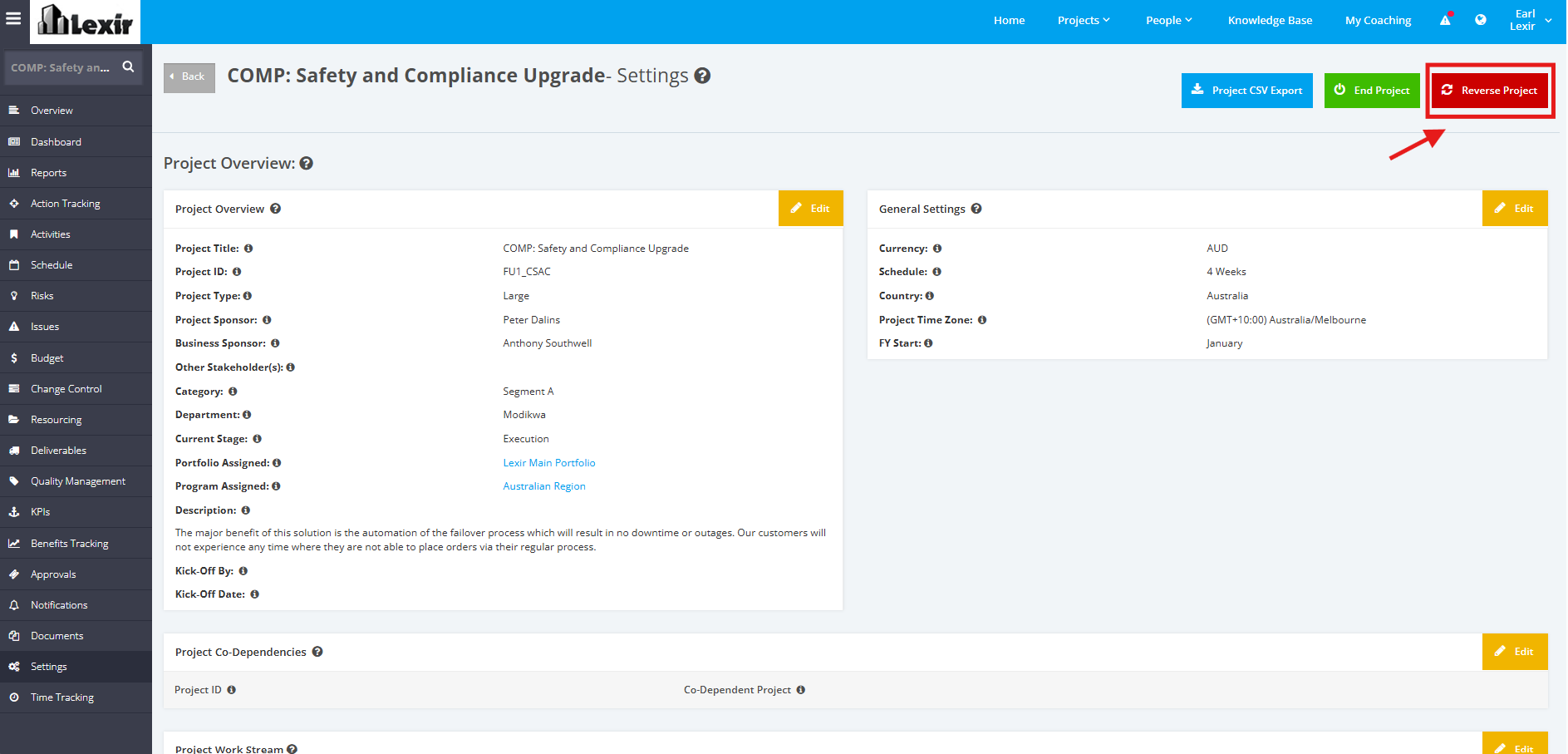
1. Once you reach the Project page, click the ‘Settings’ tab from the left sidebar. Click ‘Reverse Project’ button.
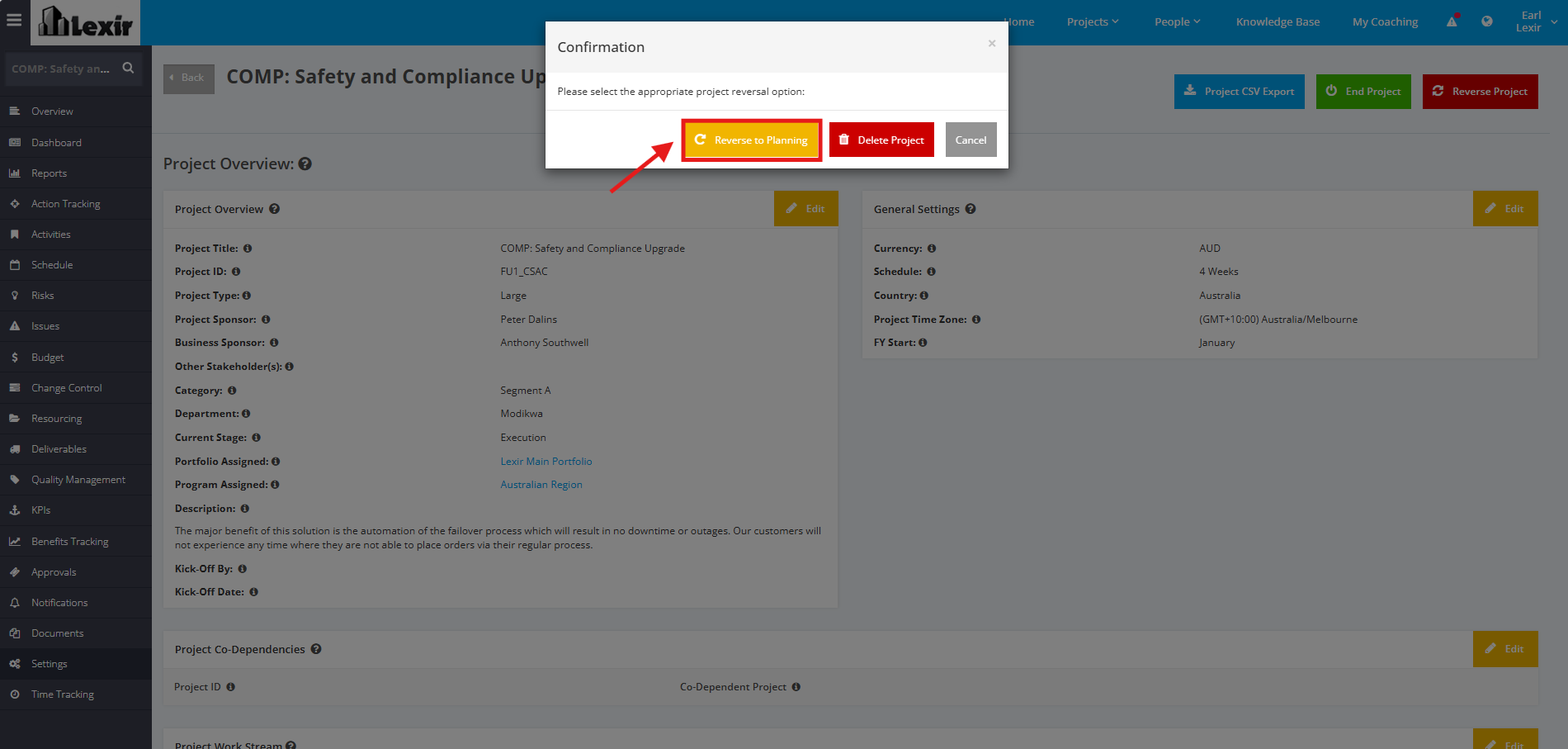
2. A ‘pop-up’ will appear for confirmation. Click ‘Reverse to Planning’ button to proceed. Once done, the project will reverse to the Planning Stage.