1. Configure Columns in Change Control Table
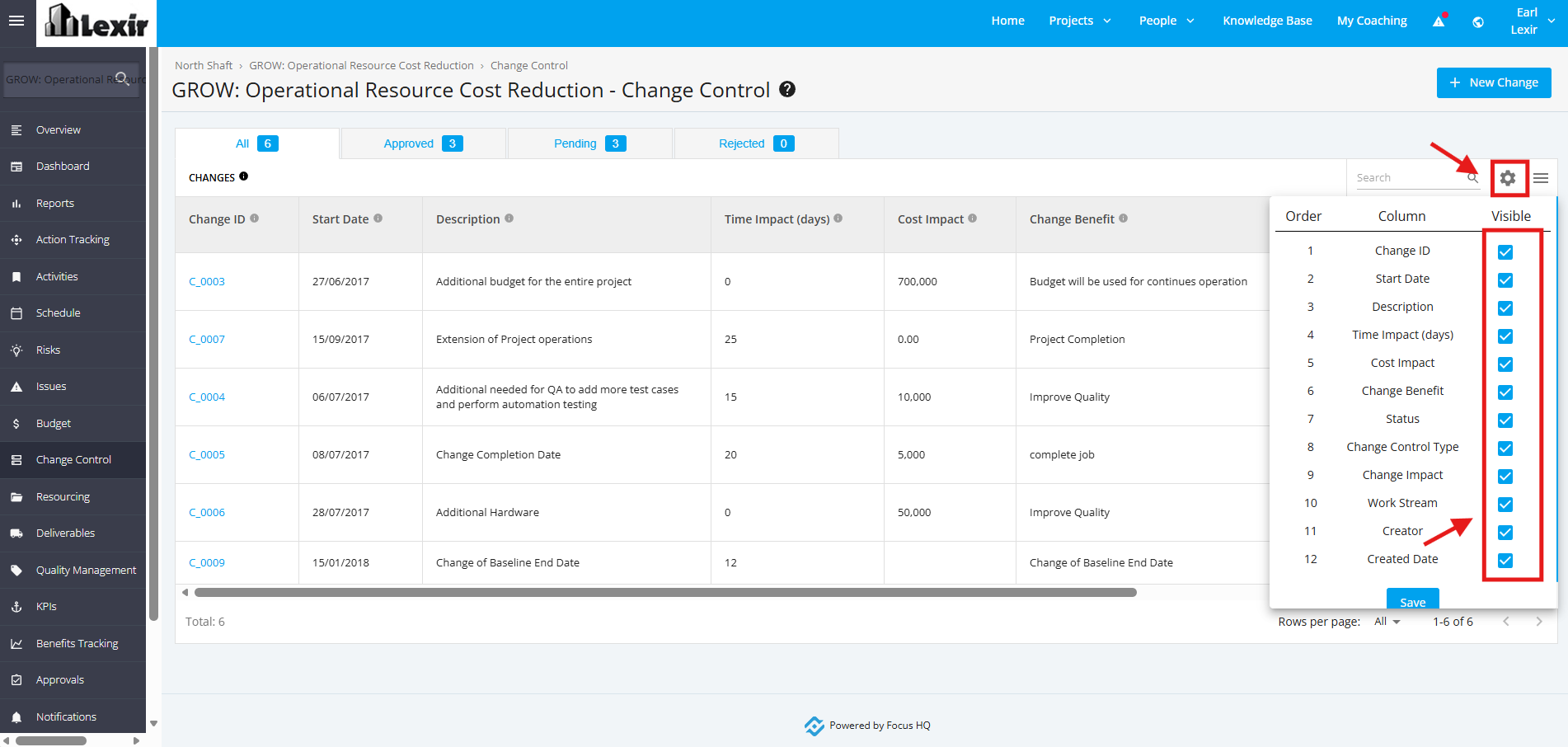
Within the ‘Change Control’ table, click the 'cog' icon as shown below.
Tick the checkboxes of the columns you want to display.
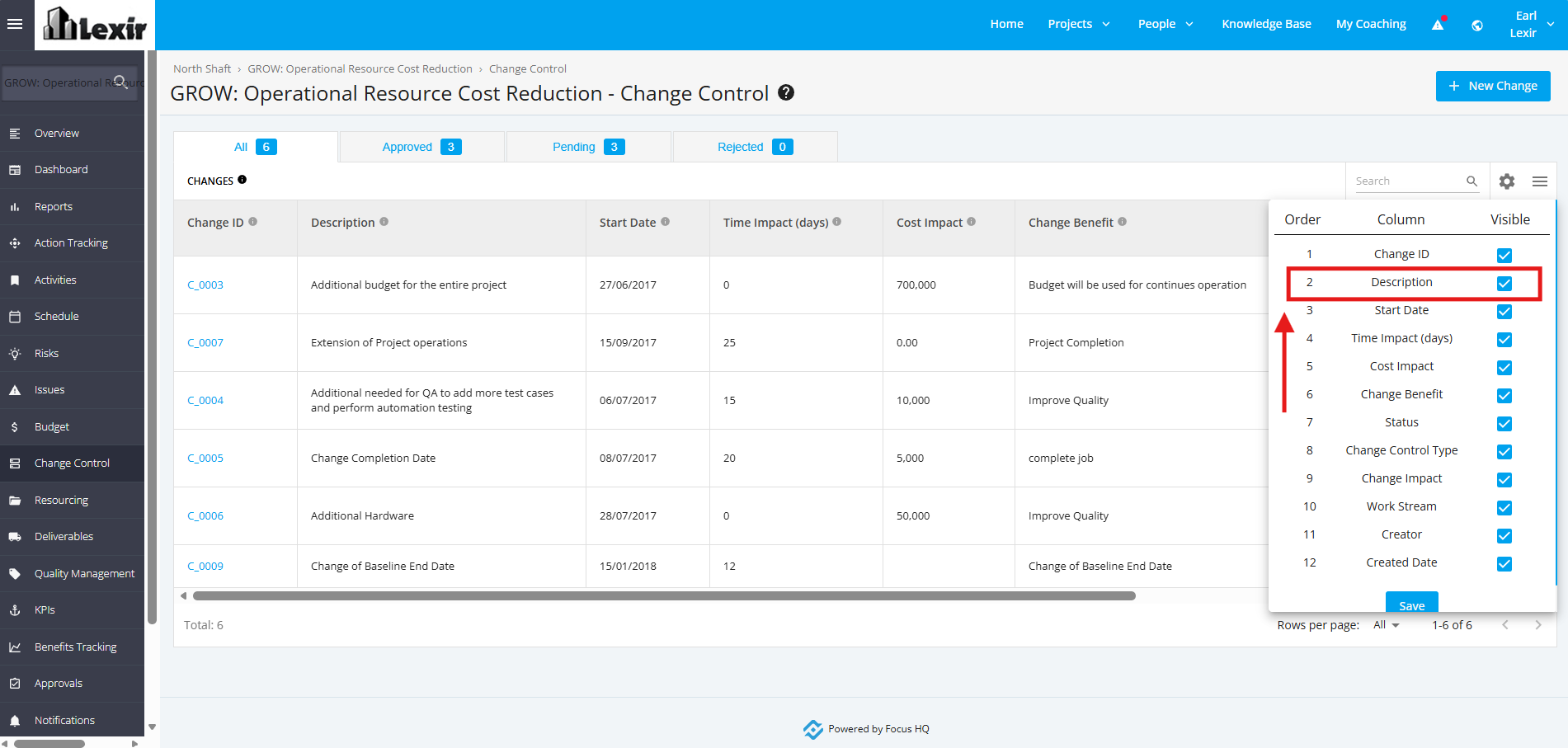
You can also drag and drop columns to rearrange the order in which they are displayed.
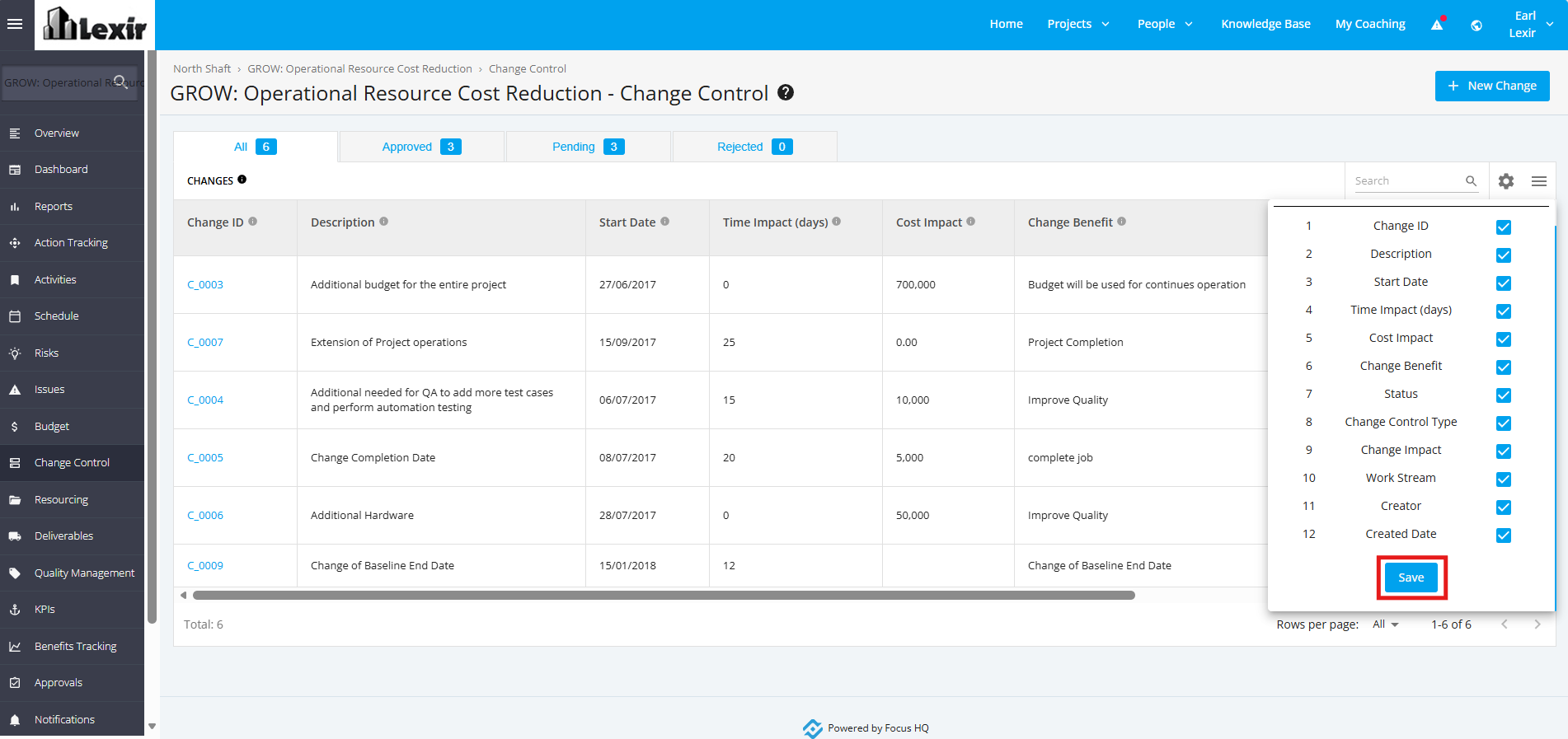
To save your configured changes, click the ‘Save’ button.
Note that these changes apply only to the project where the configurations were made.