1. Reverse Approved Opportunity Project
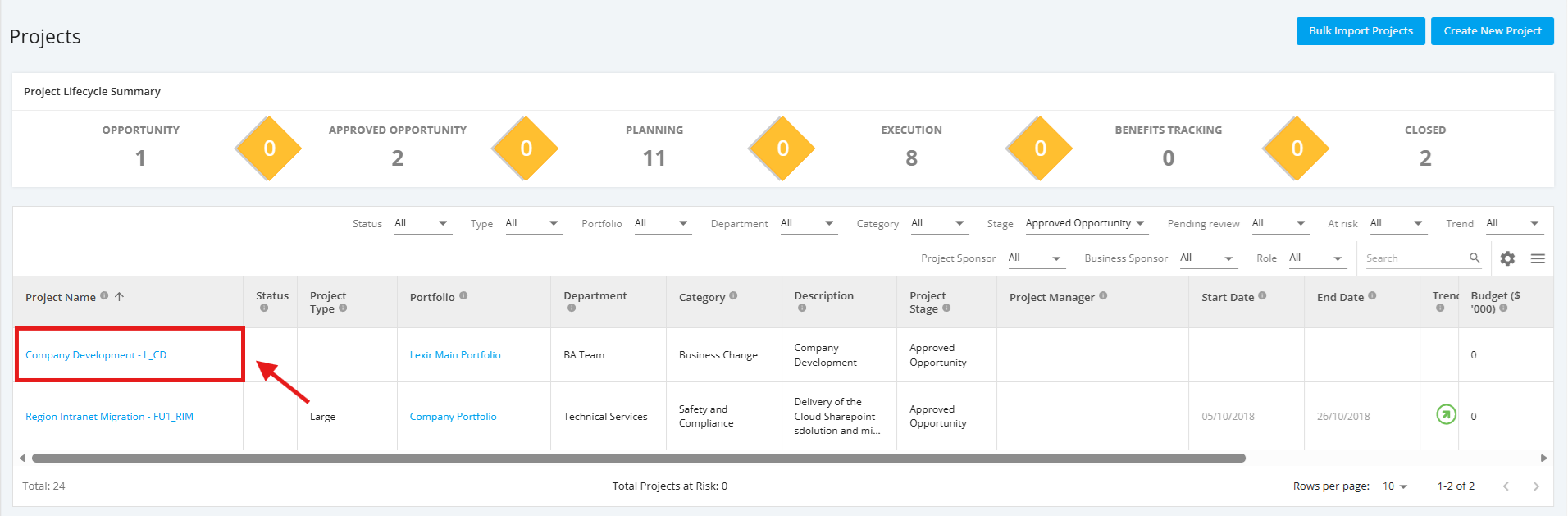
1. In the ‘All Projects Dashboard’ page, click an Approved Opportunity project you want to reverse.
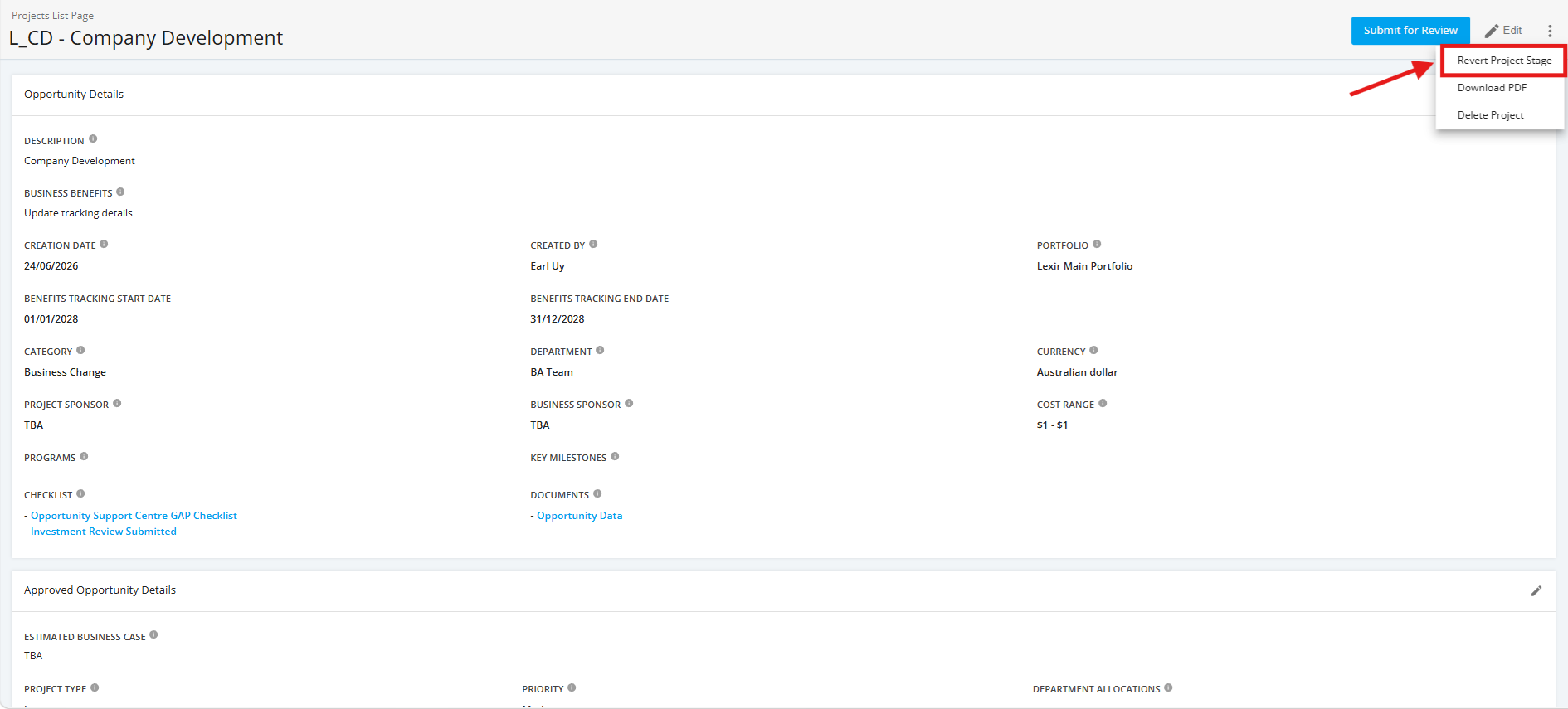
2. In the ‘Approved Opportunity Details’ page, click the three dotted line icon on the upper right portion of the page, and select ‘Reverse Project Stage’.
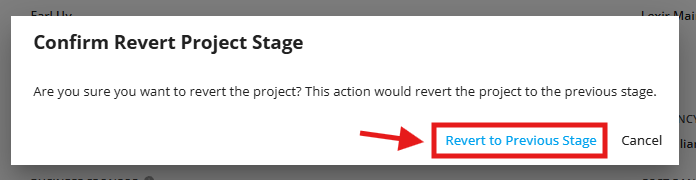
3. A pop-up confirmation message will display. Click ‘Reverse to Previous Stage’ to proceed.