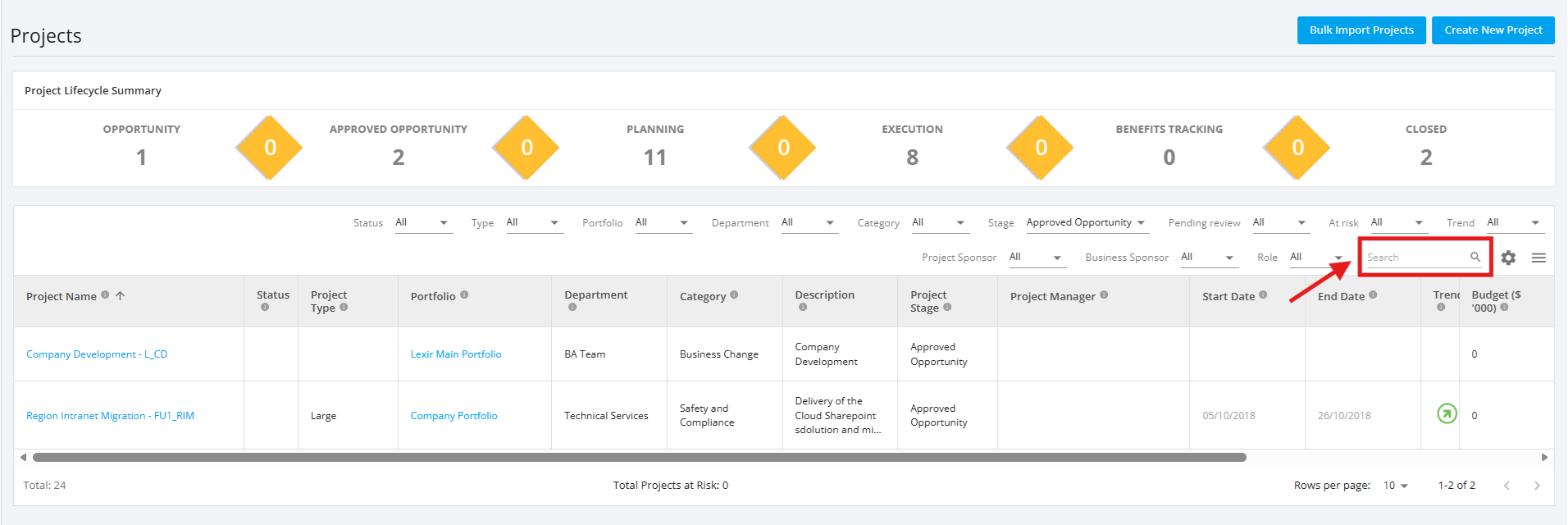
1. Search Approved Opportunity Project
Within the 'All Projects Dashboard' page and ‘Approved Opportunity’ projects are selected, go to ‘Search’ field and type in the name of ‘Approved Opportunity Project’.
Once done, click the ‘Magnifying Glass’ icon or press ENTER.