1. Portfolio CSV Export > Budget Management
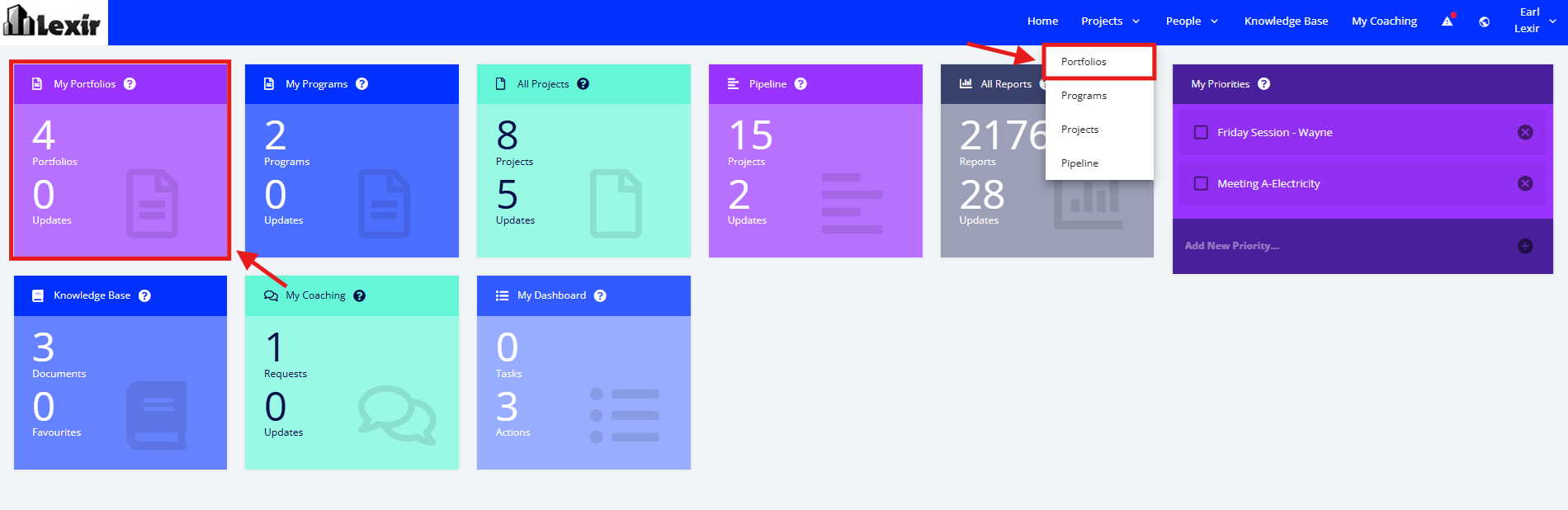
1. Access the Portfolio from either the tiles option or from the drop-down list.
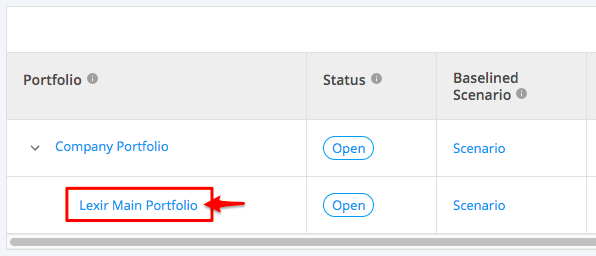
2. Click the Portfolio where you wish to extract the Budget Management CSV file.
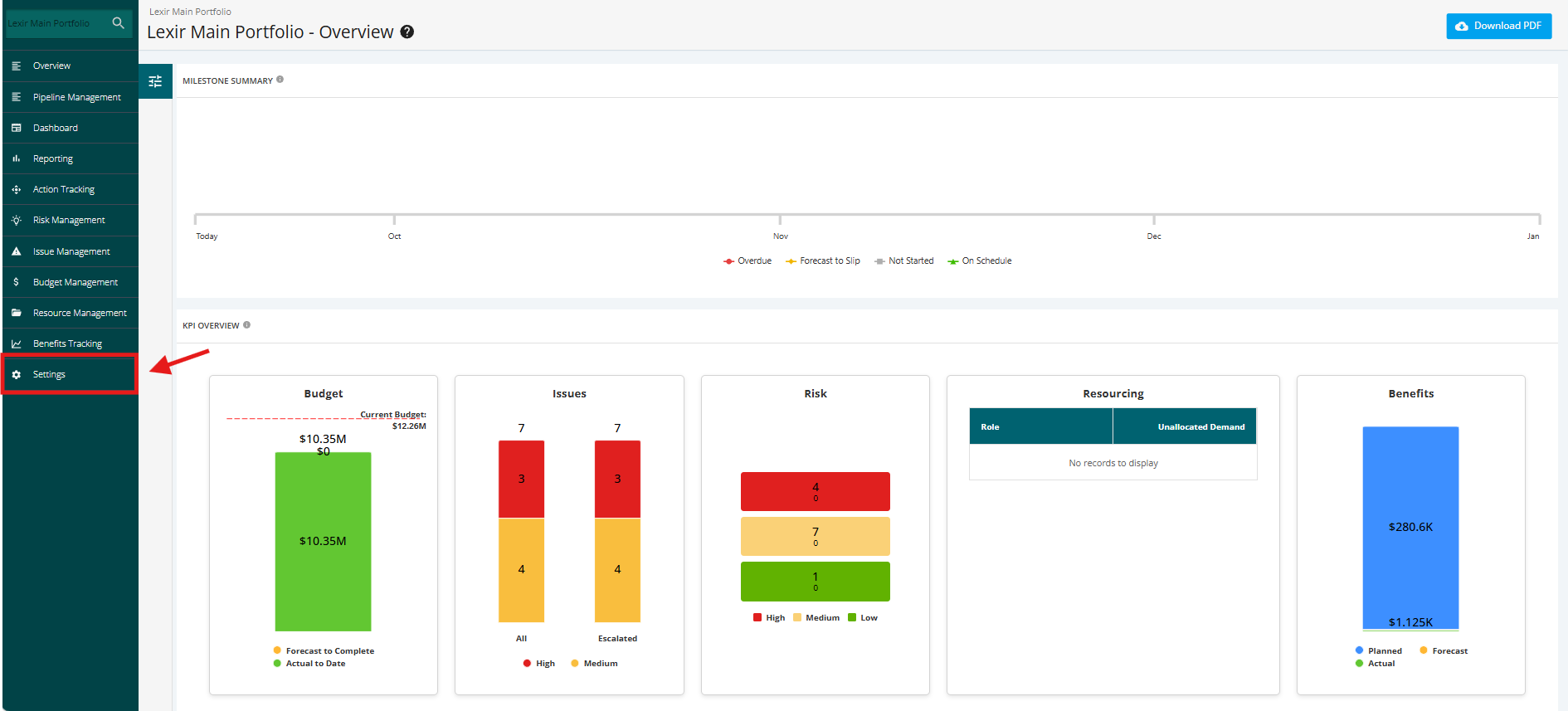
3. Once you are in the Portfolio's main page, go to Settings.
4. In the Portfolio's Settings page, click the Portfolio CSV Export button.

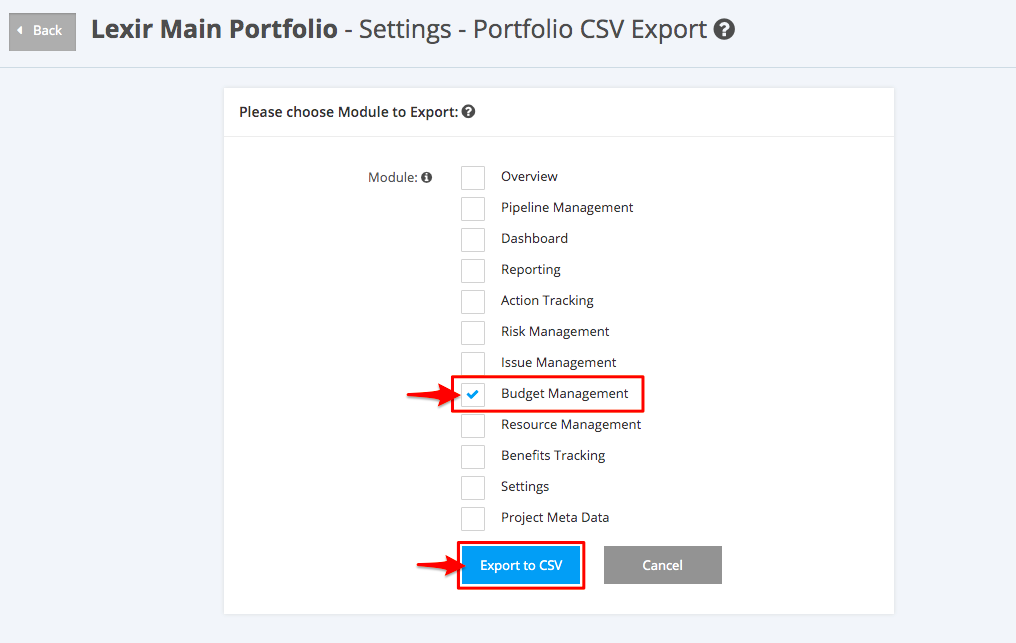
5. In the Portfolio's Settings-Portfolio CSV Export page, only tick the check box for Budget Management in the Module to Export options. Then, click the Export to CSV button.
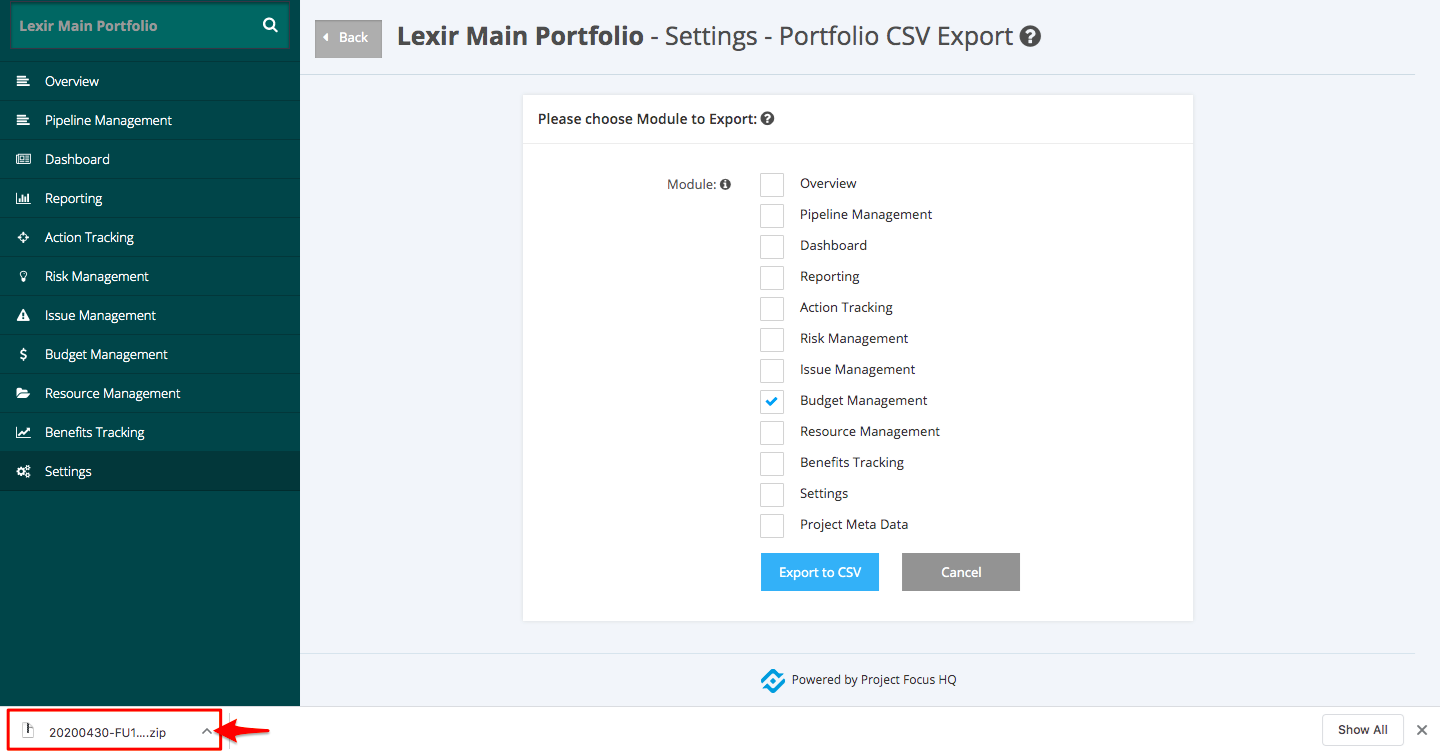
6. A zipped file will then be downloaded to your device's local drive.
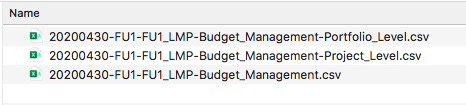
7. There are three (3) files contained in the zipped folder upon extracting. The most detailed data is contained in the Project Level extract.