1. Navigate All Reports Dashboard
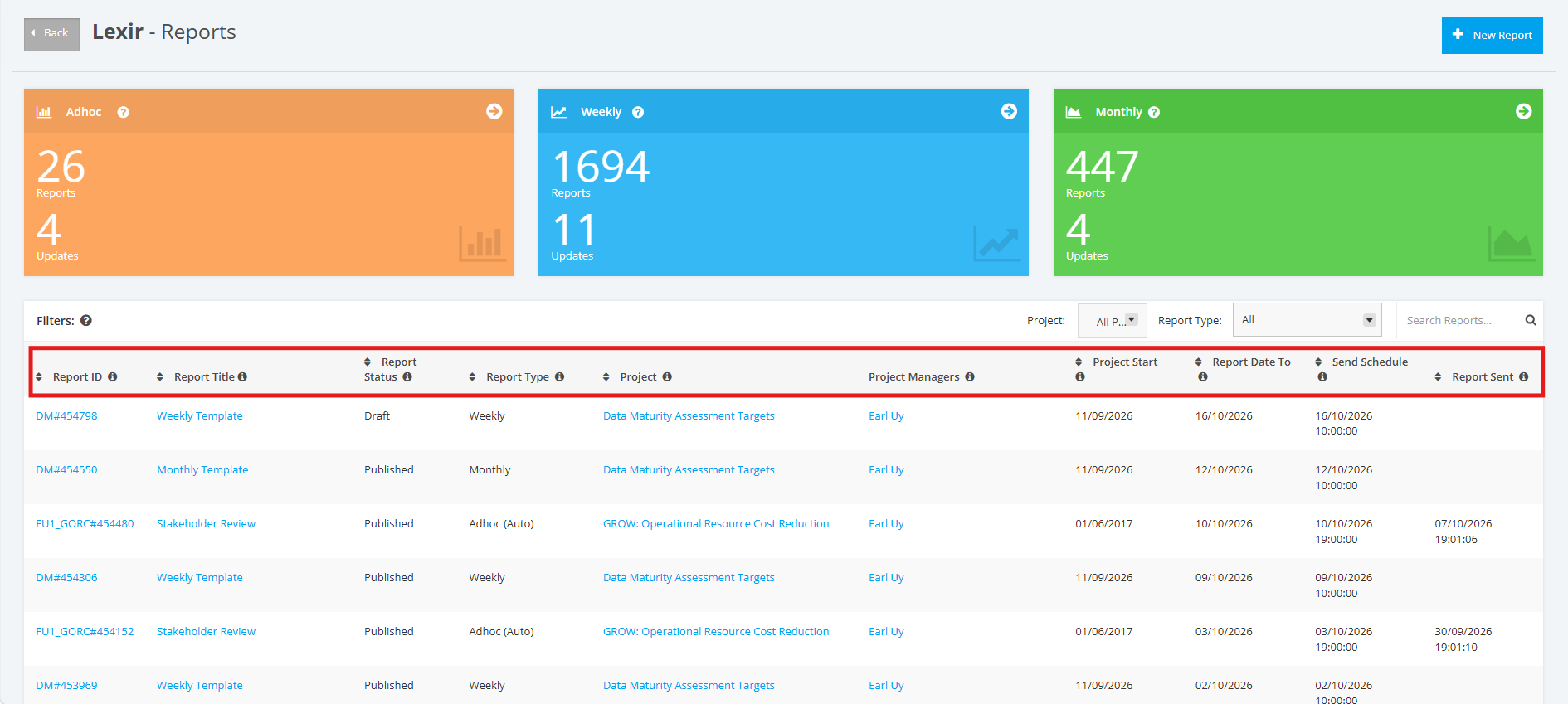
You can filter and Sort Reports in the All Reports Dashboard.
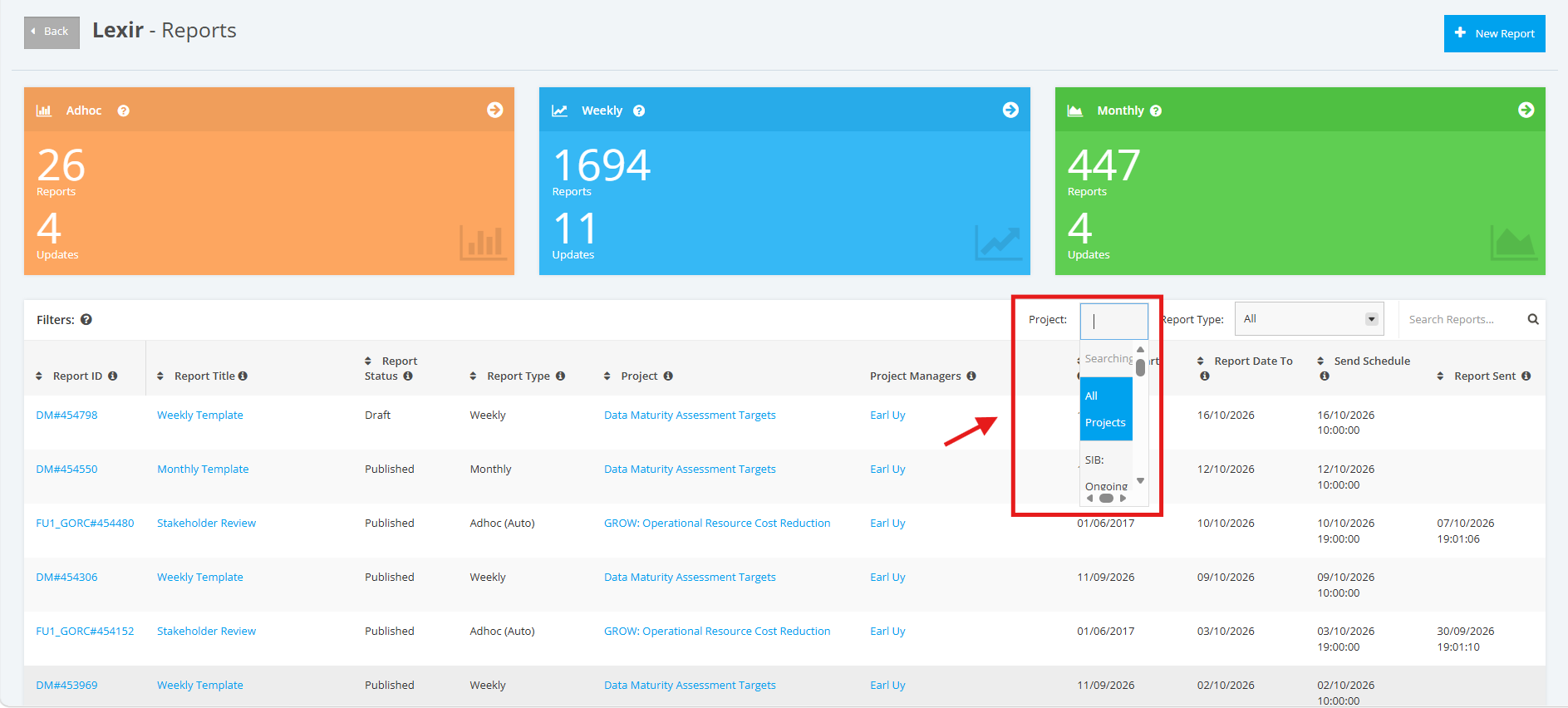
1. To filter the All Reports Dashboard by Project, click the ‘Project’ drop-down menu and then choose the project with the reports that you want to display.
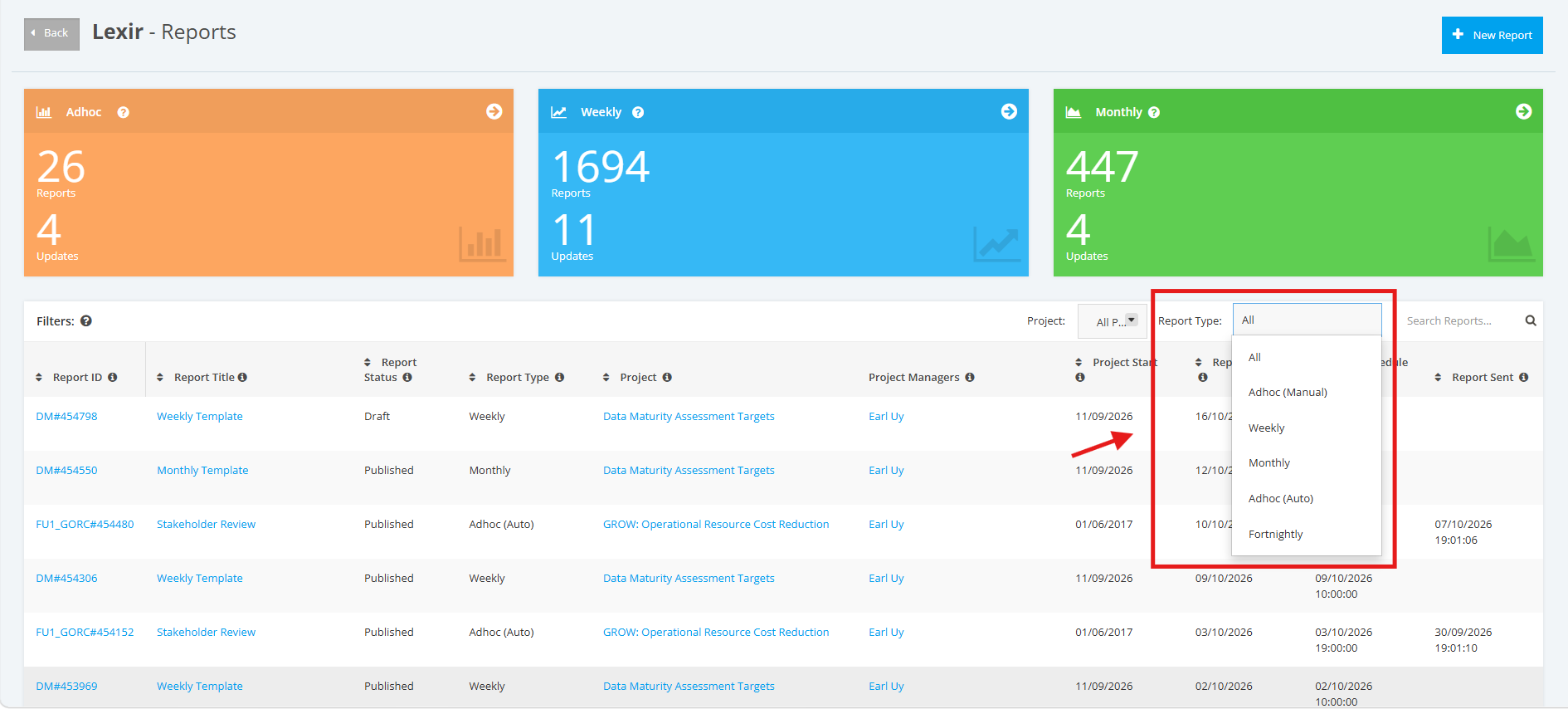
2. You can also filter the All Reports Dashboard by Project Type. Click the ‘Project Type’ drop-down menu and then choose the type of Report that you want to display.
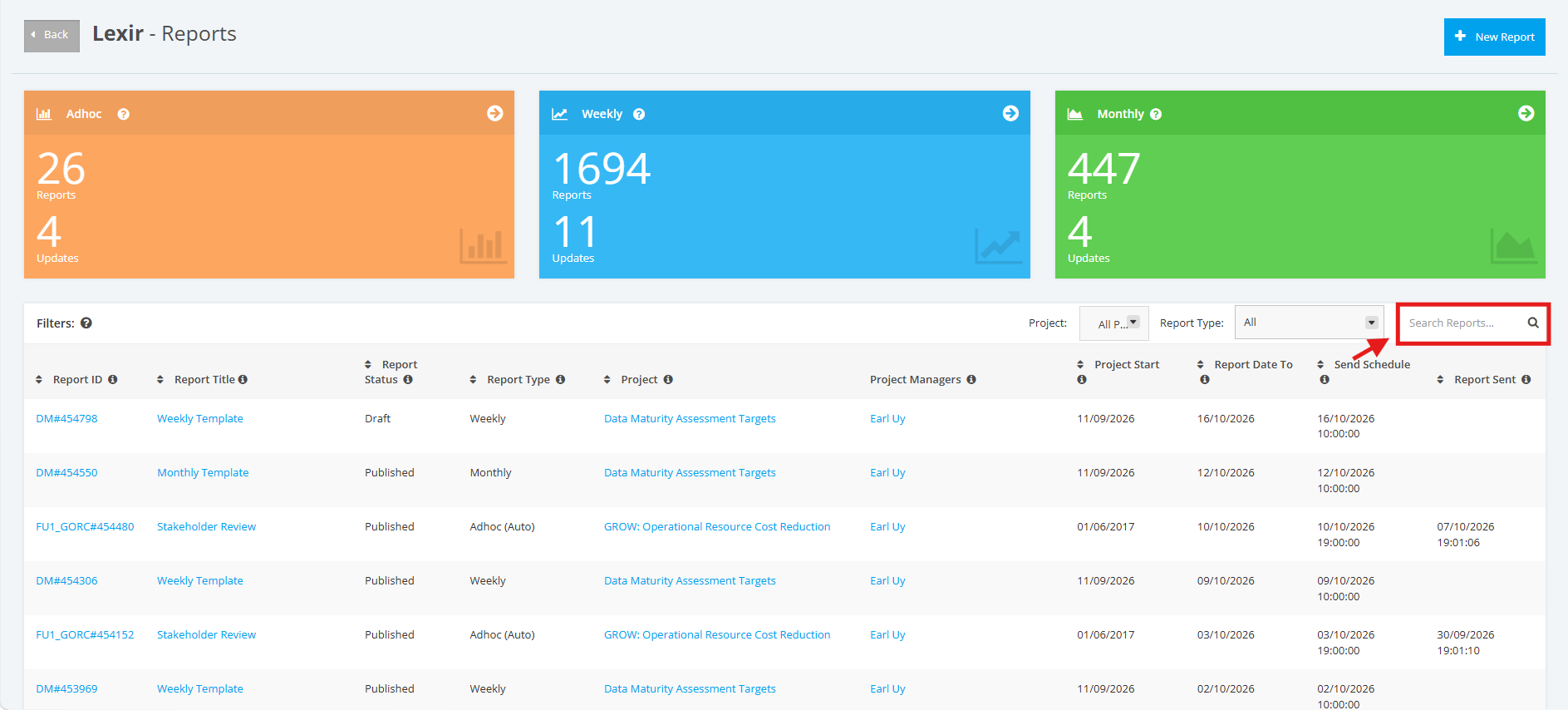
3. You can search Reports by ‘Project’ or ‘Report Type’ by entering a text in the search field. Once done, click the magnifying glass icon or press ENTER key.
4. You can also Sort Reports in ascending or descending order based on the columns in the Table.
These are the columns in the All Reports Dashboard:
- Report ID
- Report Title
- Report Status
- Report Type
- Project
- Project Managers
- Project Start
- Report Date To
- Send Schedule
- Report Sent
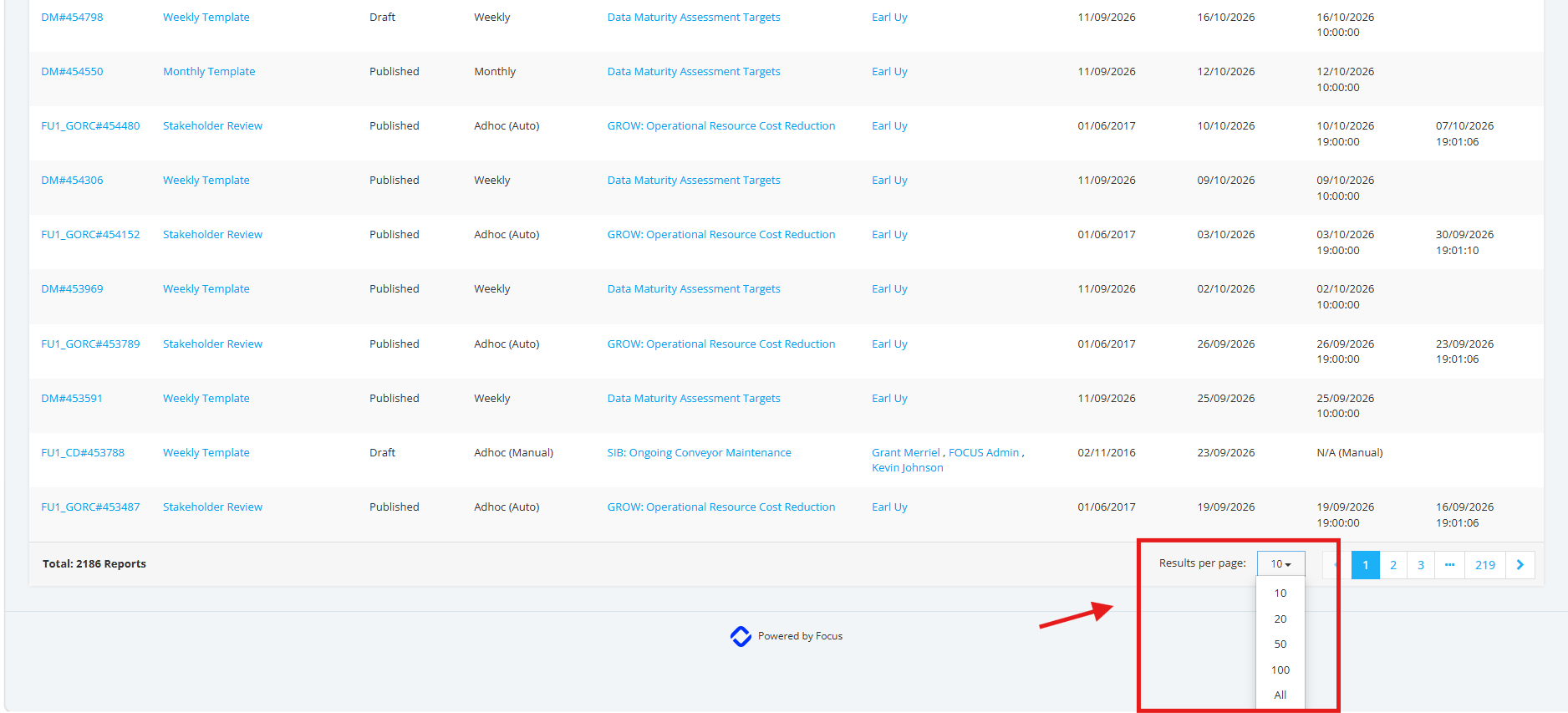
5. You can also choose how many results to display per page. Select your preferred number from the dropdown. To display all results on a single page, select "All".