
1. Adding an Approved Opportunity Pipeline Checklist
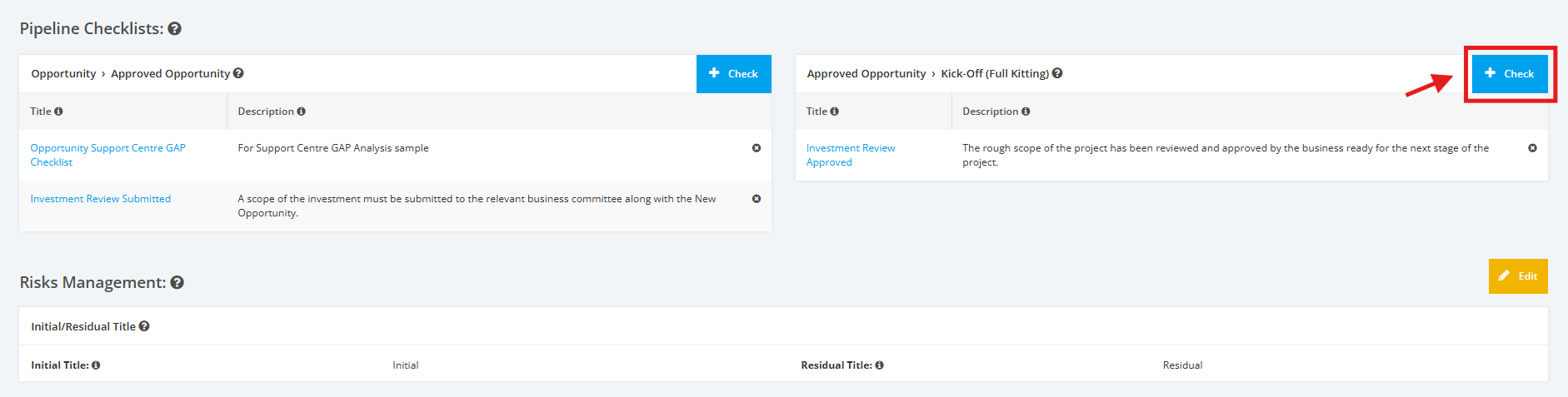
1. In the Pipeline Checklists section, click the + Check button in the Approved Opportunity > Kick-Off (Full Kitting) table.
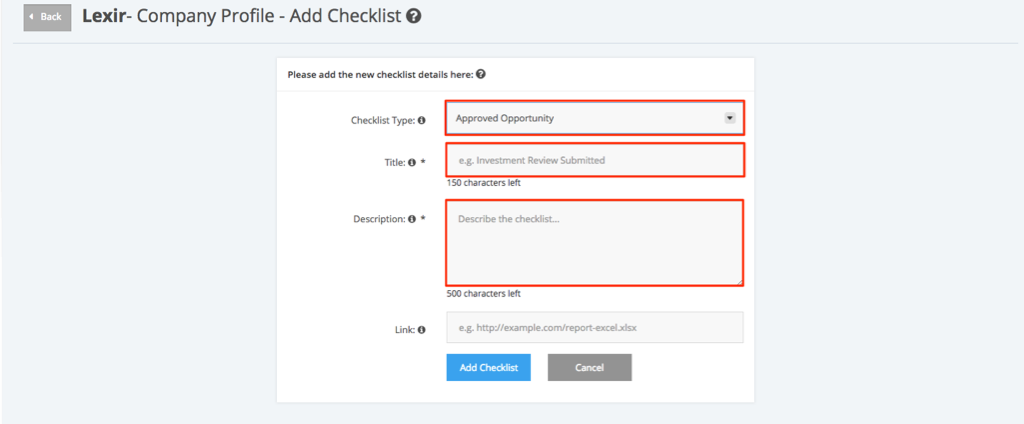
2. In the Checklist Type select Approved Opportunity from the drop-down list. Add a Title and Description for the checklist.
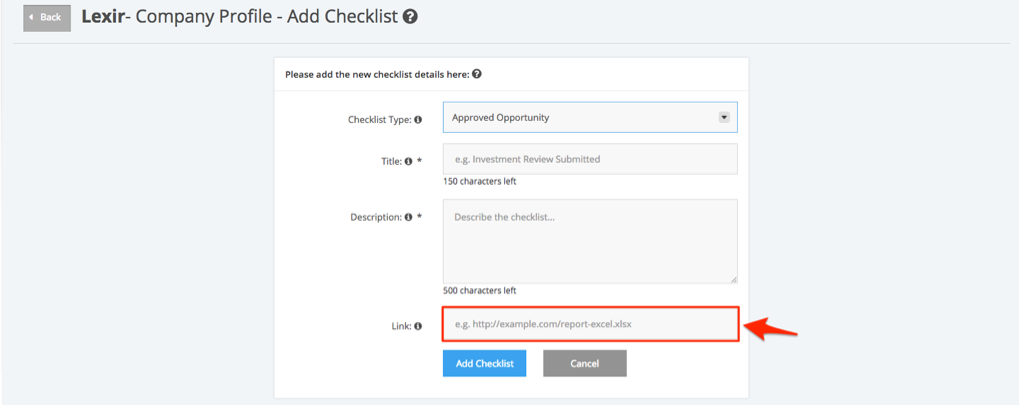
3. If a checklist is found in an online repository, copy the URL and paste it in the Link field.
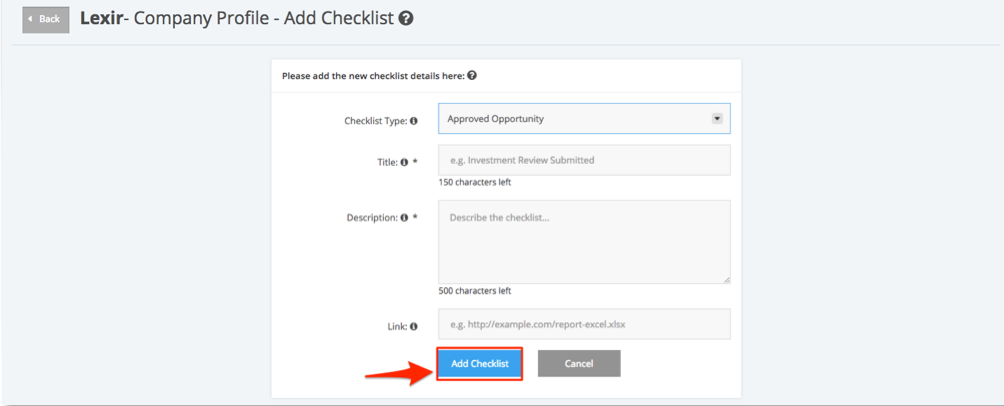
4. Click the Add Checklist button once the required information has been added.
5. A new Approved Opportunity checklist will be created and displayed in the Approved Opportunity category under the Pipeline Checklists section.
