1. Add a Project Category
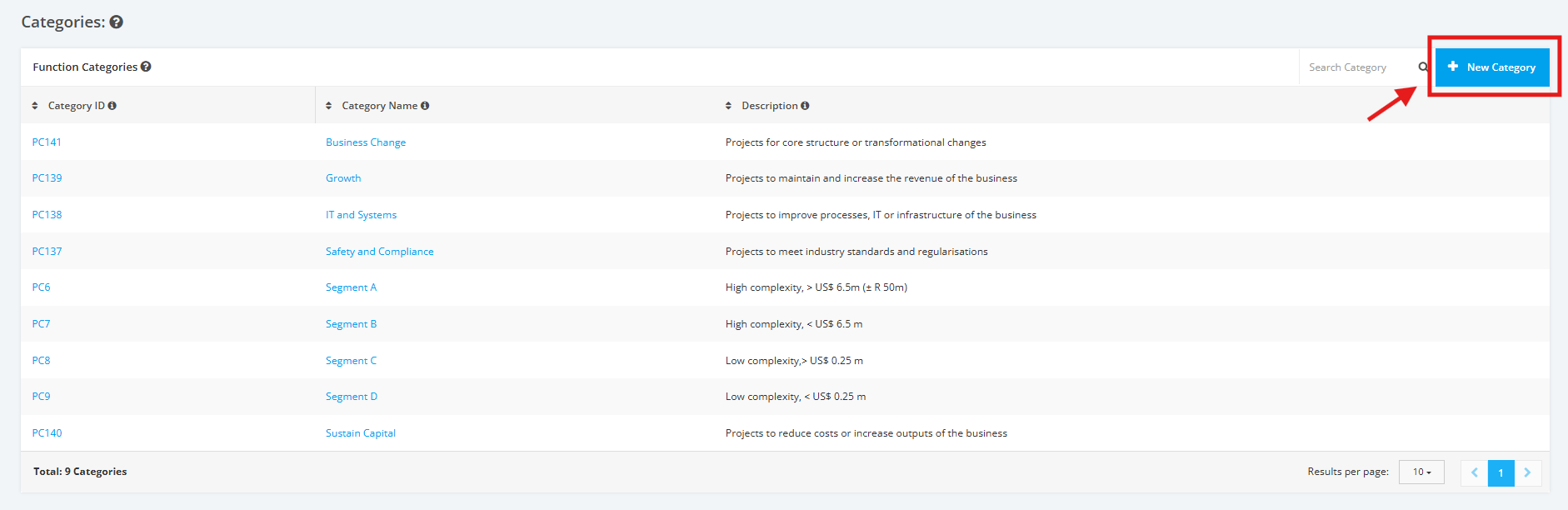
1. Click the ‘+ New Category’ button located at the top right corner of ‘Function Categories’.
2. Enter the ‘Category Name’ in the input field as shown below (E.g. Financial Team etc.).

3. After entering the ‘Category Name’, proceed with adding the ‘Category Description’. Once complete, click the ‘Add Category’ button to save changes.

Note: Category ID is automatically generated by the system. It is not editable.
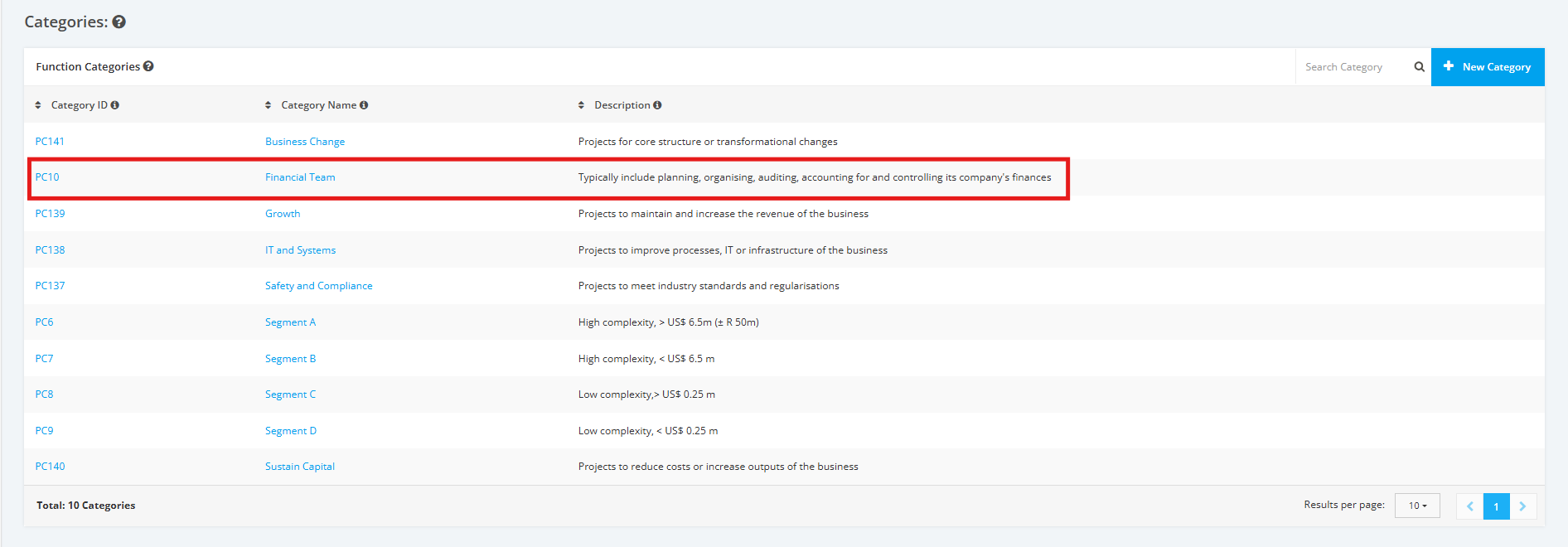
4. The Category is now successfully added in the Company Profile.