1. Update a Company Department
1. Still within the ‘Department Naming Convention’ section, click the Name of the Department that you want to update
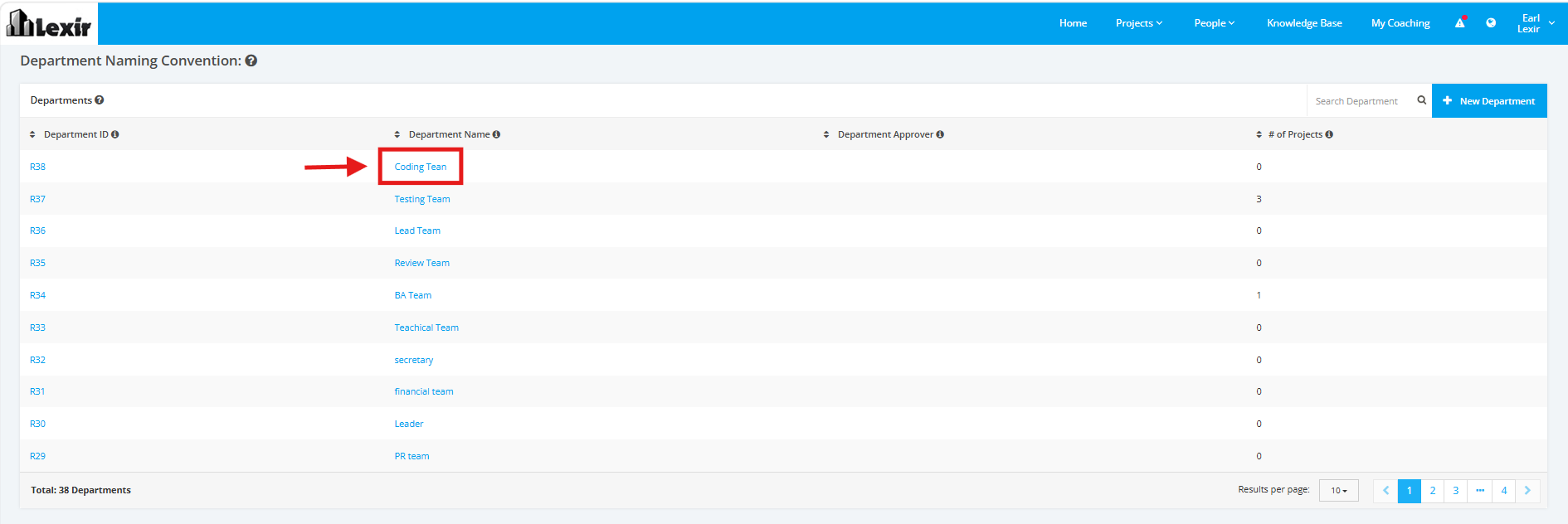
2. Start adding the necessary changes. Once complete, click the ‘Update Role’ button to save changes.

Modified on: Wed, 12 Aug, 2026 at 2:02 PM
1. Update a Company Department
1. Still within the ‘Department Naming Convention’ section, click the Name of the Department that you want to update
2. Start adding the necessary changes. Once complete, click the ‘Update Role’ button to save changes.
Did you find it helpful? Yes No
Send feedback