1. Project Type - Manage Project Role Responsibilities
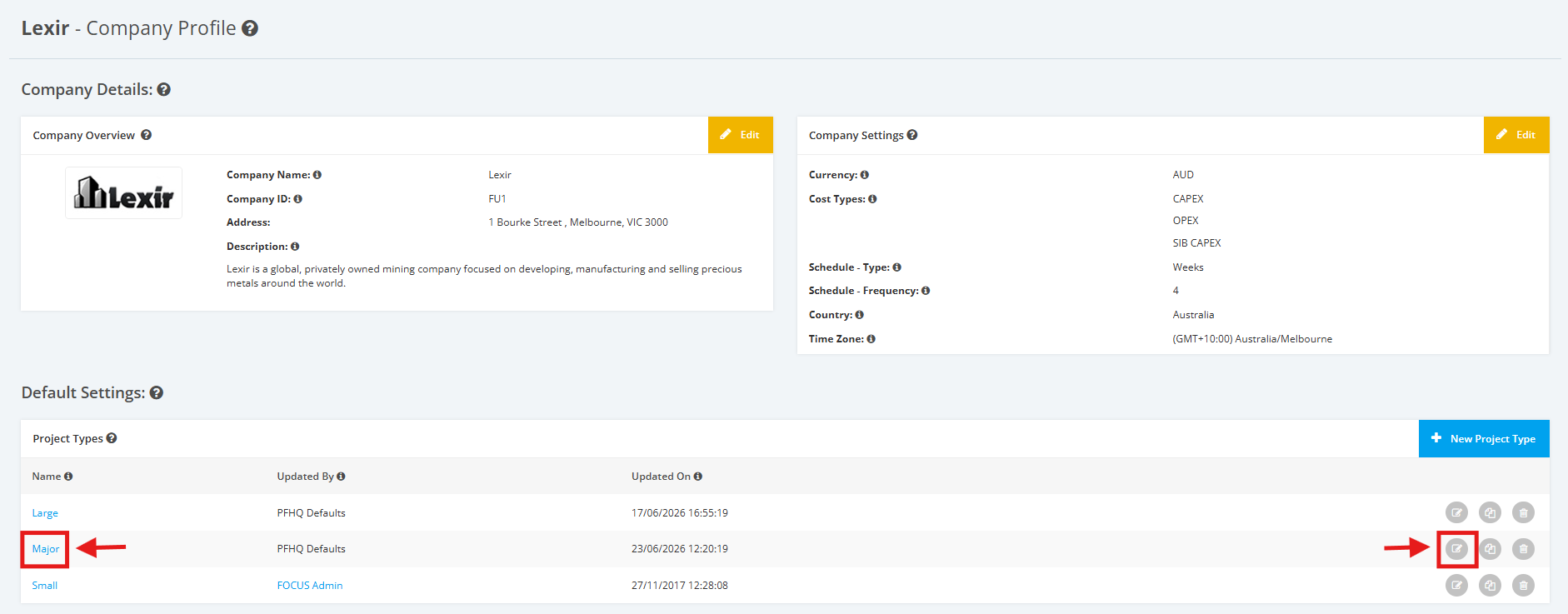
1. Within the Company Profile, navigate to the ‘Default Settings’ section then ‘Project Types’. Click the ‘Edit’ icon or the name of the Project Type.
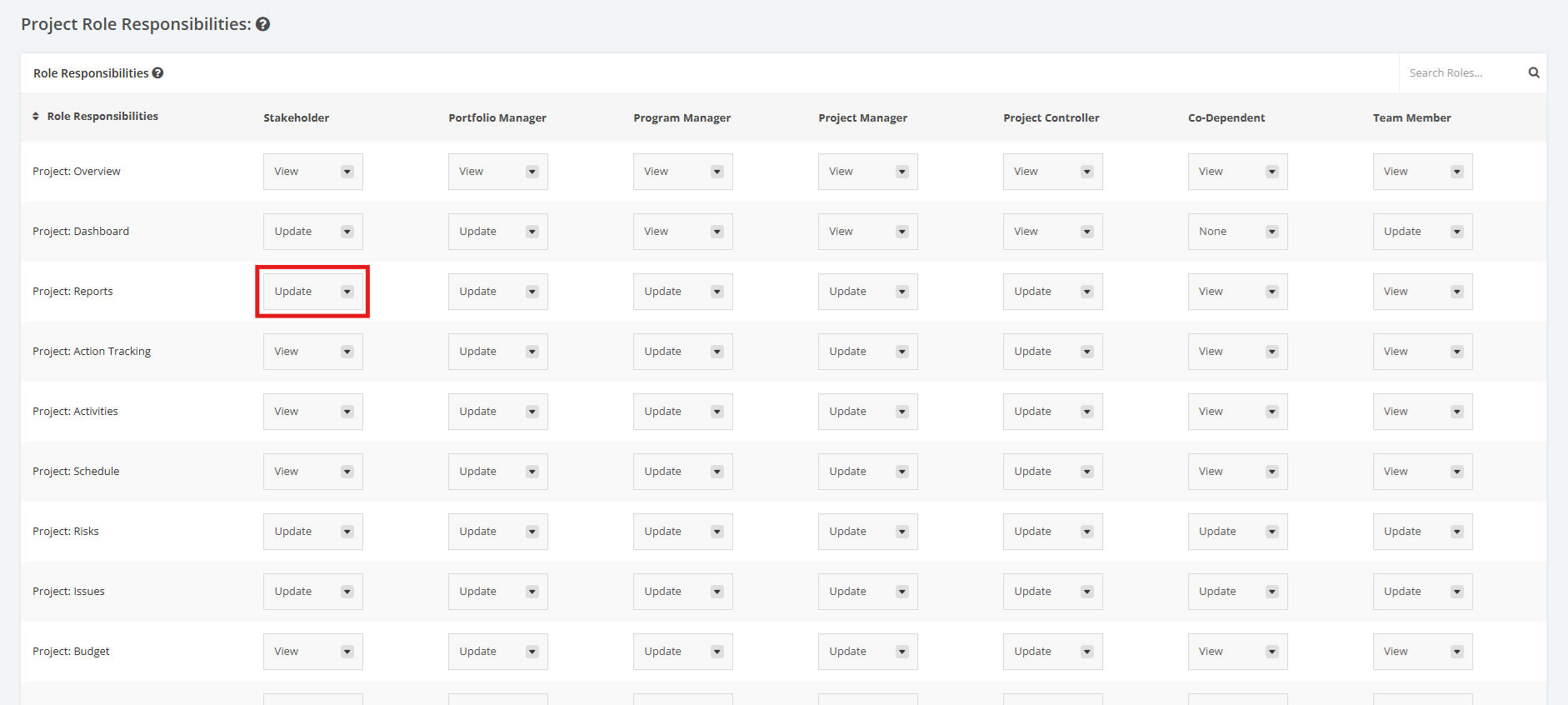
2. On the Project Type Settings page, scroll to the ‘Project Role Responsibilities’ section then ‘Role Responsibilities’.
Click the dropdown menu and then assign a User Role to their corresponding access rights for various modules within the project (E.g. Stakeholder can Update Project Reports). Below are the dropdown menu options:
- ‘Update’ – a User Role can view and make changes to modules assigned
- ‘View’ – a User Role can only view modules
- ‘None’ – a User Role can’t view or update any modules
Note: ‘Project: Overview’ can only be viewed.