1. Project Type – Manage Module Notifications
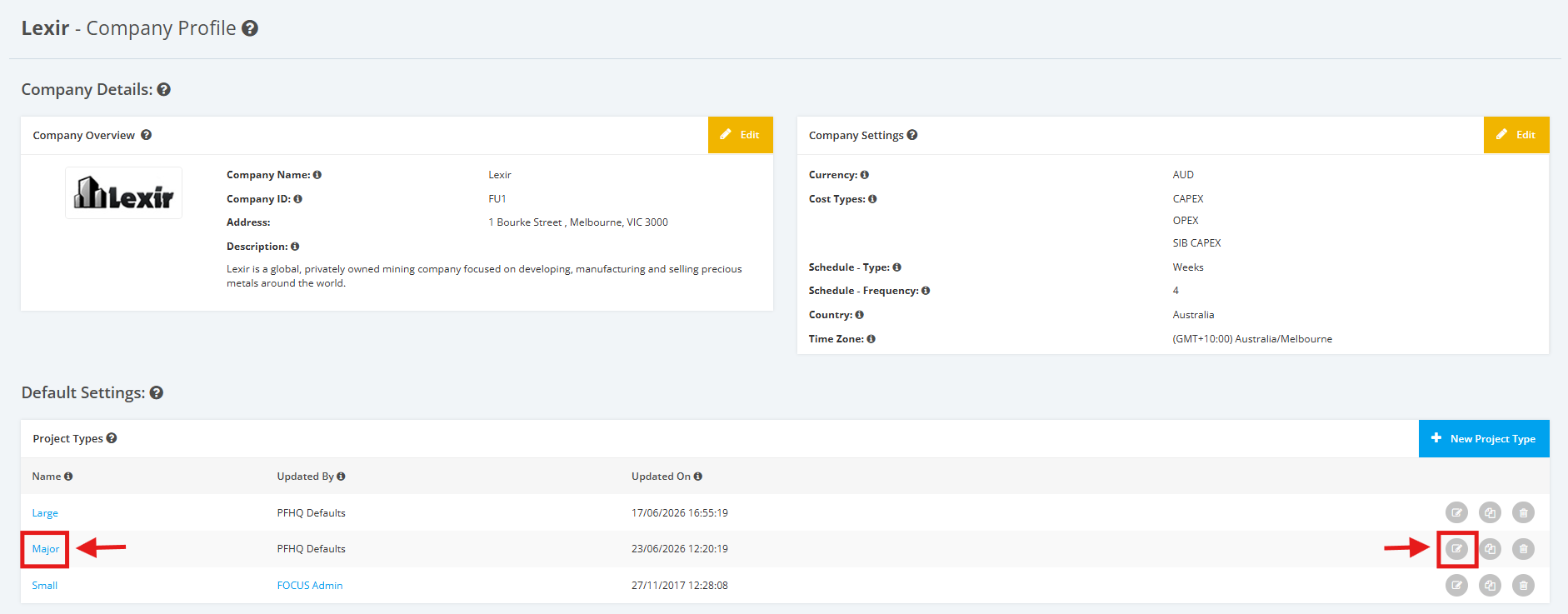
1. Within the Company Profile, navigate to the ‘Default Settings’ section then ‘Project Types’. Click the ‘Edit’ icon or the name of the Project Type.
2. On the Project Type Settings page, scroll to the ‘Notification Settings’ section then ‘Module Notifications’.
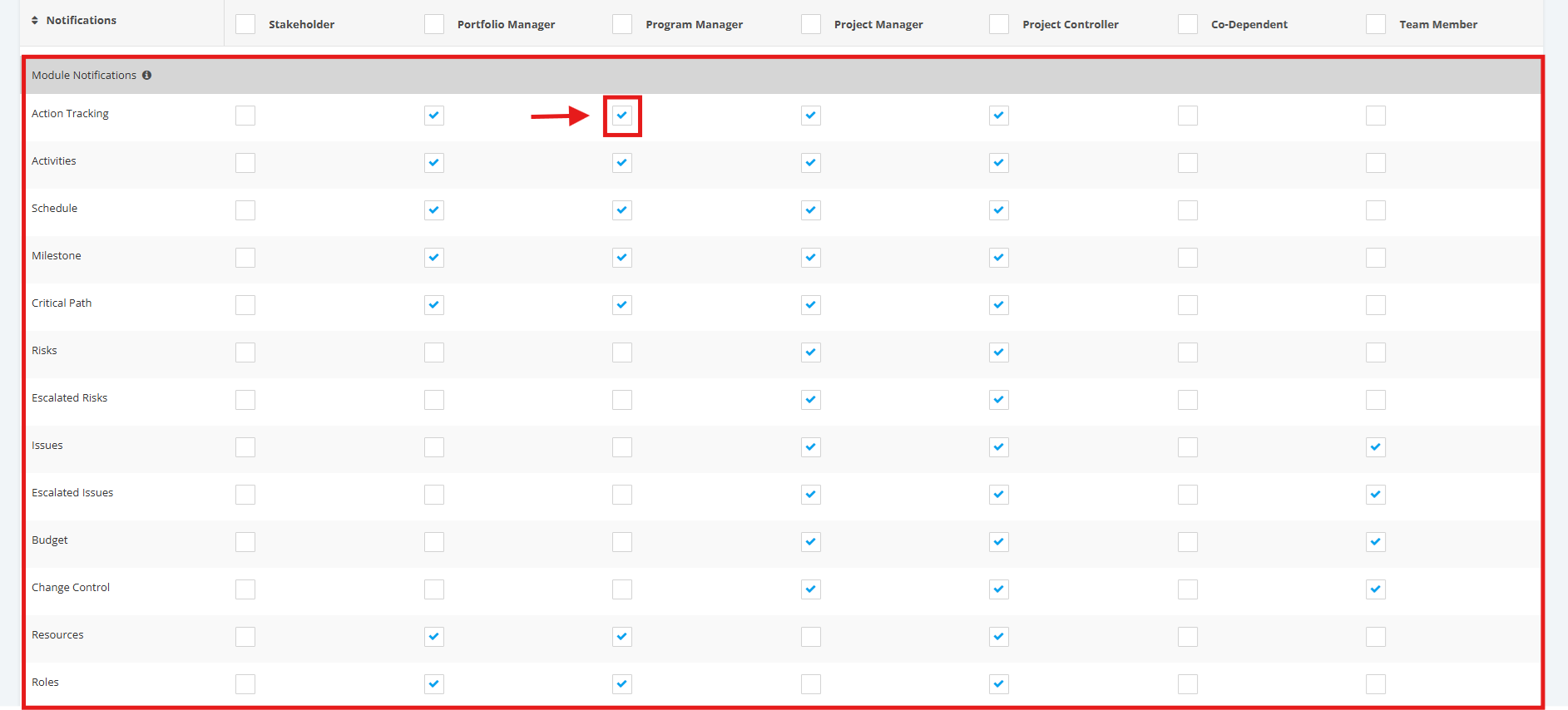
Tick/untick checkboxes to enable/disable sending of Module Notifications (per Key Role).
Module Notifications includes the following:
- Action Tracking
- Activities
- Schedule
- Milestone
- Critical Path
- Risks
- Escalated Risks
- Issues
- Escalated Issues
- Budget
- Change Control
- Resources
- Roles
- Assignments
- Deliverables
- Quality Management
- KPI
- Settings