1. Add a Project Type
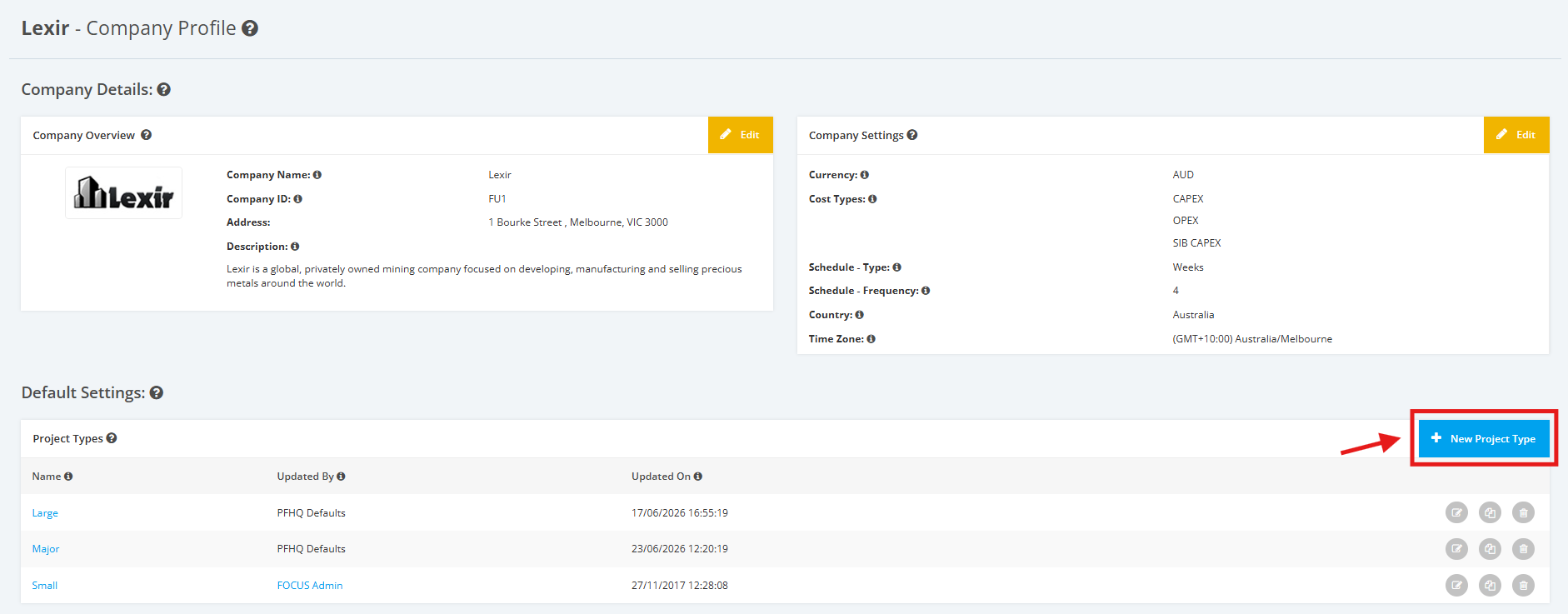
1. To add a Project Type, navigate to the Company Profile. Scroll down to the ‘Default Settings’ section then ‘Project Types’. Click the ‘+ New Project Type’ button.
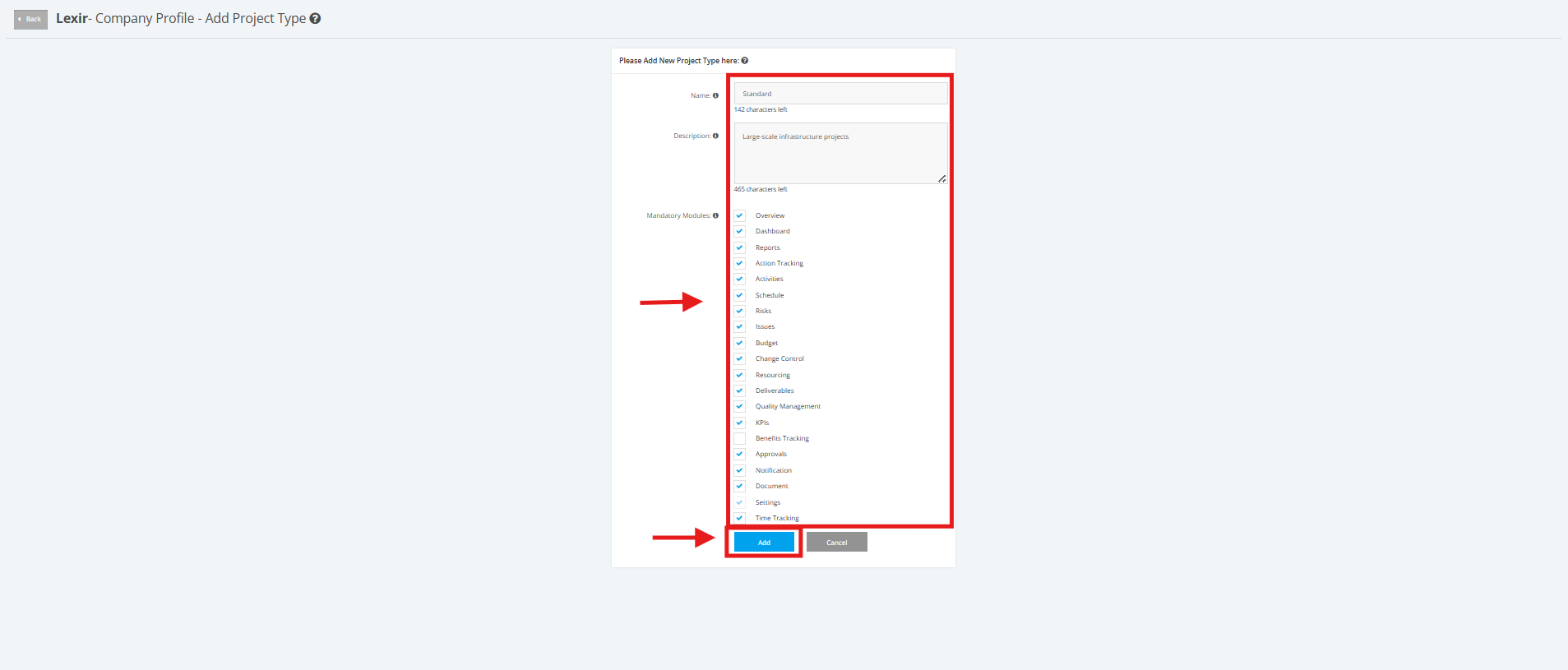
2. Fill up the required fields in the form (E.g. ‘Name’, ‘Description’) and tick the ‘Mandatory Modules’ as shown in the photo below.
Mandatory Modules include the following:
- Overview
- Dashboard
- Reports
- Action Tracking
- Activities
- Schedule
- Risks
- Issues
- Budget
- Change Control
- Resourcing
- Deliverables
- Quality Management
- KPIs
- Benefits Tracking
- Approvals
- Notifications
- Documents
- Settings
- Time Tracking
Once complete, click the ‘Add’ button to save the changes made.