1. Project Type – Remove a Custom Report Template
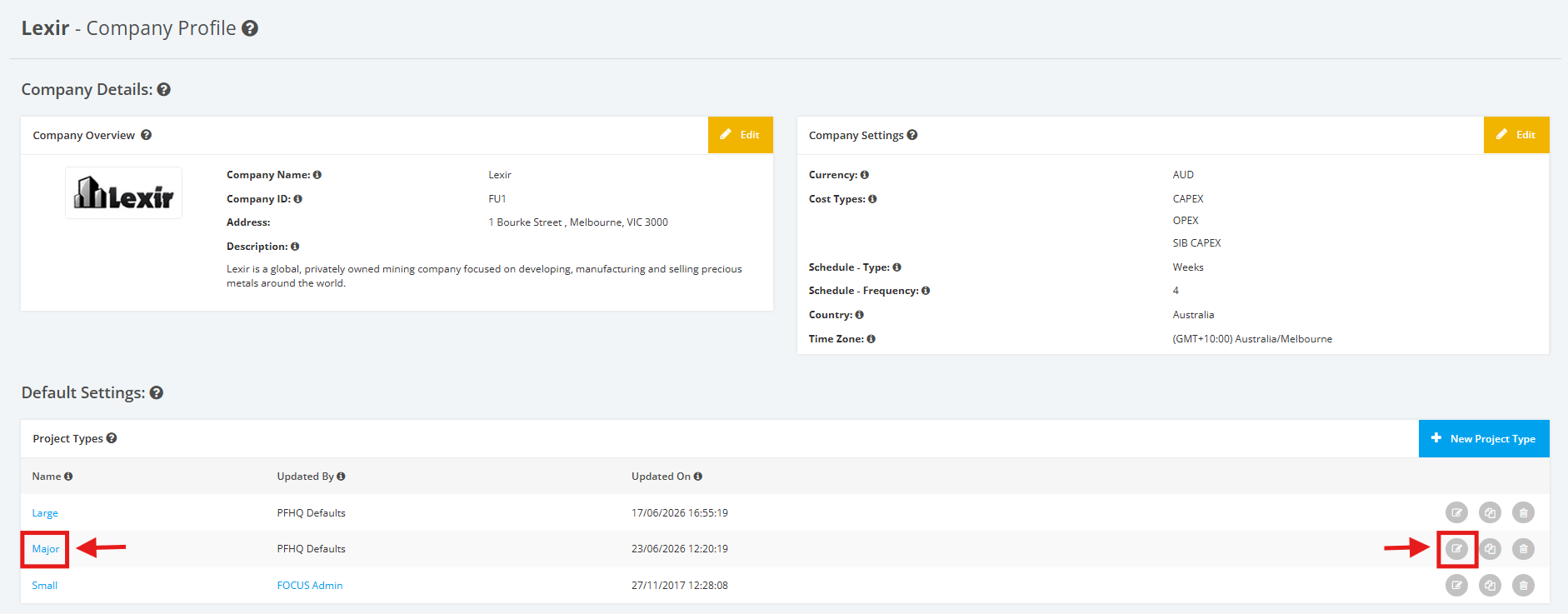
1. Within the Company Profile, navigate to the ‘Default Settings’ section then ‘Project Types’. Click the ‘Edit’ icon or the name of the Project Type.
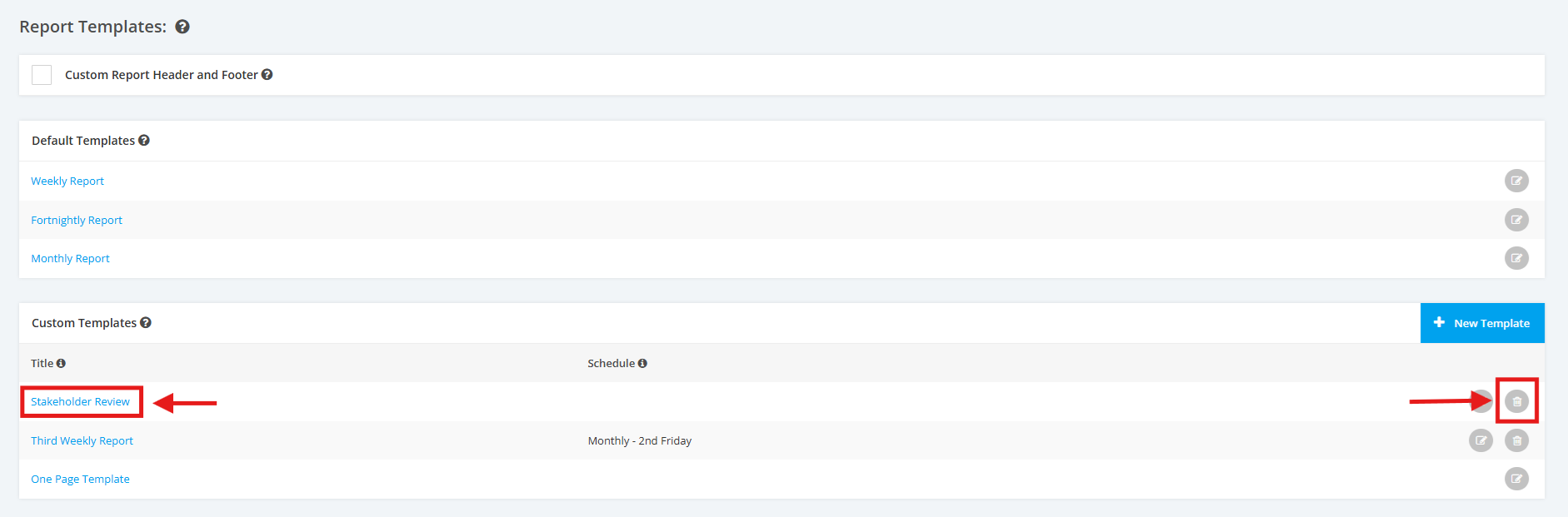
2. Once done, you will reach the Project Type Settings page. Scroll to the ‘Report Templates’ section then ‘Custom Templates’. Click the Trash Icon of the Custom Template that you want to delete.
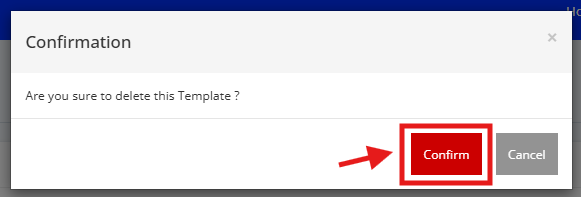
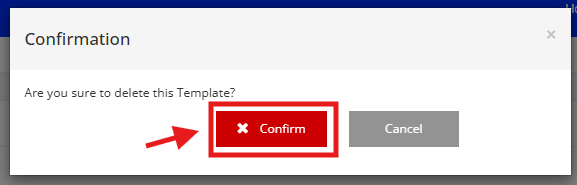
3. A popup window will appear for confirmation. Click the ‘x Confirm’ button to proceed with the deletion.
TIP:
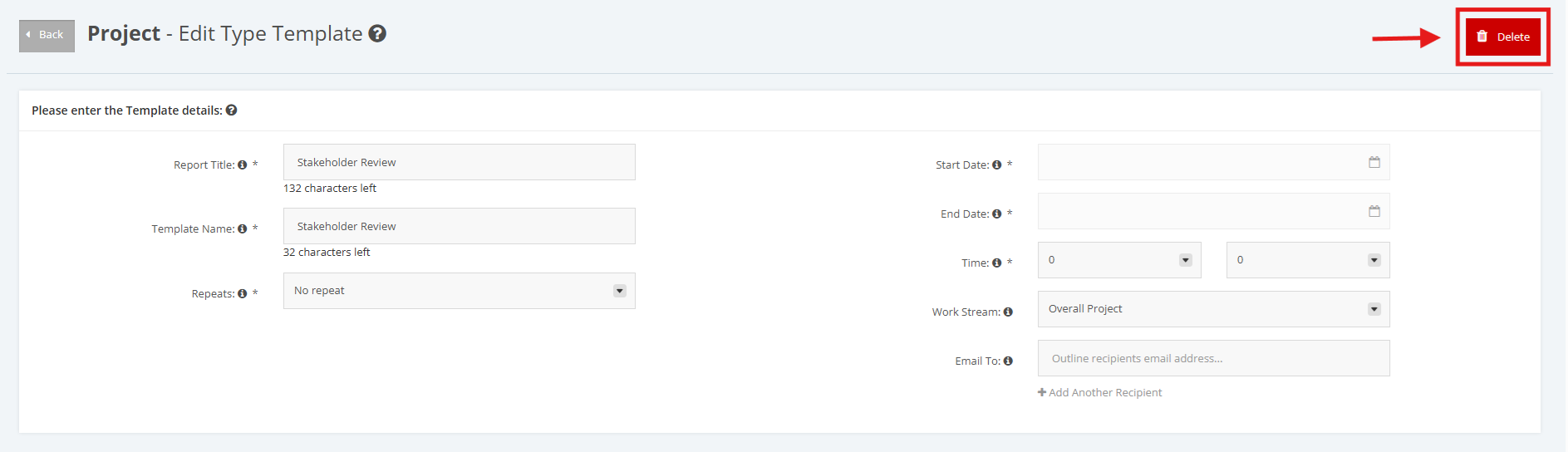
You can also Delete the Custom Report Template by clicking the link of the Name of the Template and then clicking the 'Delete' button at the rightmost corner.