1. Team Member – View Resource Utilisation
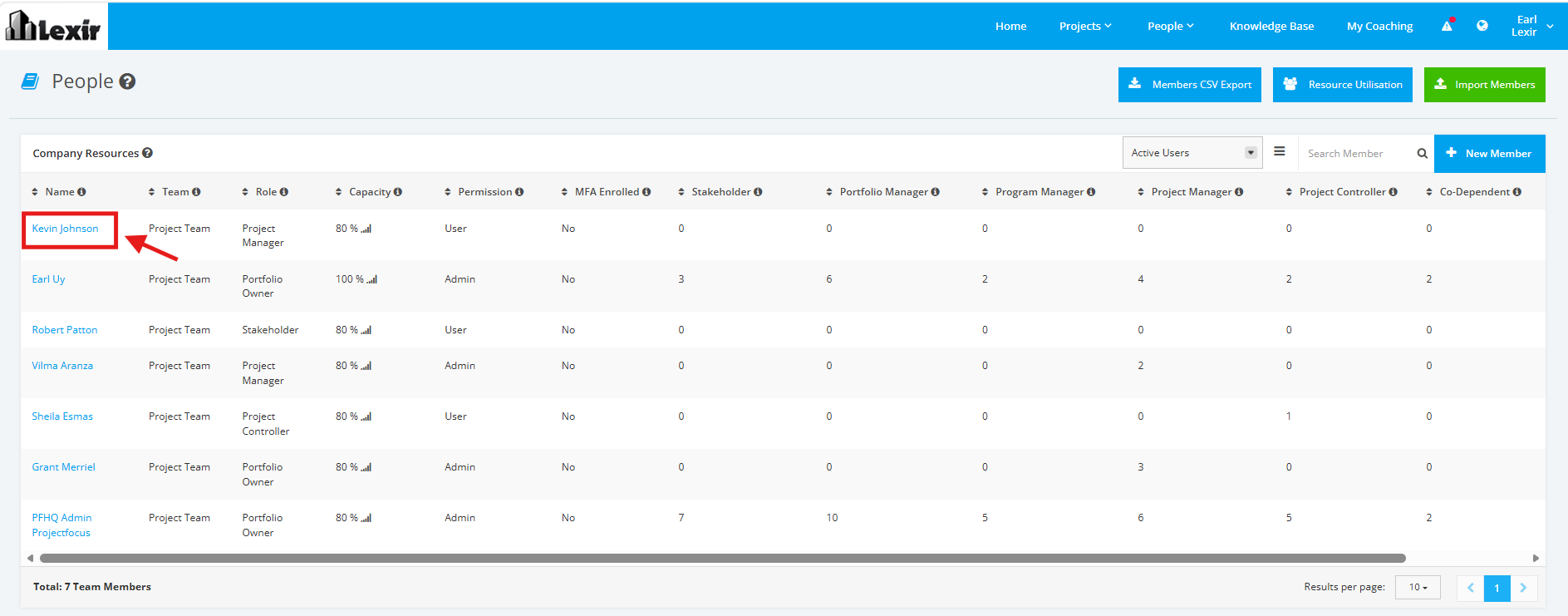
1. Within ‘People’, navigate to the ‘Company Resources’ section and click the ‘Name’ of the Team Member that you want to view Resource Utilisation as shown below.
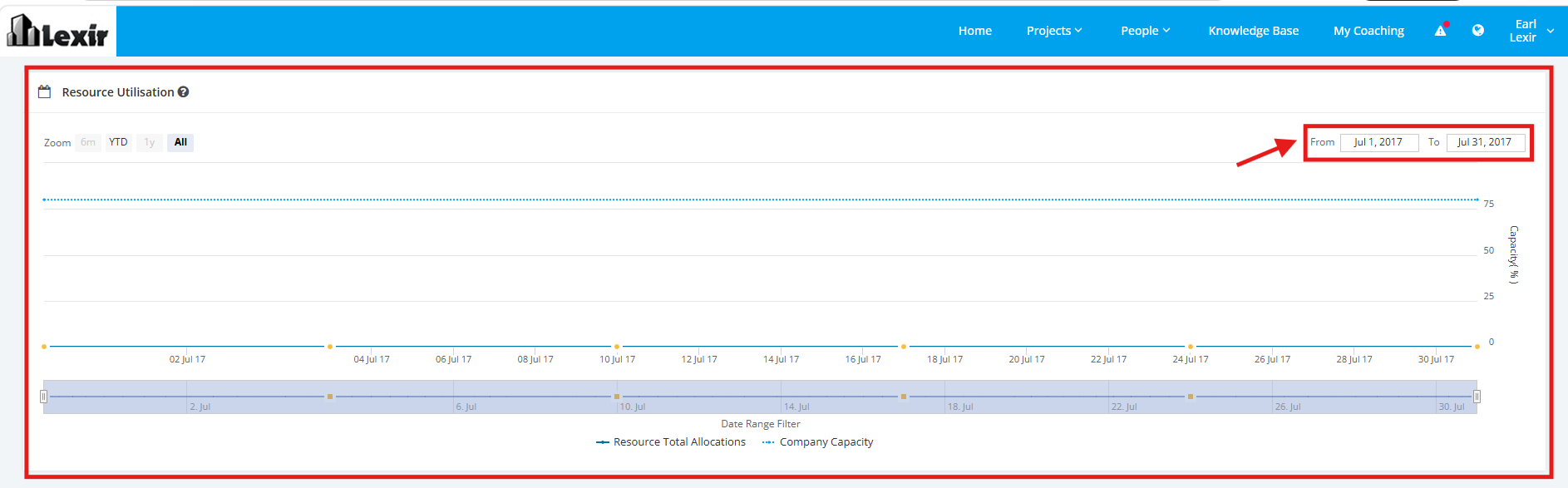
2. Once done, you will reach the Team Member Details’ page. Scroll down to the ‘Resource Utilisation’ section. This is the section where you can view the allocation of a Resource in a Company for a time period.
Note: You can adjust the ‘From’ and the ‘To’ date to view as shown below.