1. Team Member – Manage Project Associations
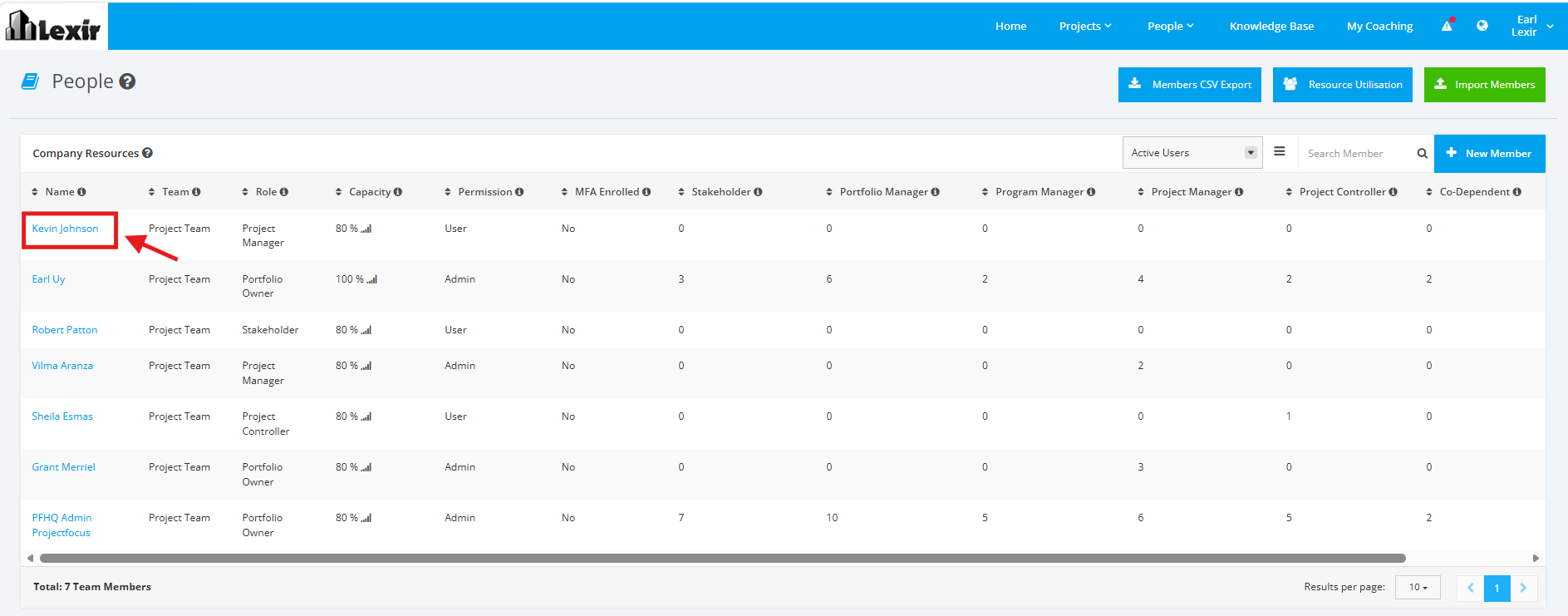
1. Within ‘People’, navigate to the ‘Company Resources’ section and click the ‘Name’ of the Team Member that you want to update as shown below.
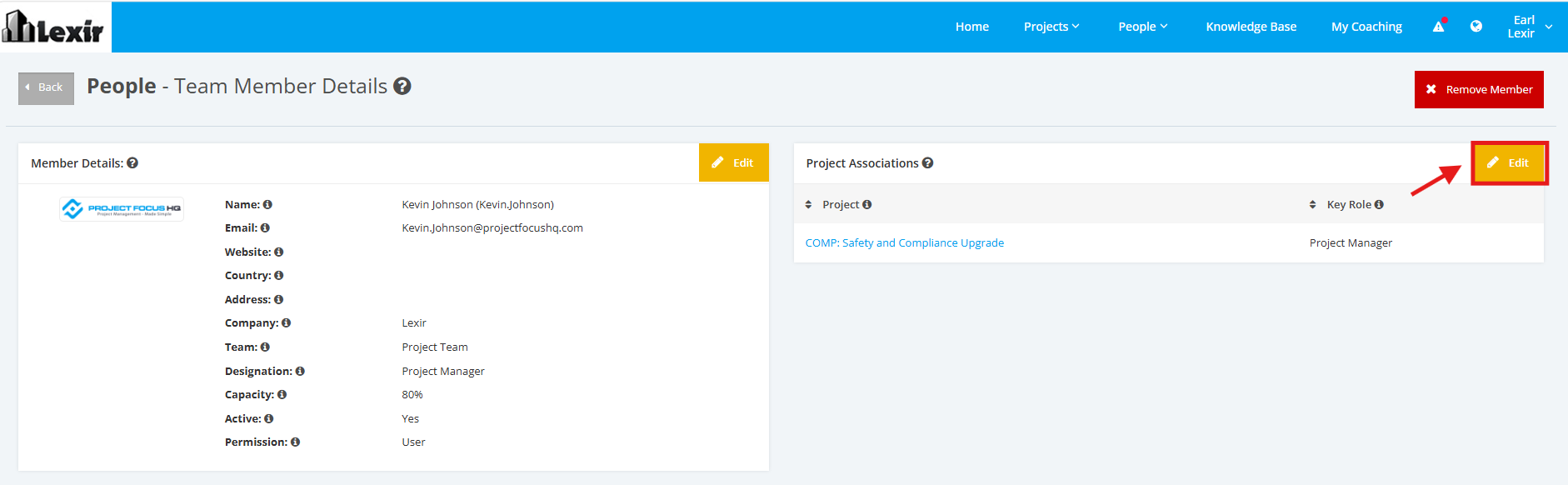
2. Once done, you will reach the Team Member Details’ page. Go to the ‘Project Associations’ section and click the ‘Edit’ button.
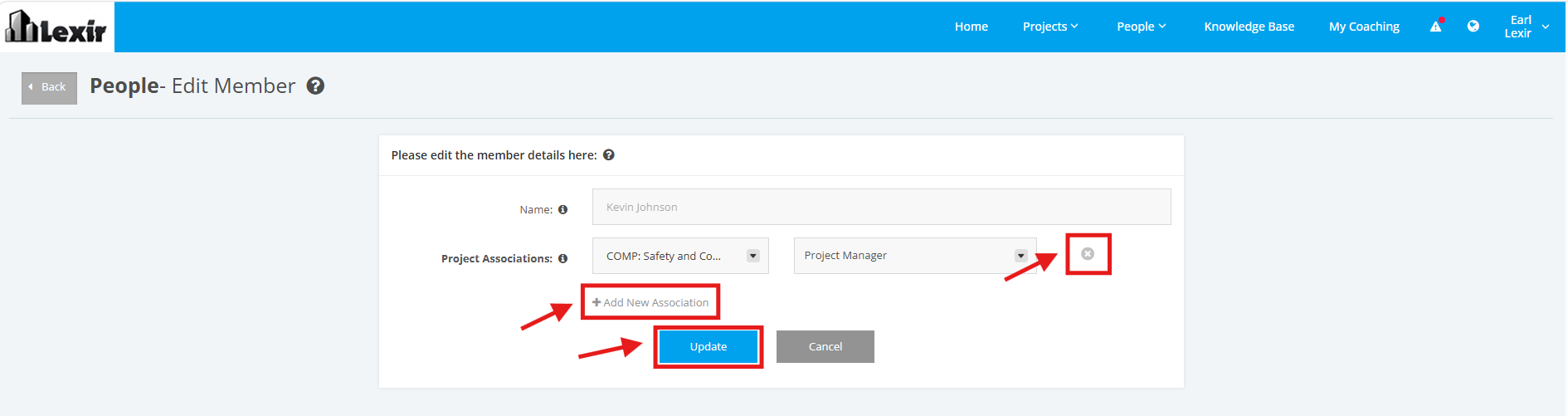
3. To remove a Project associated to a Team Member, click on the Delete ‘x’ icon beside the Project Associations’ fields.
To assign a new Project to the Team Member, click on the ‘+ Add New Association’ link. Then select a ‘Project Name’ and a ‘Role’.
Once done, click the ‘Update’ button to save changes.