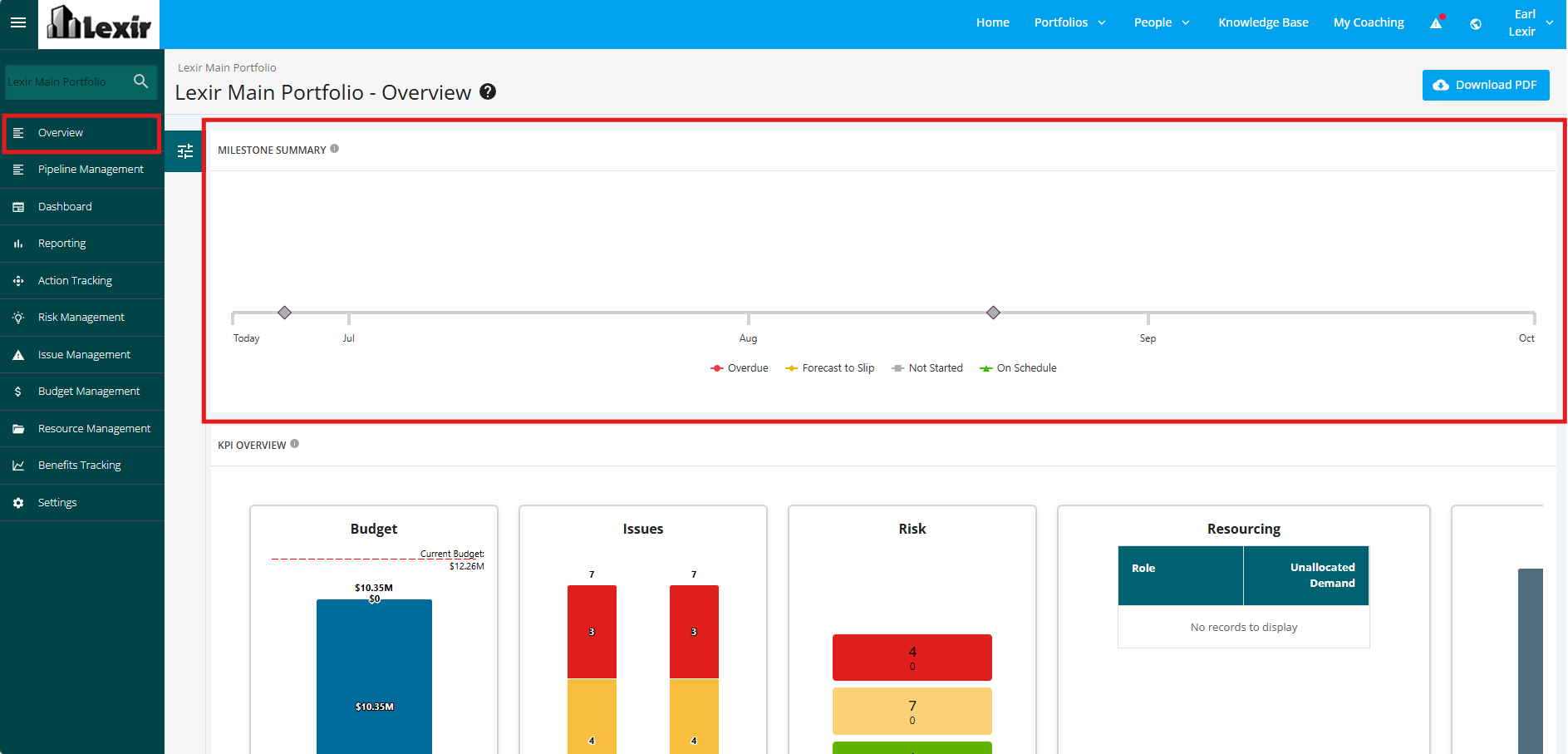
1. Navigate Milestone Summary of Portfolio
Navigate to the ‘Milestone Summary’ section for a Portfolio by clicking the ‘Overview’ tab from the left side bar of the page. This contains the 'Portfolio Milestones' for all Projects within the Portfolio.
NOTE: The milestones displayed are those scheduled between the Current Date and four months from that date.