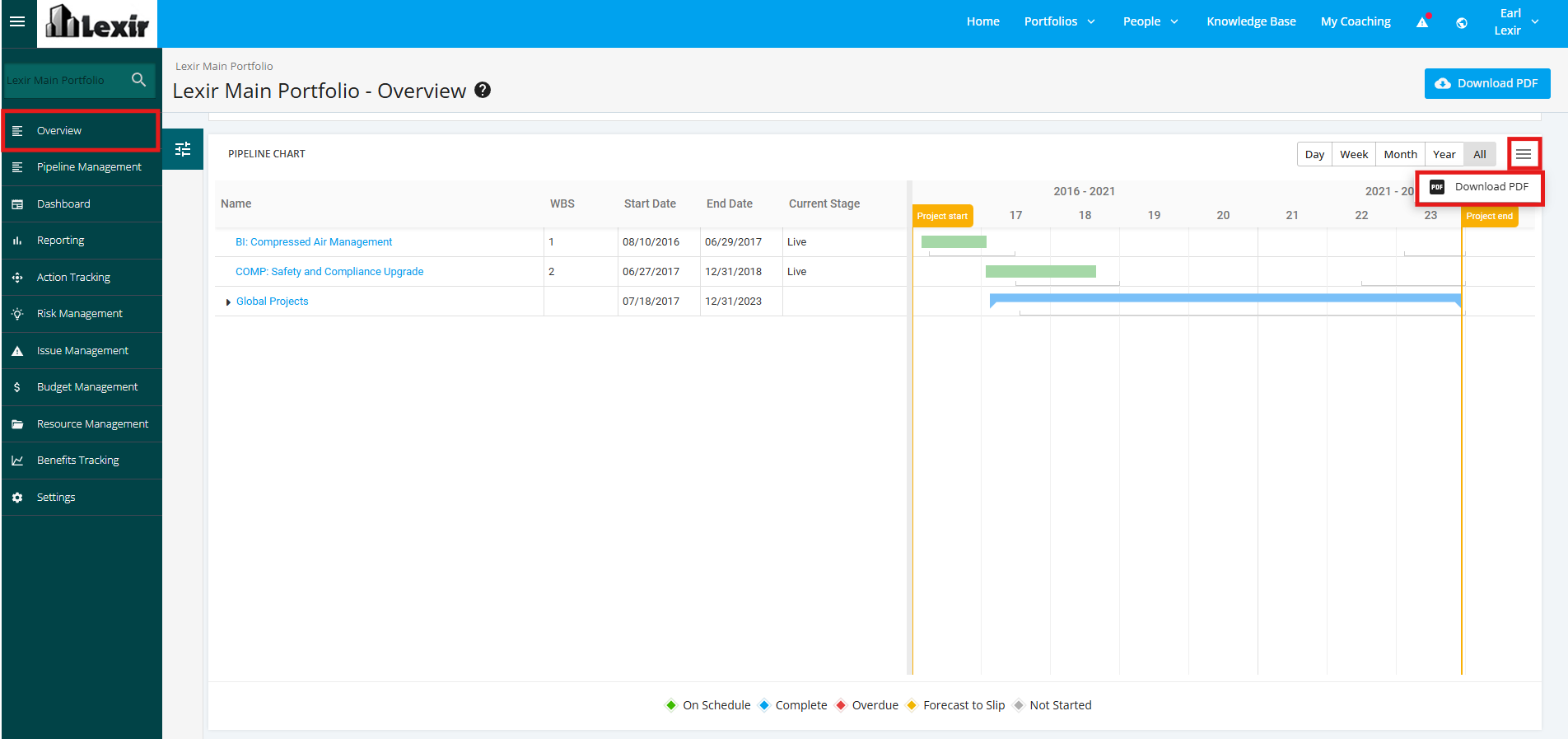
1. Navigate Pipeline Chart of a Portfolio
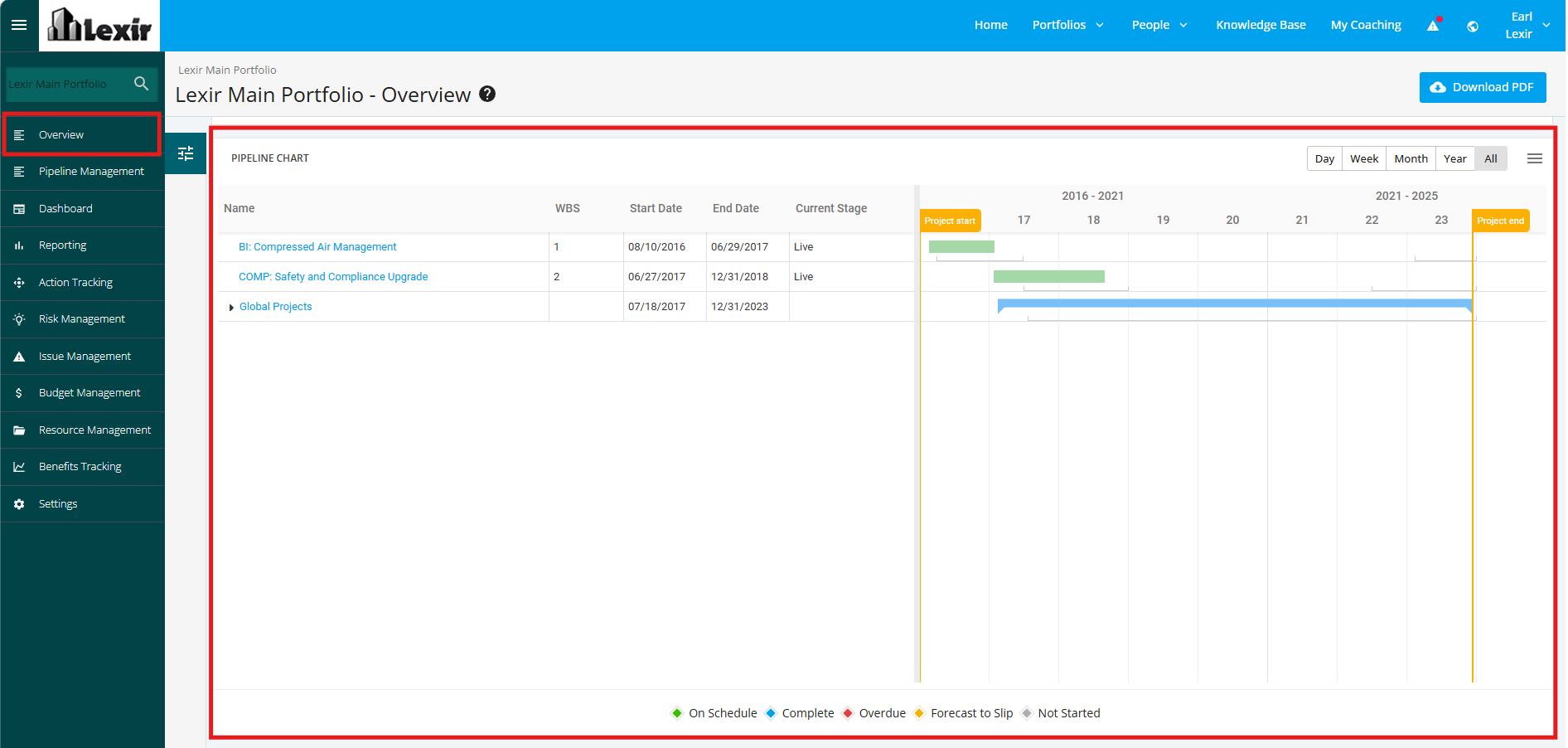
1. In order to navigate to the ‘Pipeline’ section of the Portfolio, click the ‘Overview’ tab from the left side bar of the page.
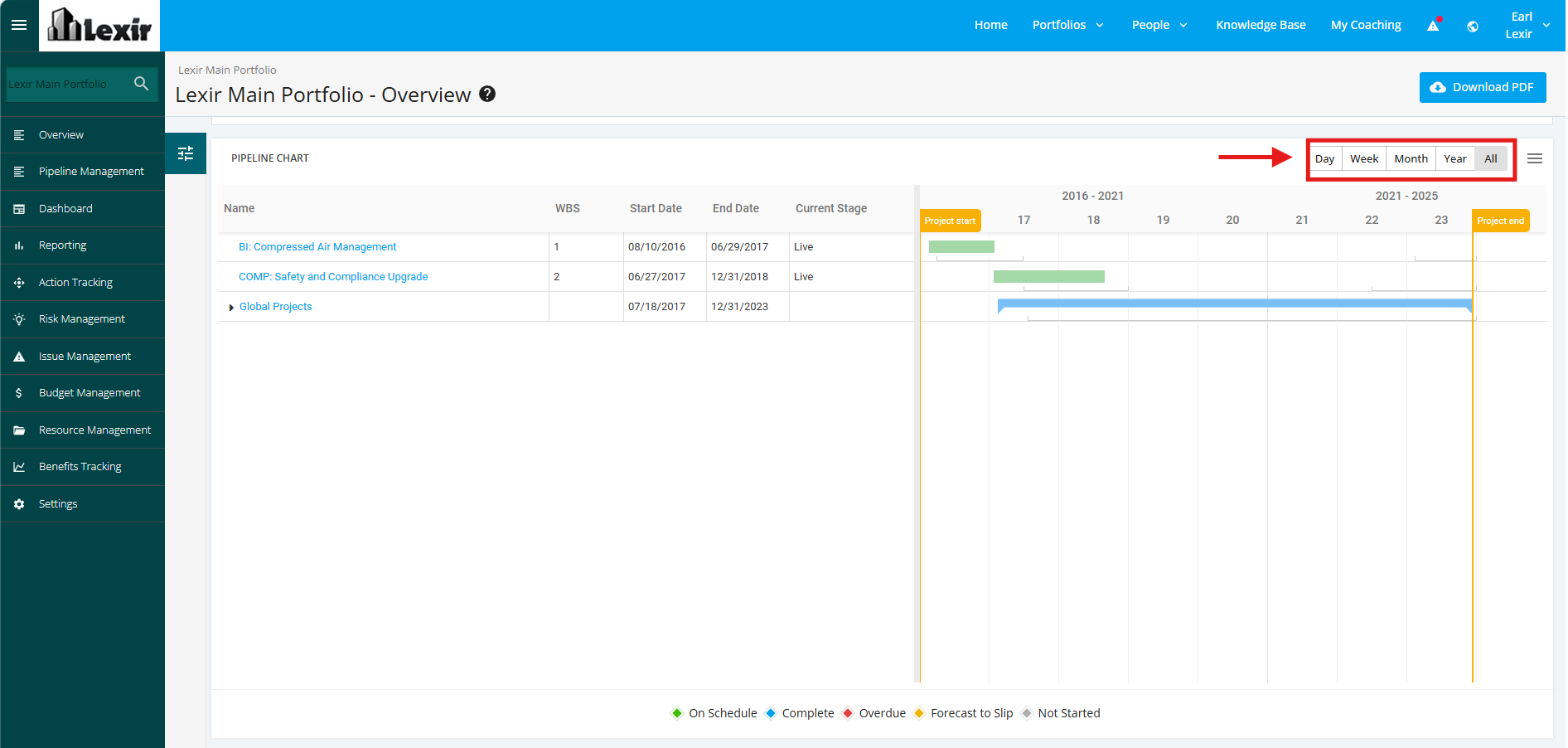
2. You can filter the ‘Pipeline’ Gantt Chart by ‘Day’, ‘Week’, ‘Month’, ‘Year’ or ‘All’. To do that, click any of the Period tabs as shown below.
3. To download the ‘Pipeline’ Gantt Chart of the Portfolio, click the download icon as shown below and then choose 'Download PDF'.