1. Revive New Opportunity Project
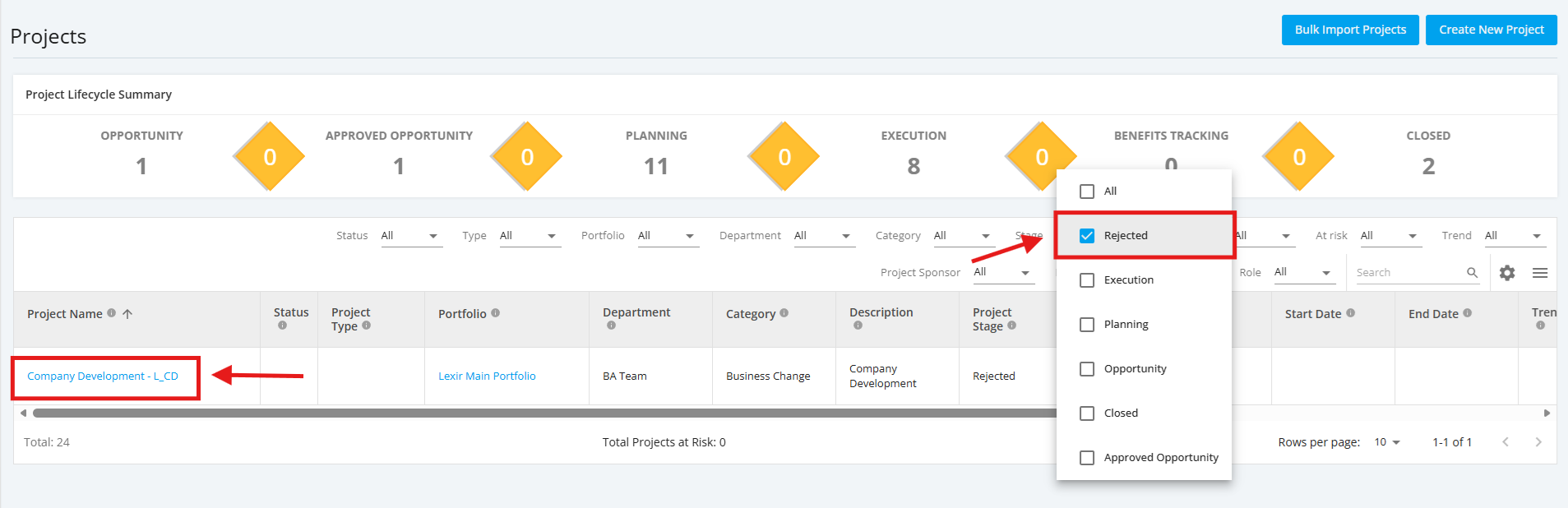
1. To revive a ‘New Opportunity’ project, select "Rejected" in the Stage filter of the 'Projects' page.
And then, click on the project that you want to revive.
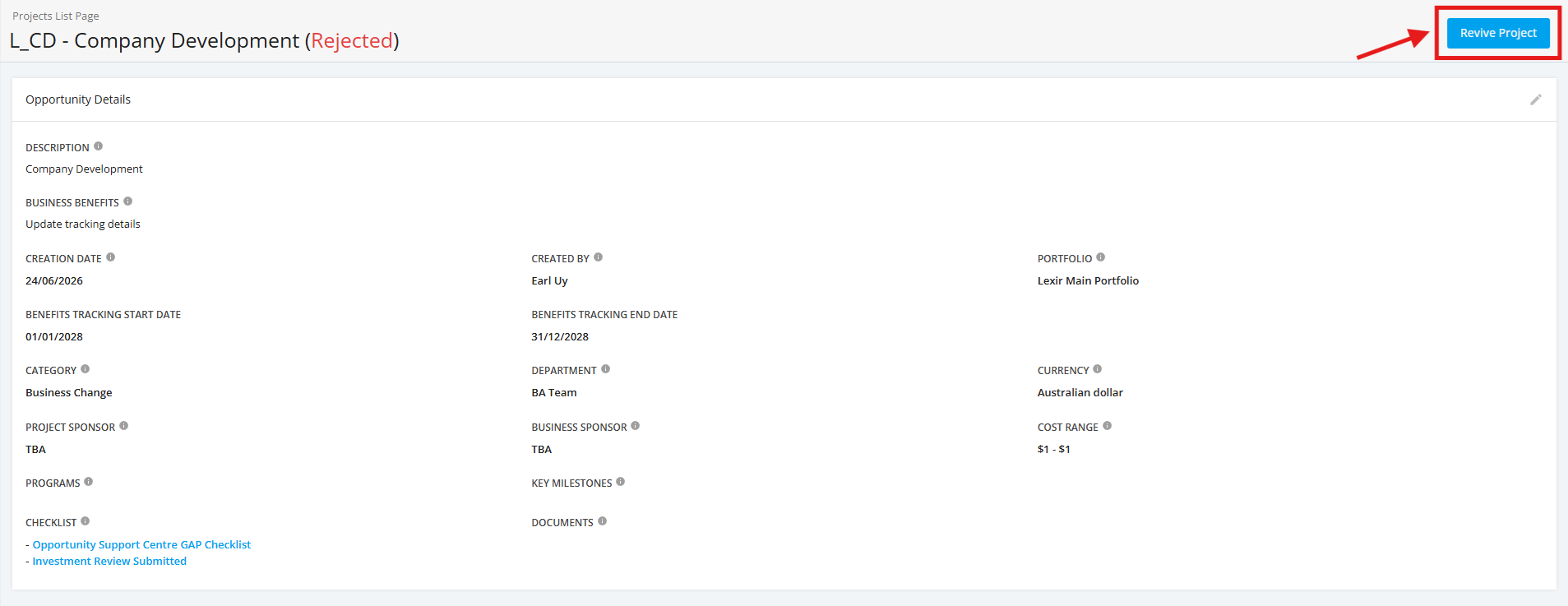
2. Once you reach the ‘Opportunity Details’ page, click the ‘Revive Project’.
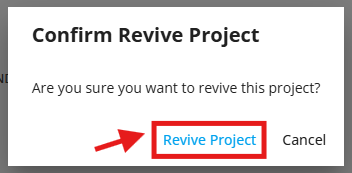
3. A confirmation pop up screen will appear. Click ‘Revive Project’.