1. Review and Approve Opportunity Project
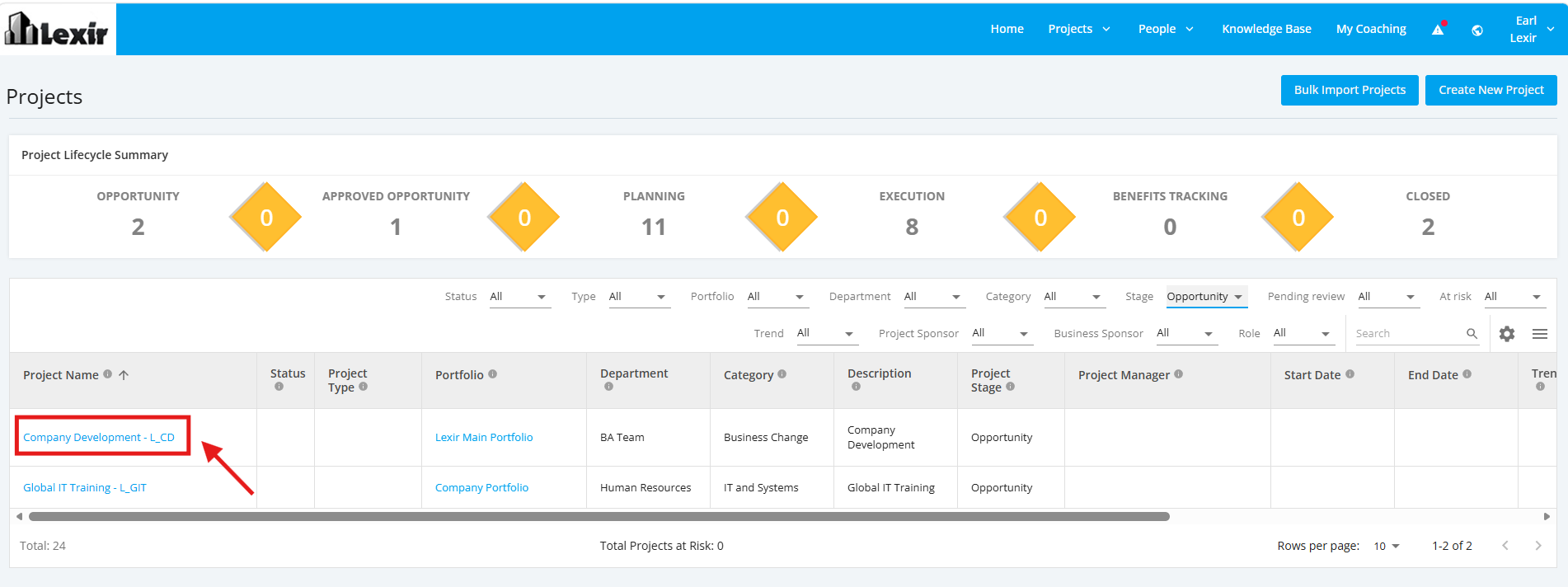
1. Within the ‘All Projects Dashboard’ page, click the ‘Opportunity’ project that you want to update.
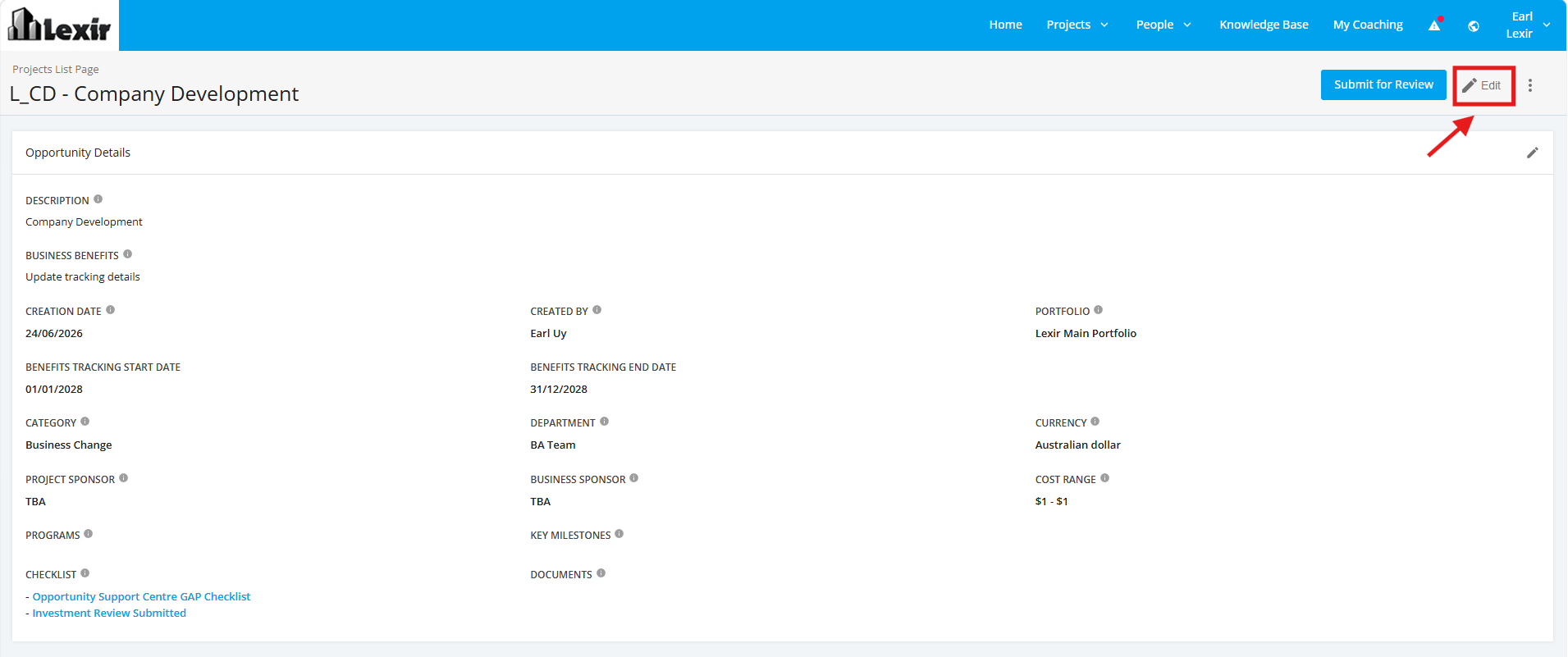
2. Once you reach the Project Details page, click ‘Edit’.
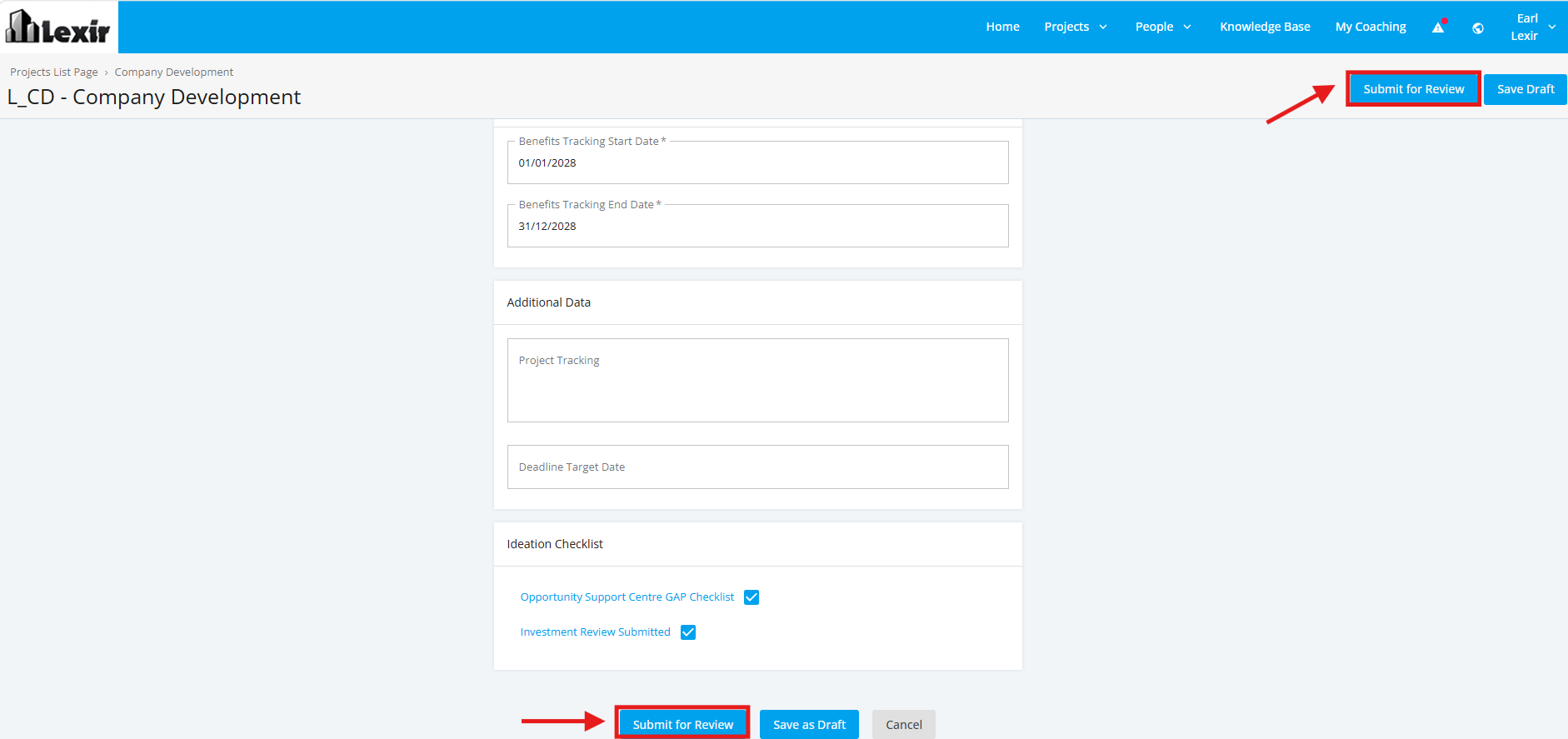
3. Add or update for necessary changes. Once complete, click the ‘Submit for Review’ button.
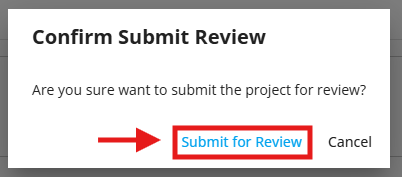
4. Once the Confirmation popup is displayed, click 'Submit for Review'.
Once submitted, the Opportunity Project is now Pending for Review. The reviewer of the Project will check details for approval.
2. Approve Opportunity Project
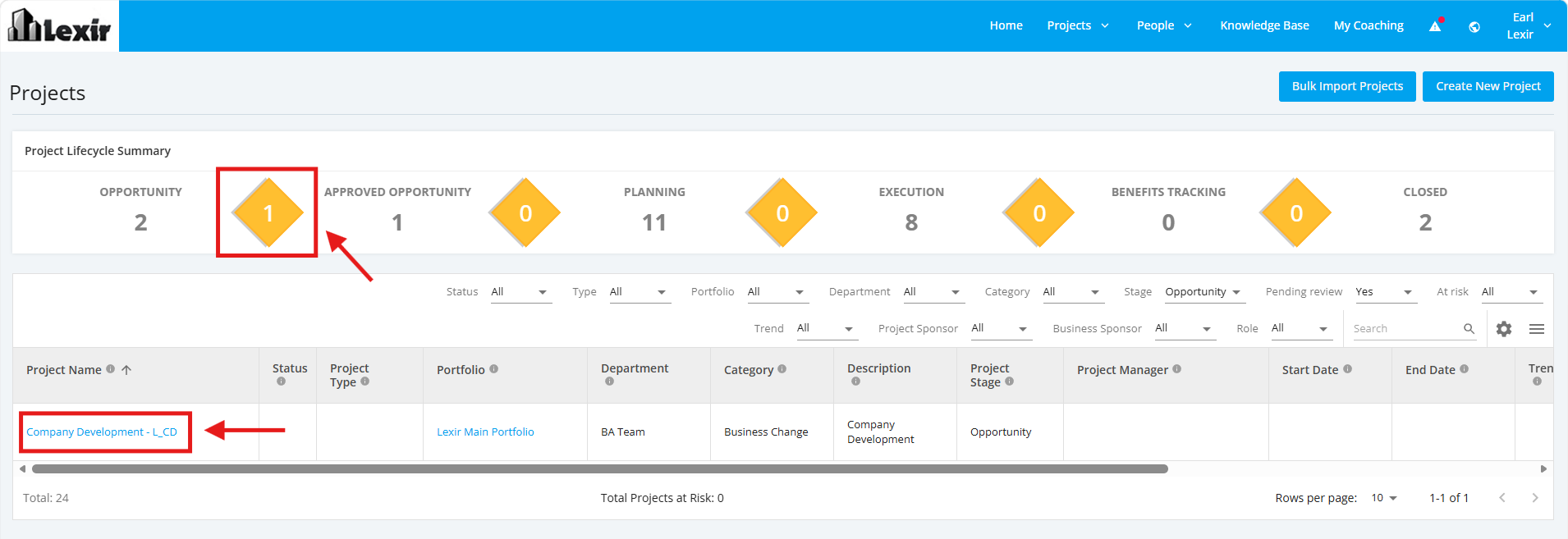
1. Click the first yellow diamond icon. This will display the 'Opportunity' projects Pending for approval.
Within the list, click the project that you want to review and approve.
2. Once the Details page is displayed, you can review the Project Details. To approve the Opportunity project, click the 'Approve' button.
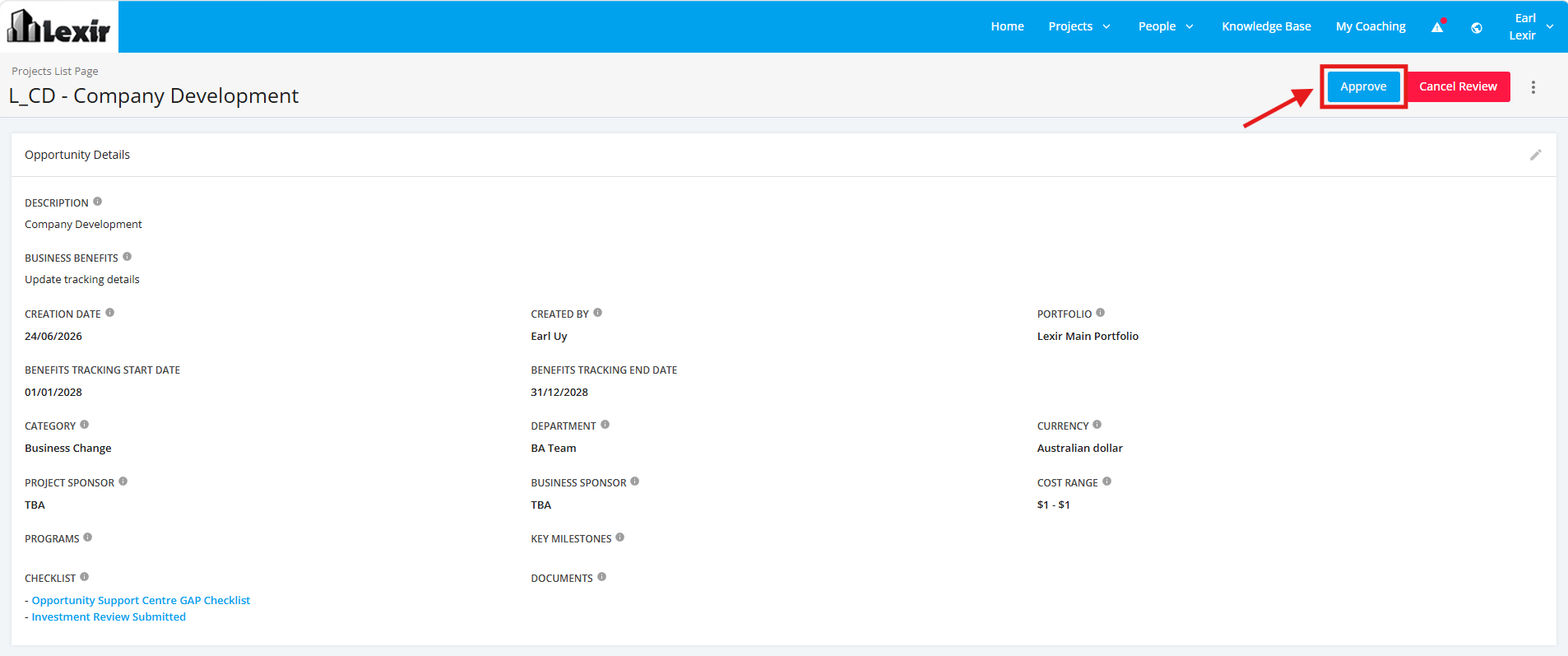
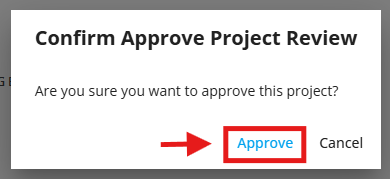
3. Once popup is displayed, click 'Approve' .
Once approved, the project is now in the 'Approved Opportunity' Stage.