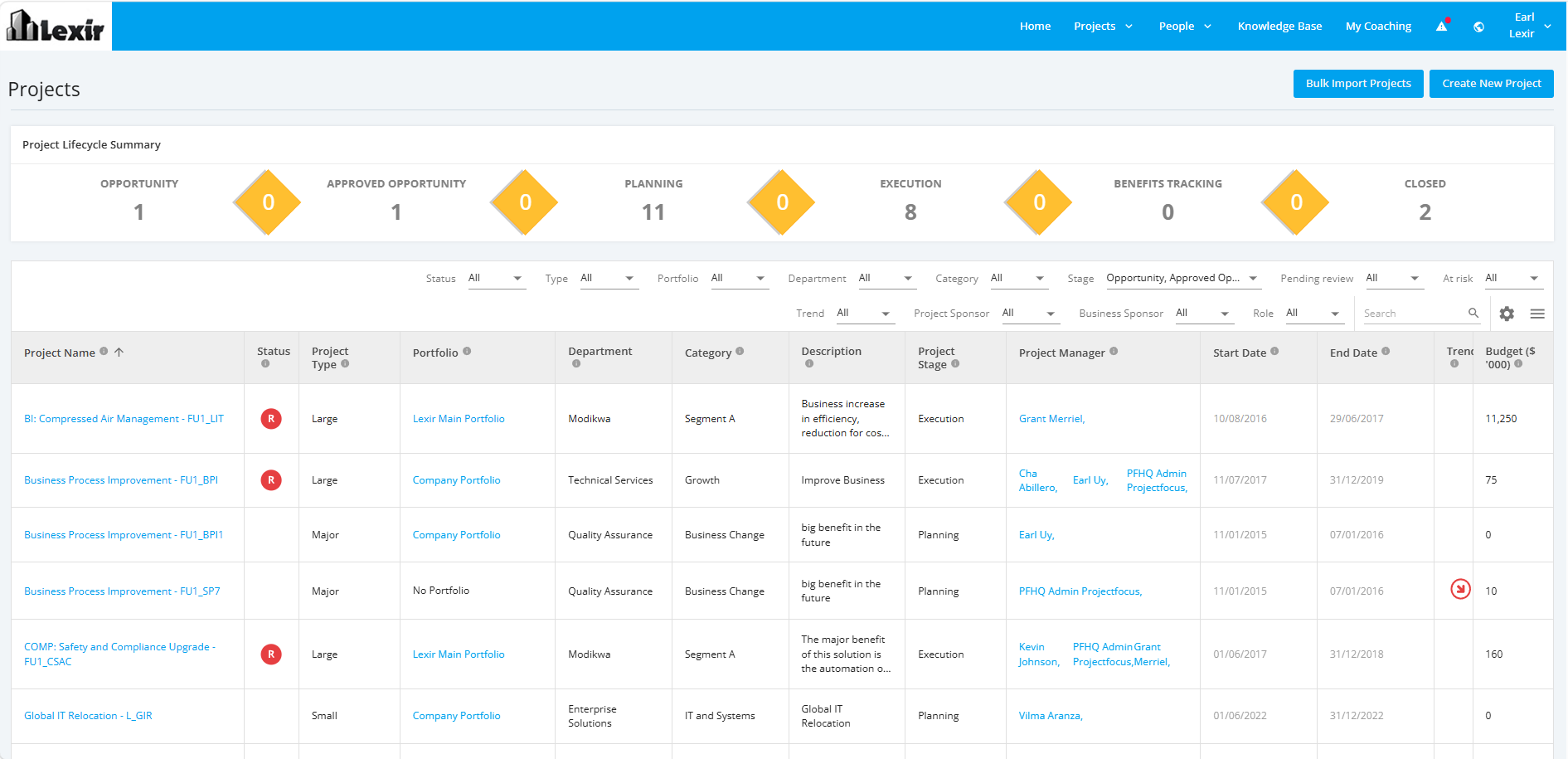
1. Navigate All Projects Dashboard
- To navigate to the ‘All Projects’ Dashboard, open Focus HQ tool using this link:
https://app.projectfocushq.com/accounts/login/. - Login using your ‘Username’ and ‘Password’ and click the ‘Log-in’ button.
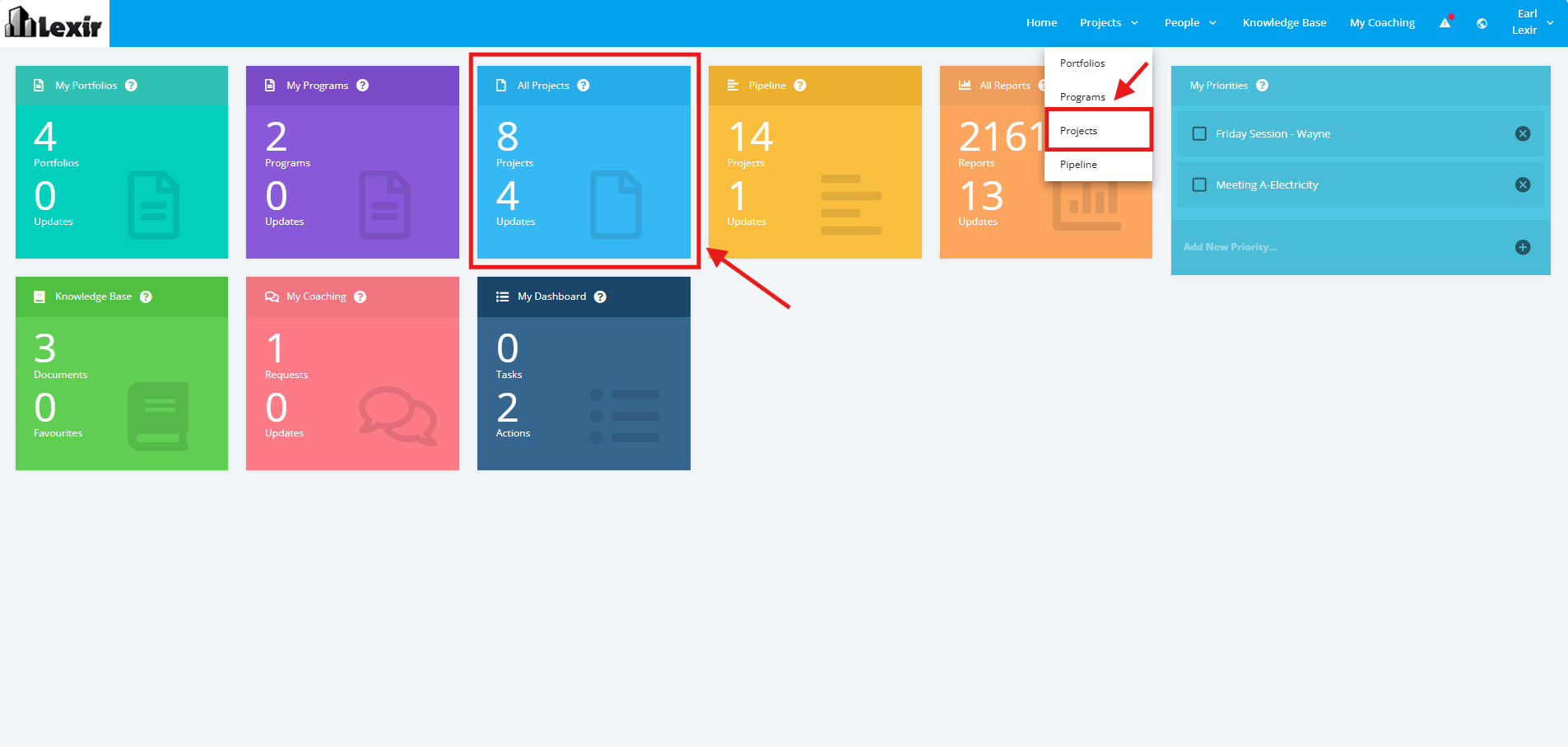
- Once logged in you will reach the Company’s Homepage. Within the ‘Tiles’ section, navigate to ‘All Projects Dashboard' by clicking the ‘All Projects’ tile or ‘Projects’ from the main navigation.
- Once done, the ‘All Projects Dashboard’ will be displayed.