1. Edit Change Control Before Approval
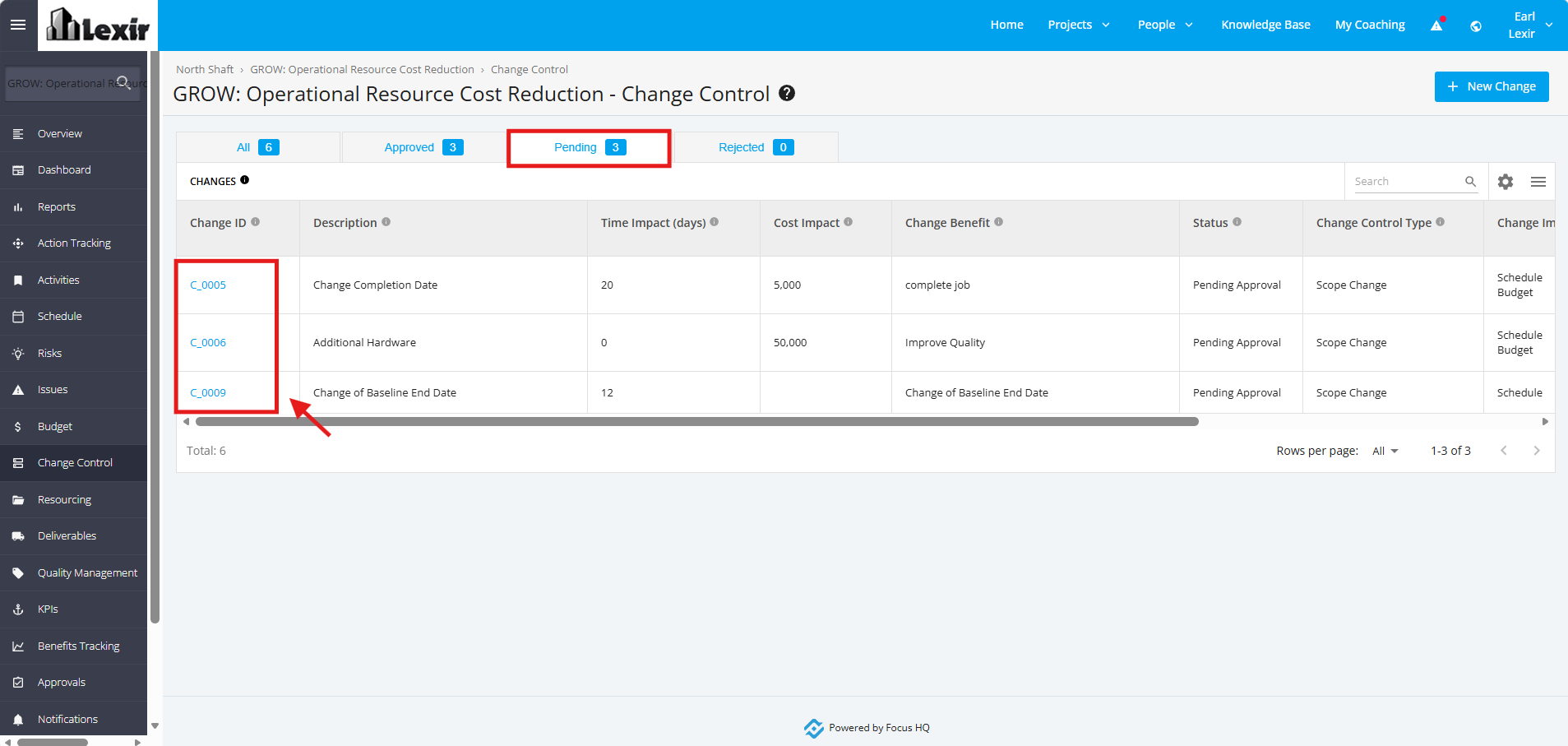
1. Once a project is selected, click the ‘Change Control’ tab from the left sidebar of the page. Click the 'Pending' Status tab, and click any of the ‘Pending’ Change Request Items that you want to update.
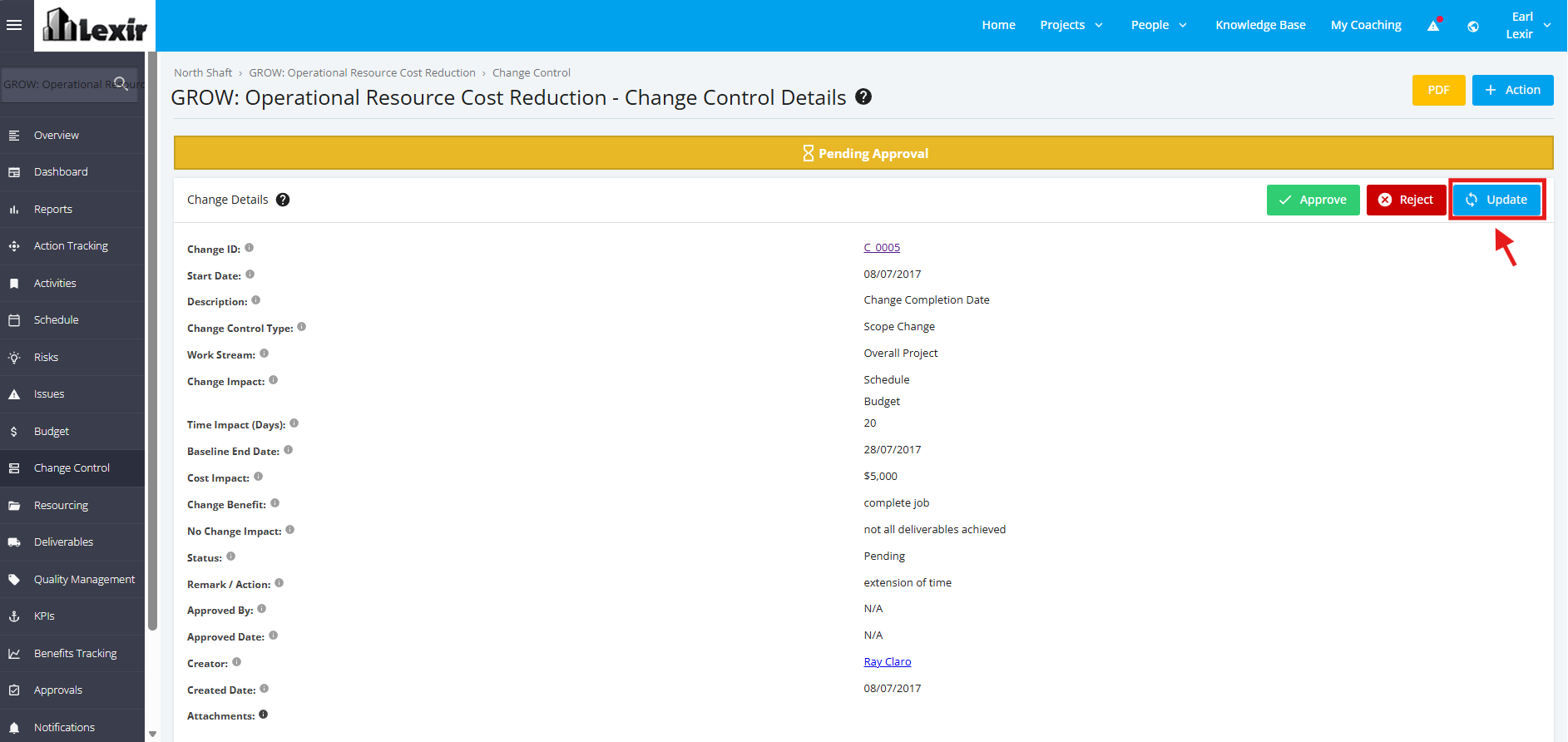
2. Once redirected to the ‘Change Control Details’ page. Click the ‘Update’ button.
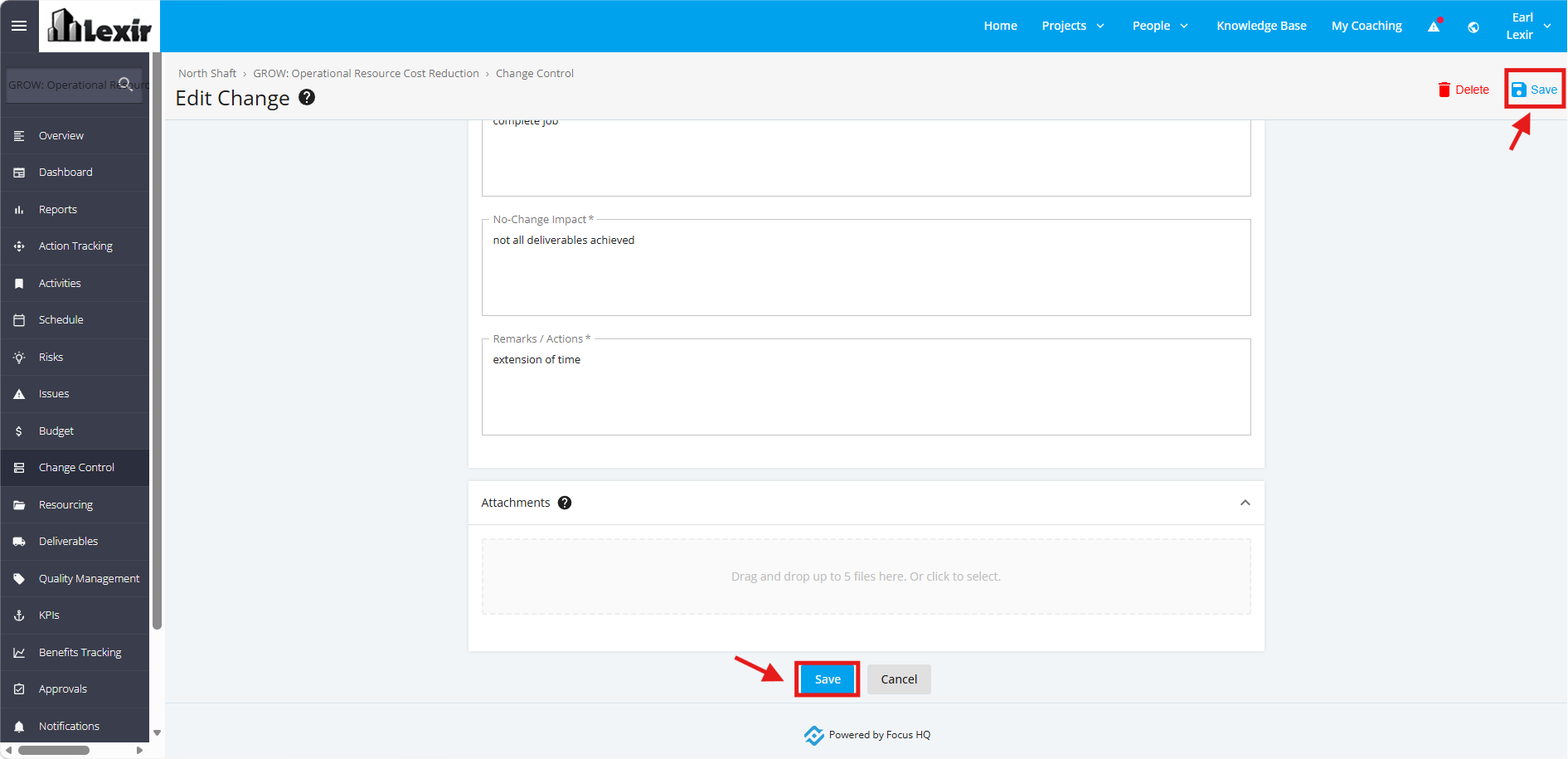
3. In the ‘Update Change’ page, add the necessary changes in the input fields.
Once done, click the ‘Save’ button to save changes. You can also click the 'Save' button on the upper-right corner of the page.