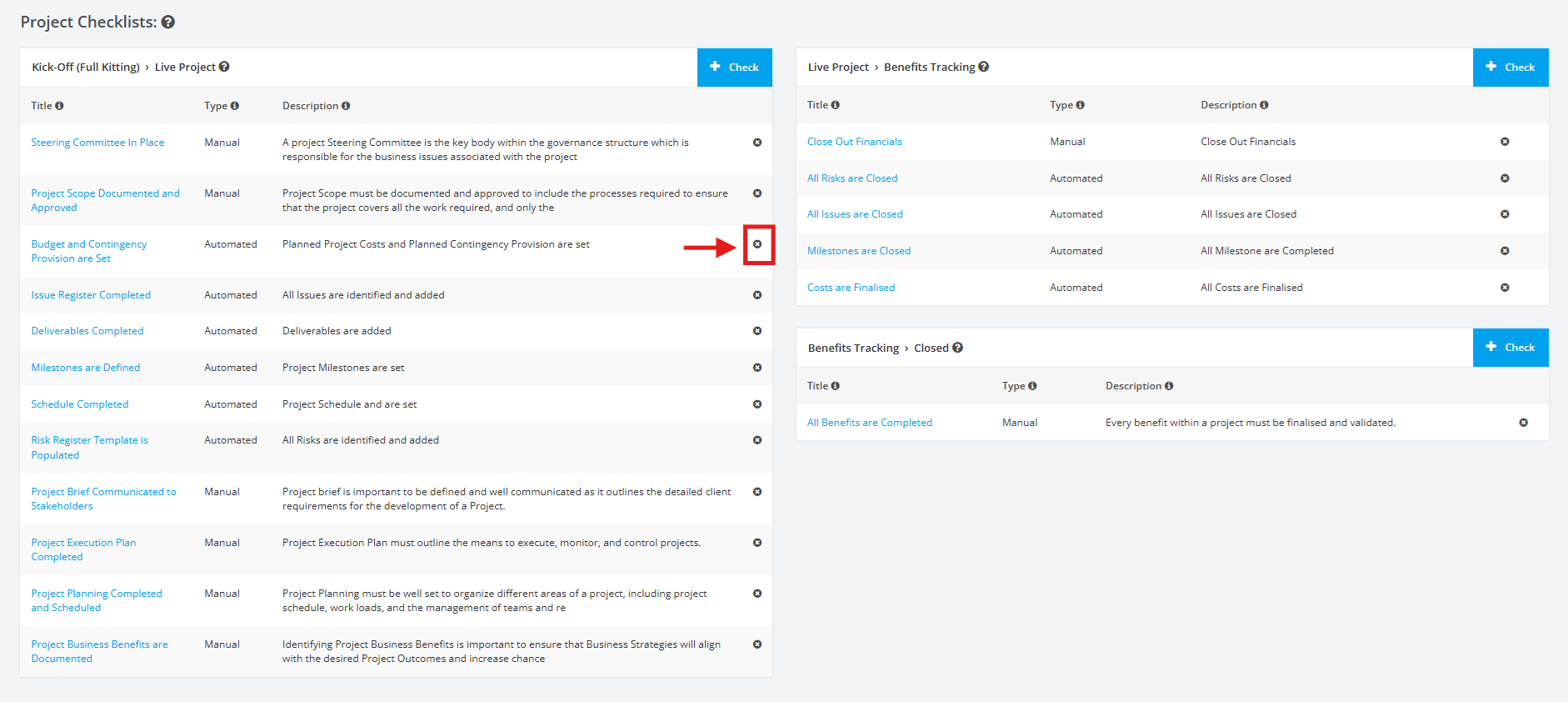
1. Remove Automated Kick-Off (Full Kitting) Checklist
1. On the Project Type Settings page, scroll to the ‘Project Checklists’ section then the ‘Kick-Off (Full Kitting) > Live Project’ list. Click the Delete ’x’ icon to remove a Kick-Off (Full Kitting) Checklist.
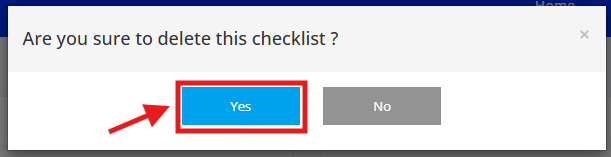
2. A pop up window will appear for confirmation, click the ‘Yes’ button to proceed with the deletion