
1. Deliverable Reporting Data Display
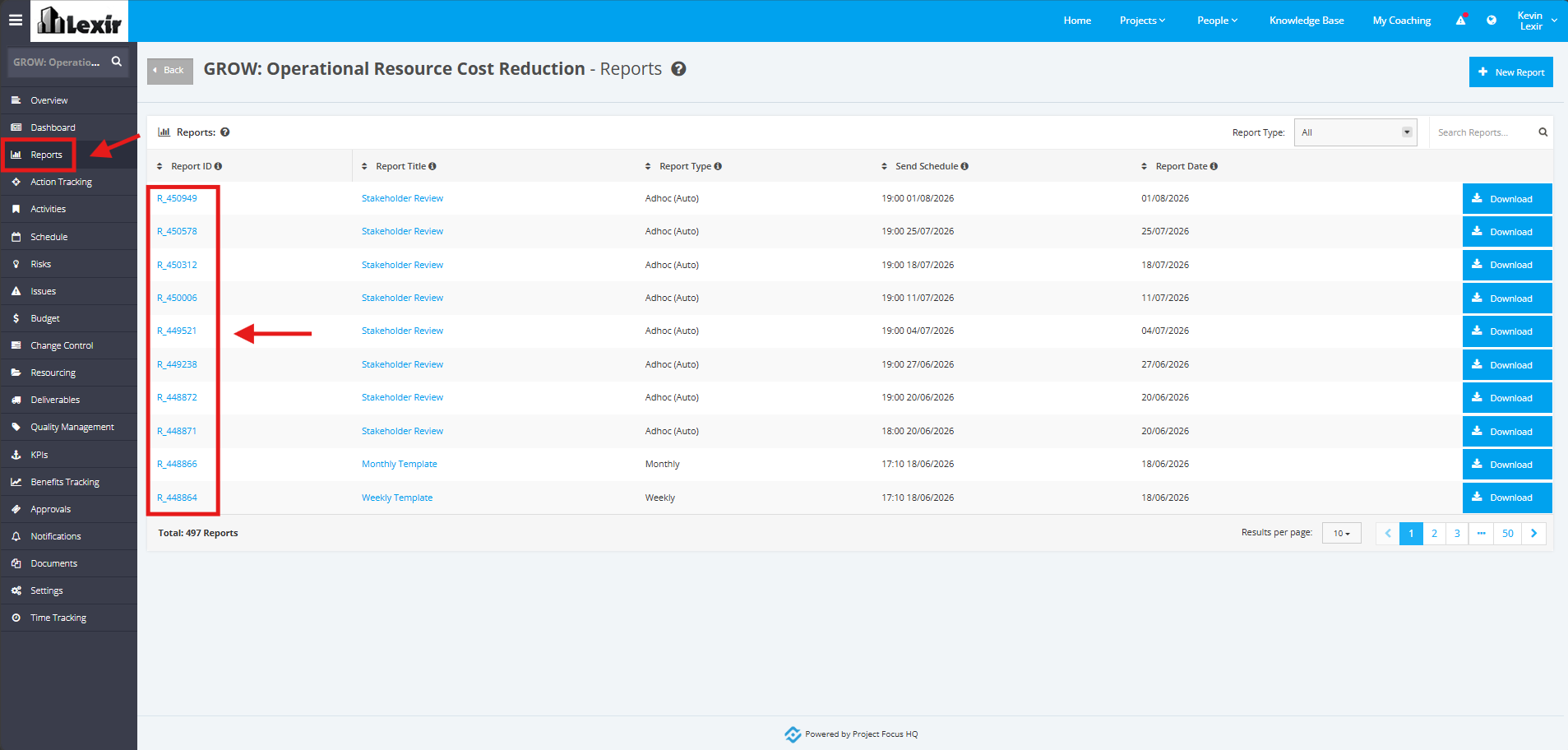
1. Once a project is selected, click the ‘Reports’ tab from the left sidebar of the page and then click a ‘Report’ item.
2. In the Project ‘Report’ page, all Deliverables will be displayed in the ‘Deliverables’ section.
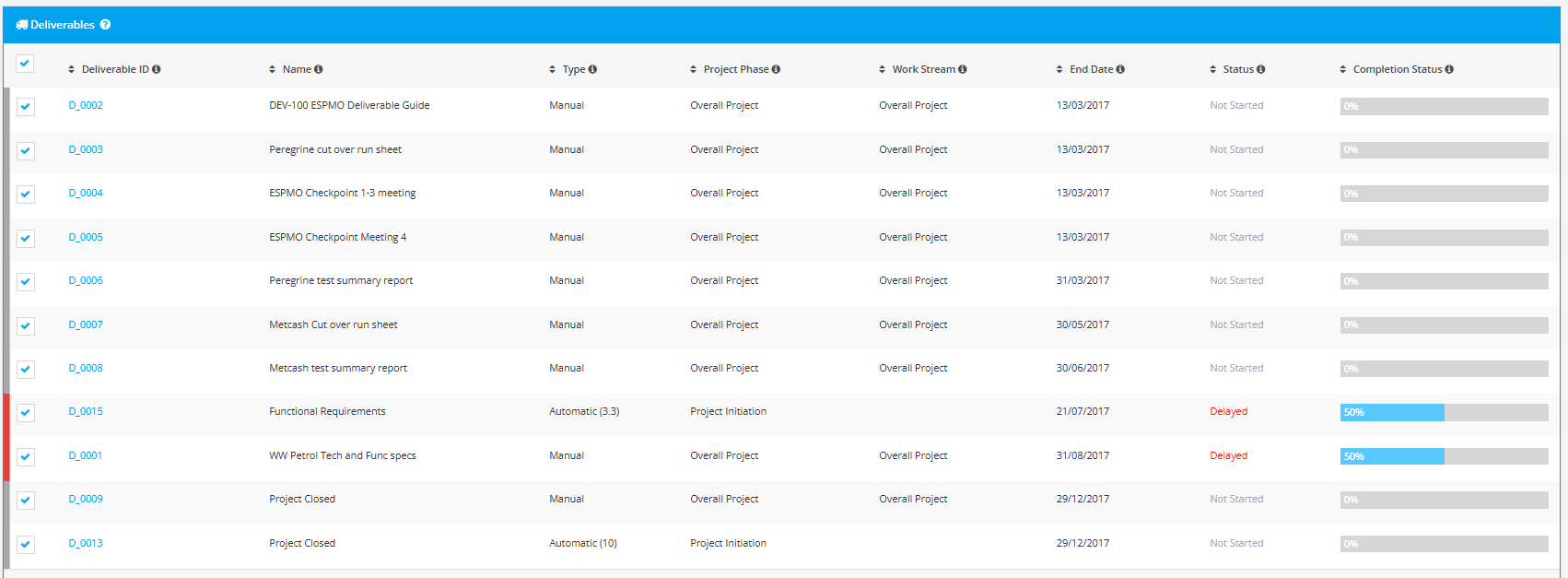
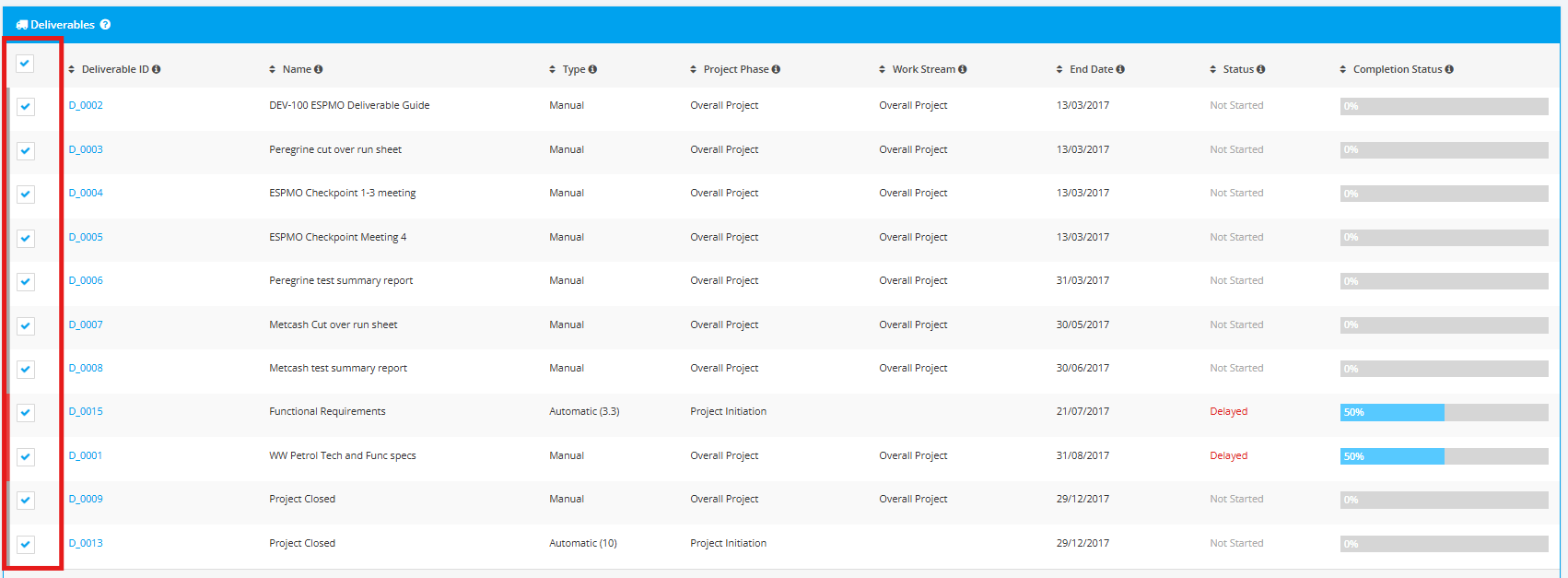
3. You can tick which Deliverables will be displayed in the Report.
4. You can also add Comments to be added in the Comment field.
You can also untick the Add Comment flag should you not want to add such, and Comment box will be hidden.
