1. Exporting All Action, Decision, Dependency, and Assumption Items
1. In the Action Tracking page, click the three horizontal line icon and select Download CSV or Download PDF.

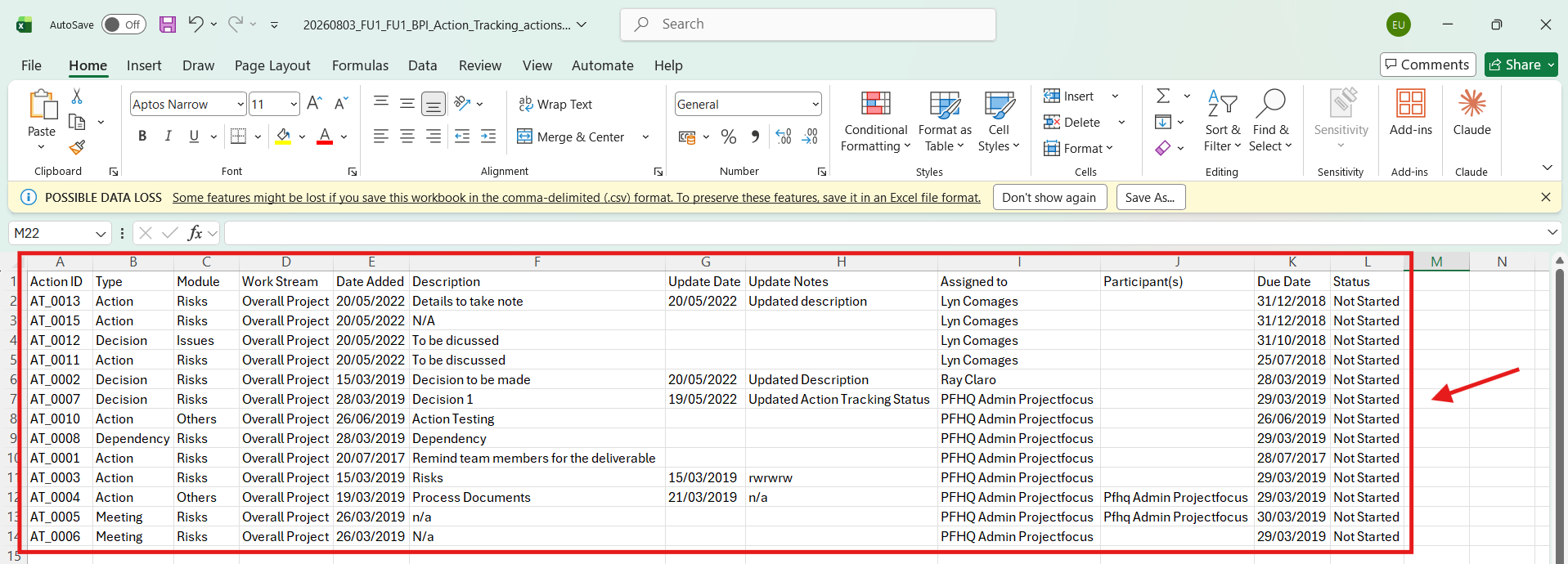
2. In downloading a CSV, the file looks like the below.
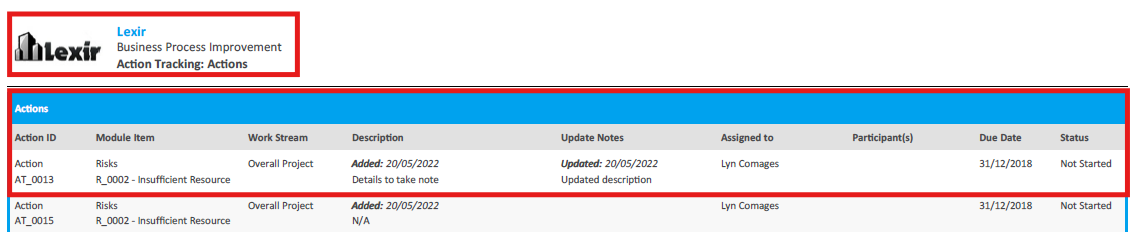
3. In downloading a PDF, the file looks like the below.
NOTE:
- For the Description column, the content on top is the Date Added and the content below is the Description.
- For the Update Notes column, the content on top is the Date Updated and the content below is the Description.