1. Send Adhoc Report within a Project
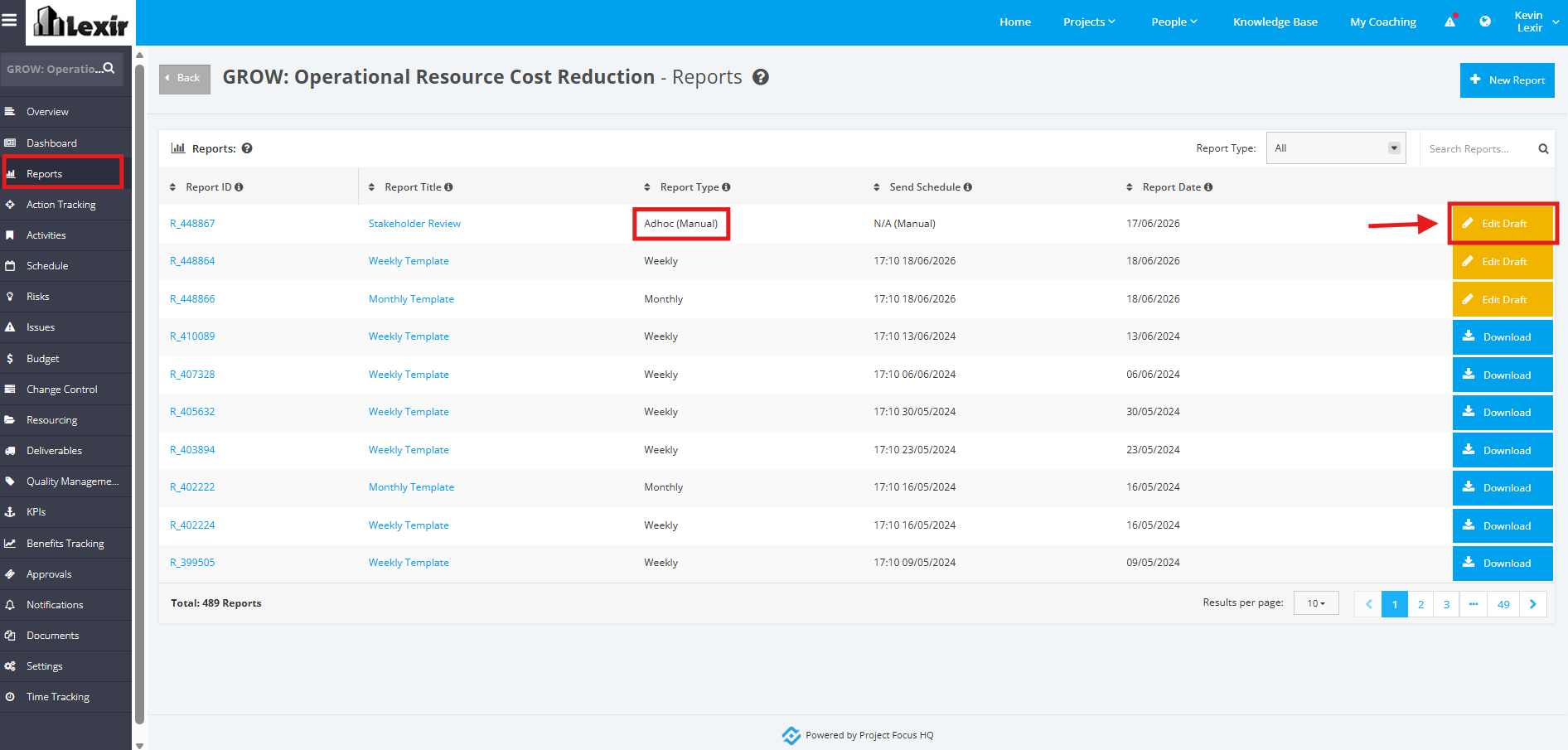
1. To Send an ‘Adhoc Report’, choose the report within the Project ‘Reports’ page, then click the ‘Edit Draft’ button.
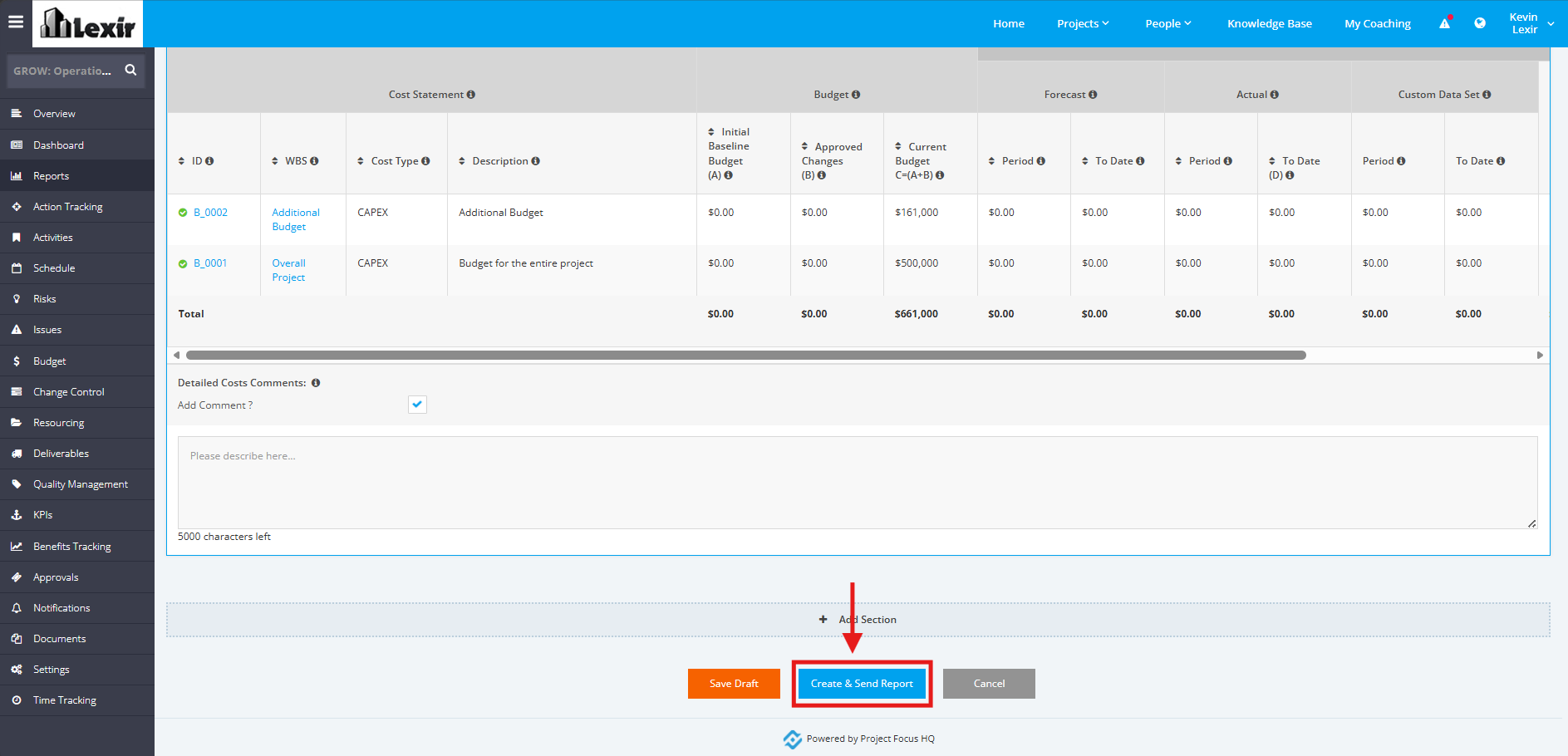
2. In the ‘Edit Report’ section, add changes to the Report if needed. Then, click the ‘Create & Send Report’ button to send the Adhoc Report.