1. Risks for Escalation
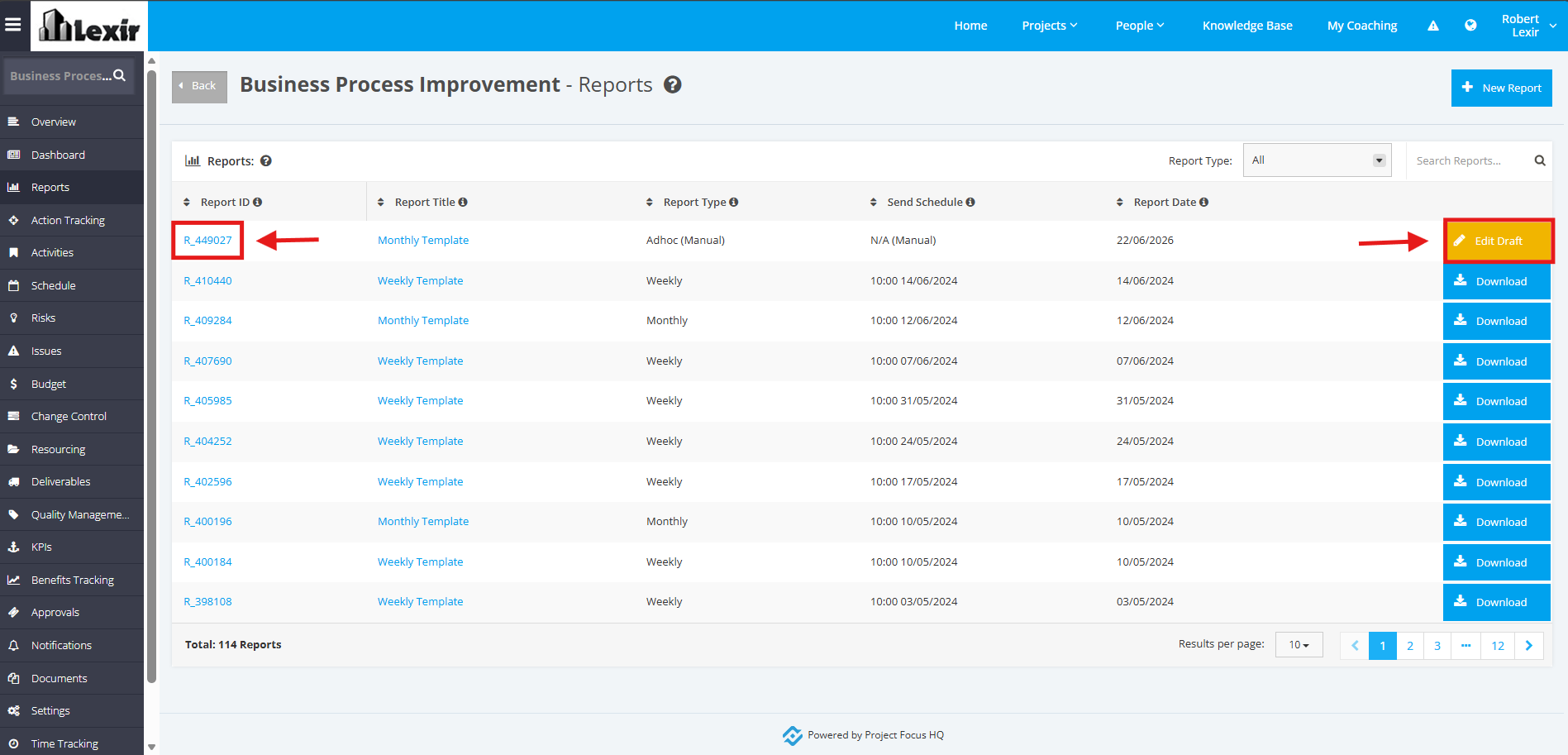
1. Once you reach the ‘Reports’ page, click the ‘Report ID’ or the ‘Edit Draft’ button.
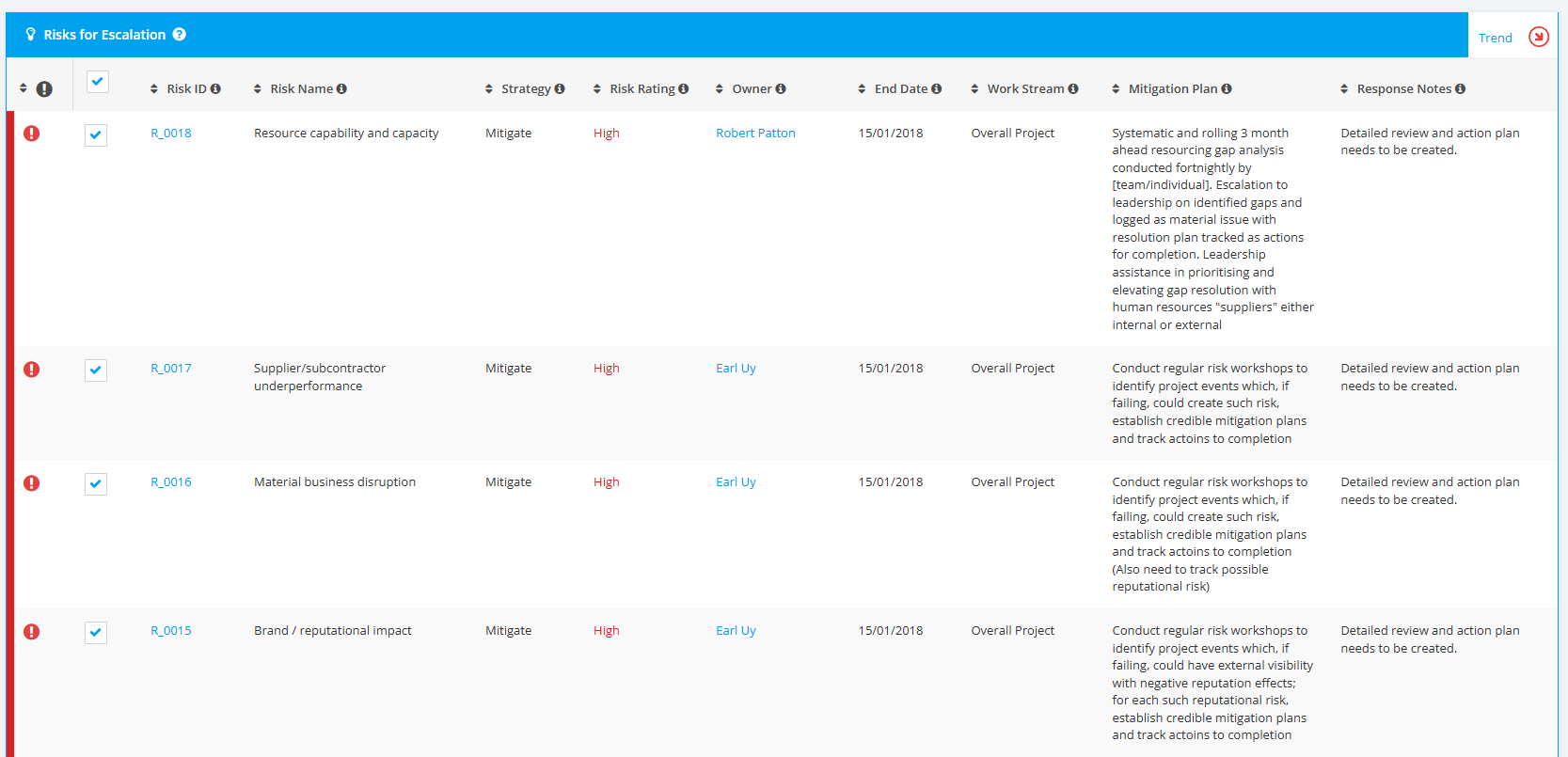
2. In the Project ‘Report’ page, all Escalated Risks will be displayed in the ‘Risk for Escalation’ section.
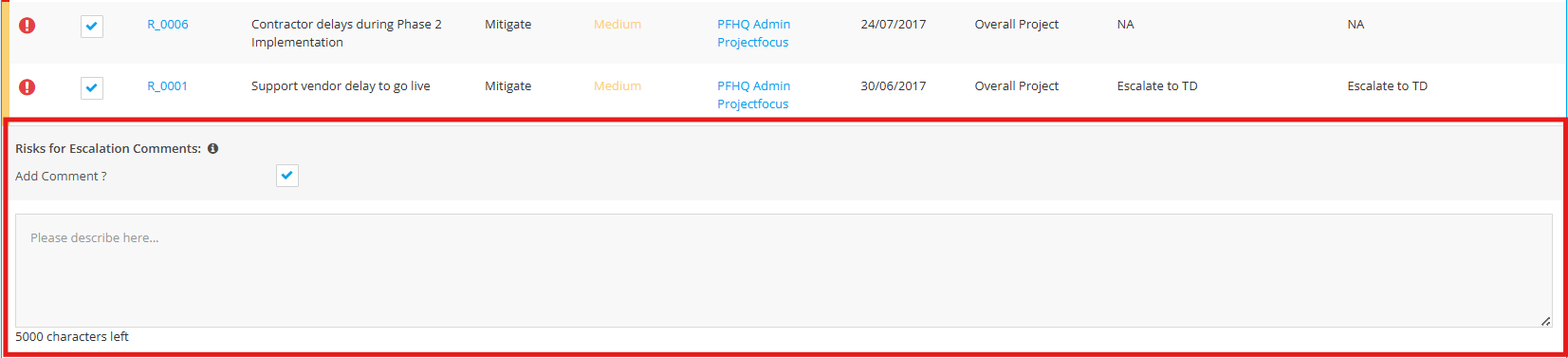
3. You can also add Comments to be added in the Comment field.
You can also untick the Add Comment flag should you not want to add such, and Comment box will be hidden.