1. Manage Risk After Approval
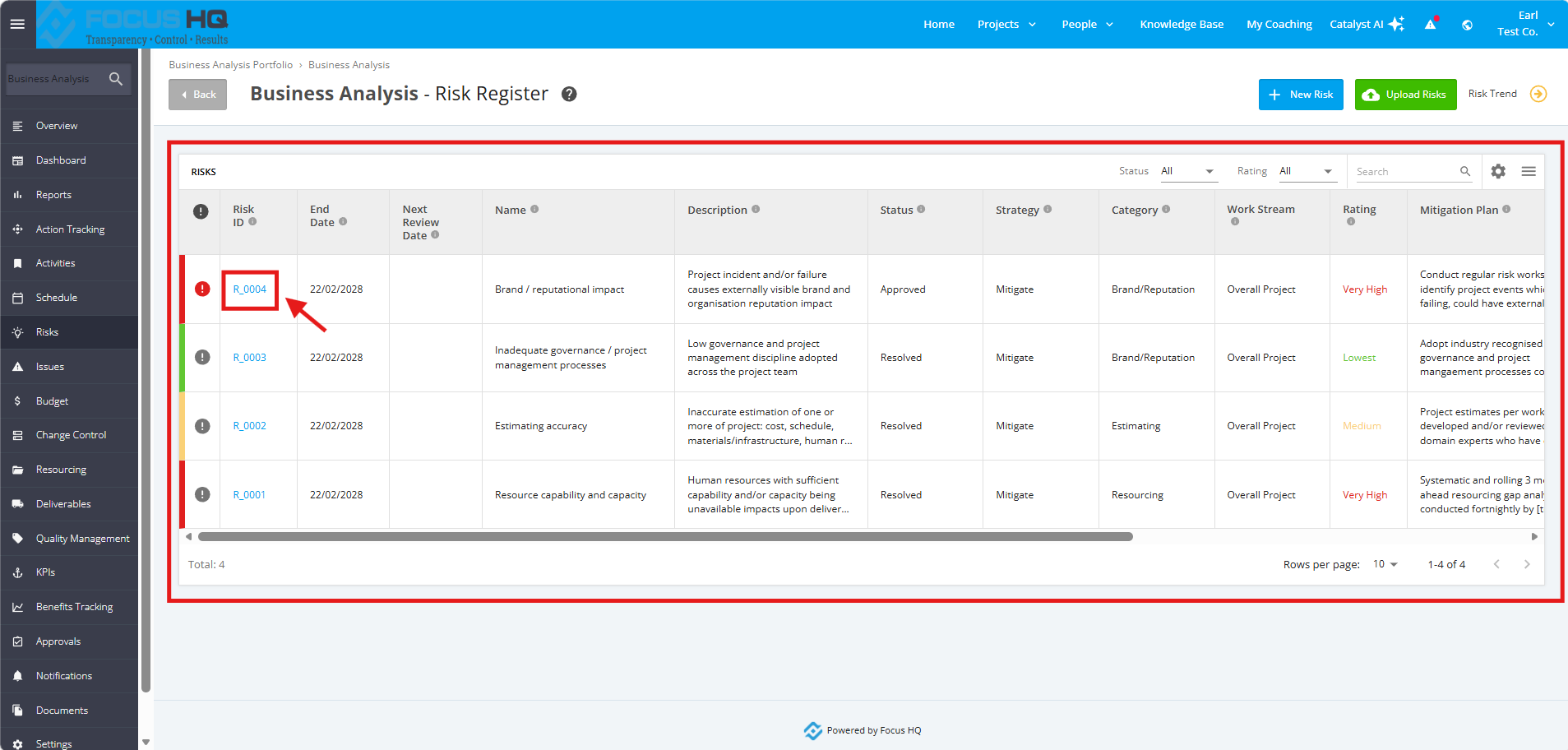
1. To manage a Project Risk After Approval, navigate to the ‘Risk Register’ page by clicking the ‘Risks’ tab from the left sidebar of the page. Once done, go to the ‘Risks’ section and click the Risk ID to update.
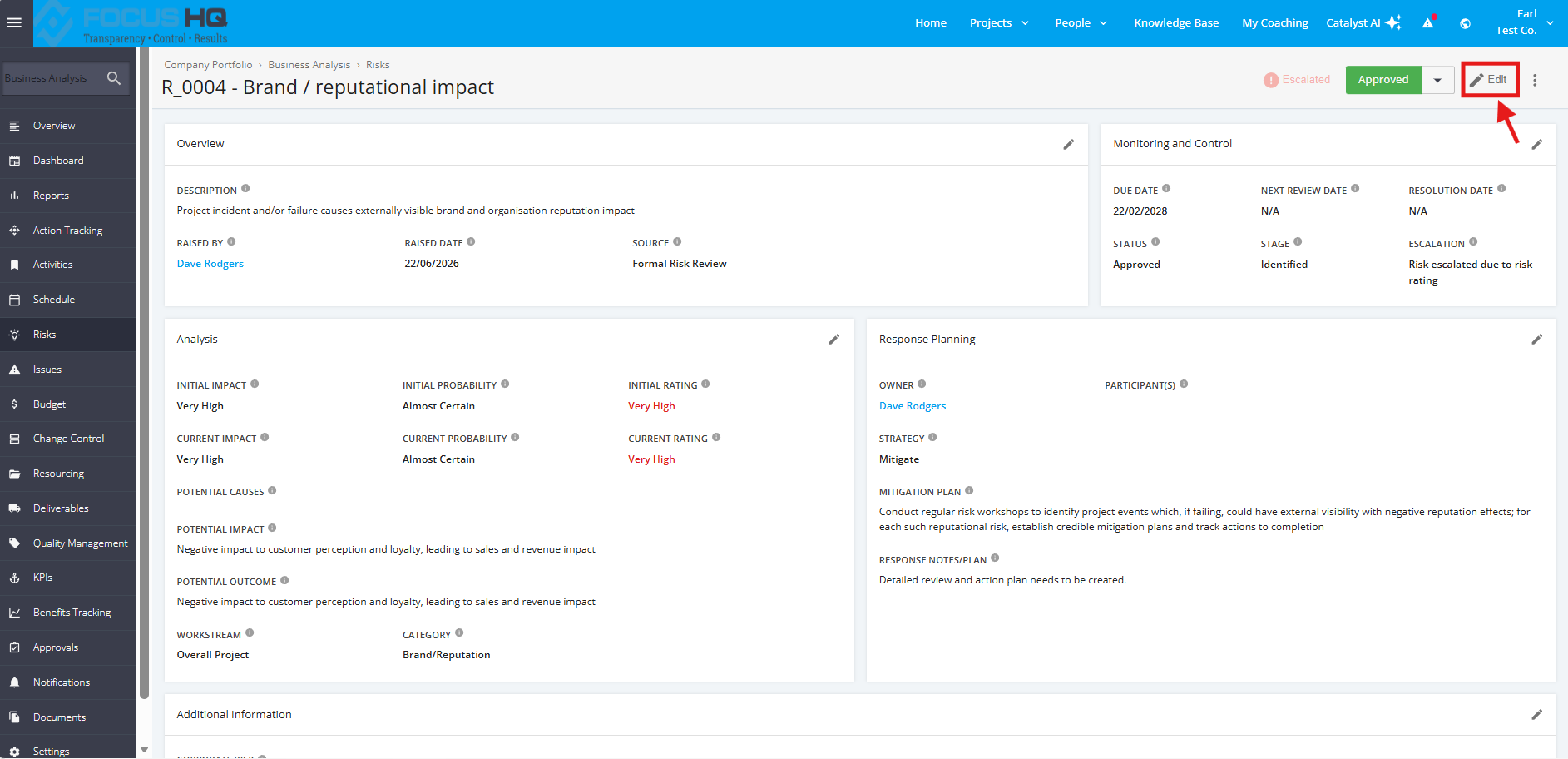
2. In the Risk details page, click 'Edit' beside the status drop-down data field.
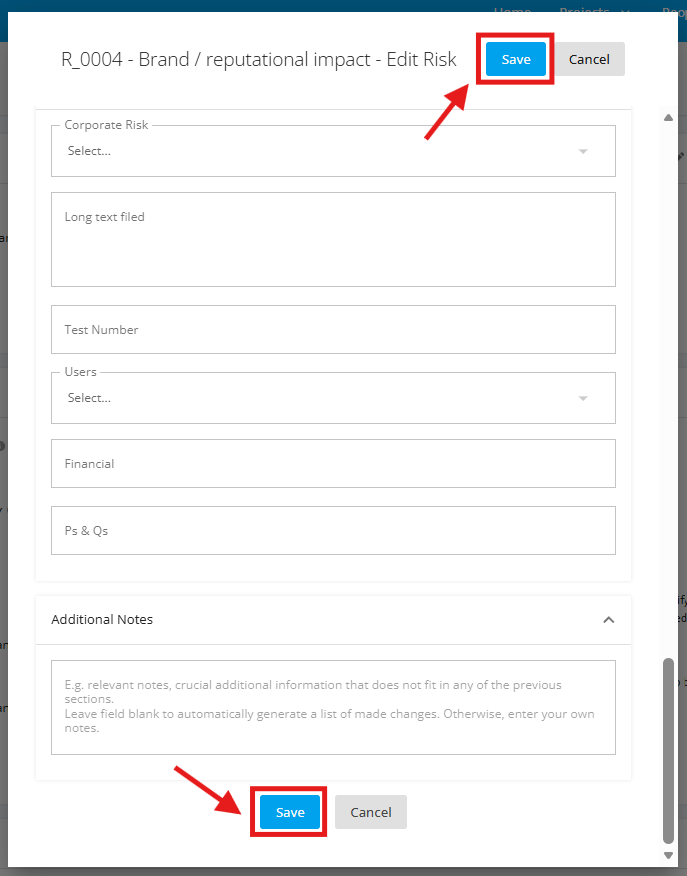
3. Once done, add the necessary changes in the form. Click the 'Save' button to save the changes.