
1. Navigate Last Week Activities
From the ‘Project Overview’ page, scroll to the ‘Last Week Activities’ section.
You can click the 'Activity ID' to check the details of an Activity from last week.
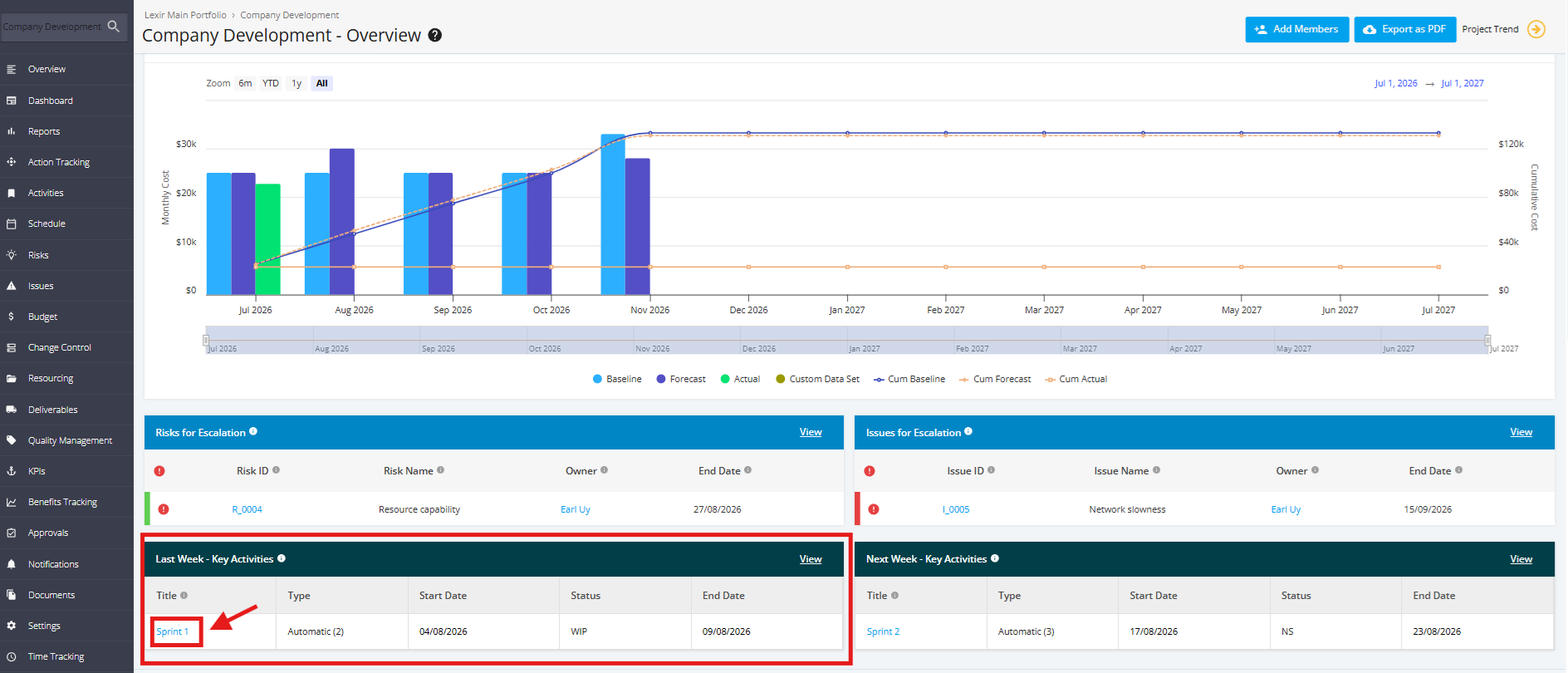
To view the Activities from Last Week in Detail, click the 'View' link on the top-right corner of the tile.
