1. Navigate Project Schedule
Navigate to the ‘Project Schedule’ section within the ‘Project Overview’ page.
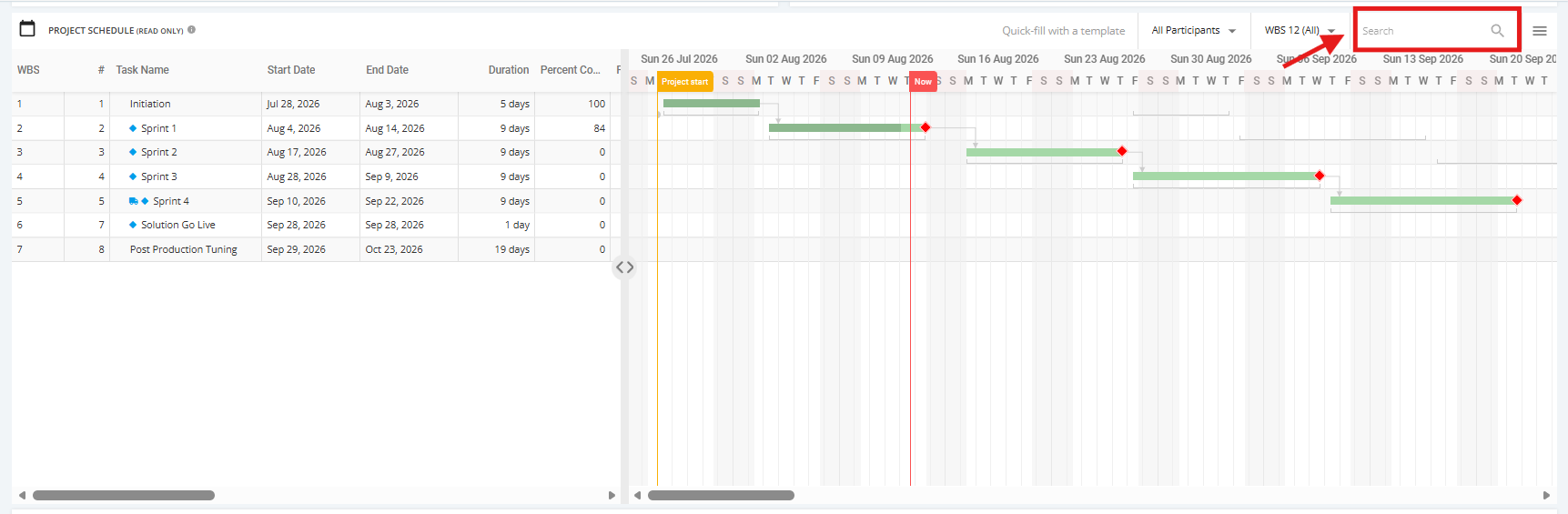
Move the Vertical line separator to the left to view the Gantt Chart and move it to the right to view the Schedule text field.
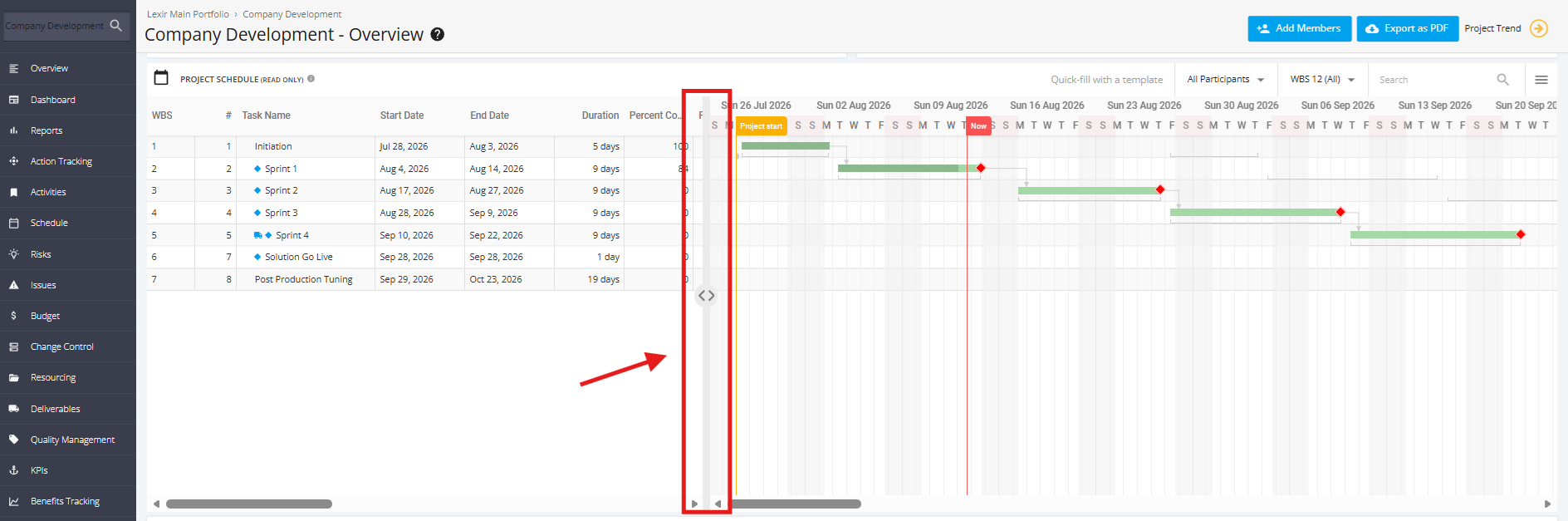
You can also move the horizontal scrollbar on either the Table side or the Gantt side. Move it to the right to see additional information, or move it to the left to return to the initial view.
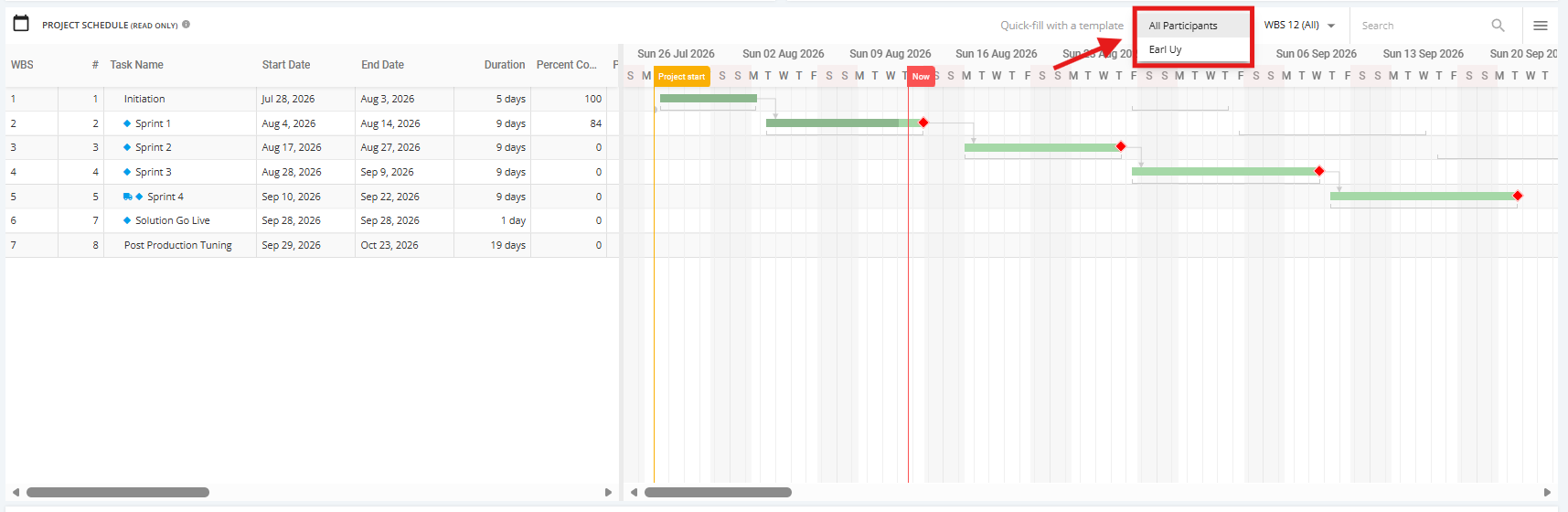
You can filter the view of the Project Schedule by 'Participant' assigned to the Task.
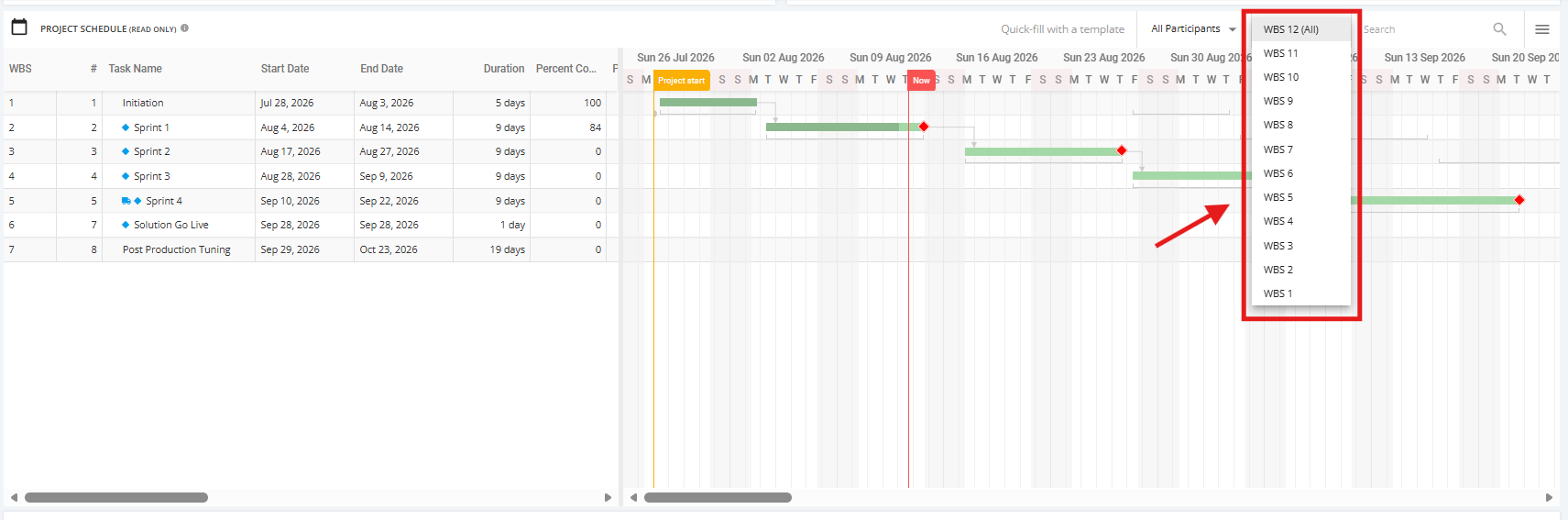
You can also filter the view of the Project Schedule by 'WBS' level (‘WBS 1’, ‘WBS 2’, ‘WBS 3’, etc.)
To search the Schedule, enter a Task Name or any input in the Search field. Then, click the magnifying glass icon or press ENTER.
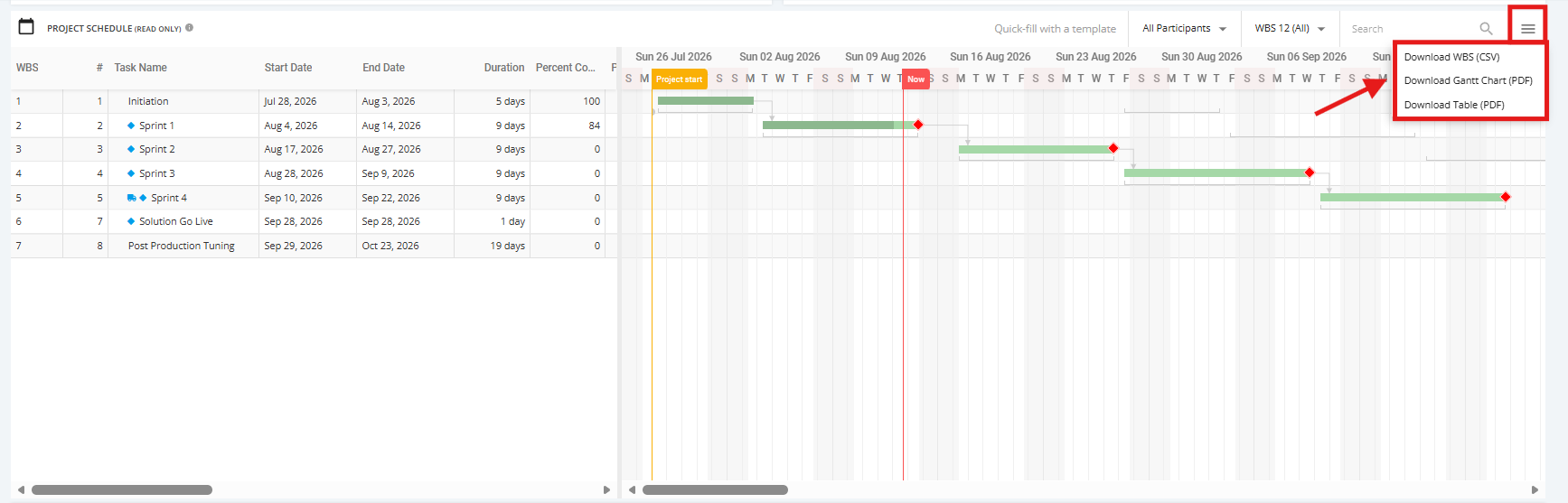
To download the Project Schedule or a part of the Project Schedule, click the ‘Download’ icon.
Once done, choose the kind of file to download: ‘Download WBS (CSV)’, ‘Download Gantt Chart (PDF)’, or ‘Download Table (PDF)’.