1. Navigate Project Details
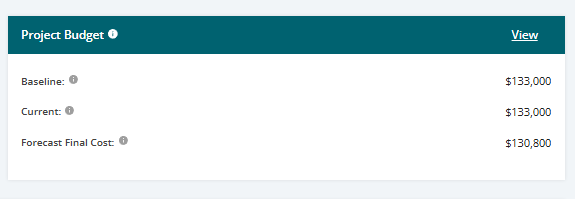
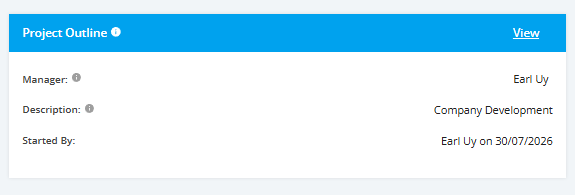
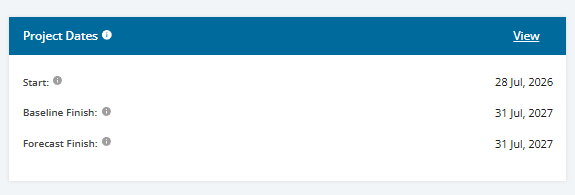
Once you reach the Project Overview, navigate to the ‘Project Details’ section. This is the section where you can see the ‘Project Outline’, ‘Project Dates’ and ‘Project Budget’.

Project Outline
Identifies the project manager and project description of the project at a high level. This is similar to the business case where it addresses the who what, why, and business benefit for having the project occur.
Click the View link in the rightmost part of the tile for Detailed Project Outline information.
Project Dates
Identify the project target plan date. This helps quickly show where the project is, if it is active, expected completion date, and from this, anyone in the business can plan around or with the project
Click the View link in the rightmost part of the tile for Detailed Project Dates information.
Project Budgets
Financial planning of the project at a high level (overview). The details are broken out in the financial plan but are rolled up and summarized in the budget field.
Click the View link in the rightmost part of the tile for Detailed Project Budgets information.