1. Video
You can check the video for a walkthrough of how to add an Action Item in the Project.
2. Add an Action, Decision Dependency, and Assumption in Action Tracking
1. In the Action Tracking page, click the + Action button in creating Action, Decision, Dependency, and Assumption.
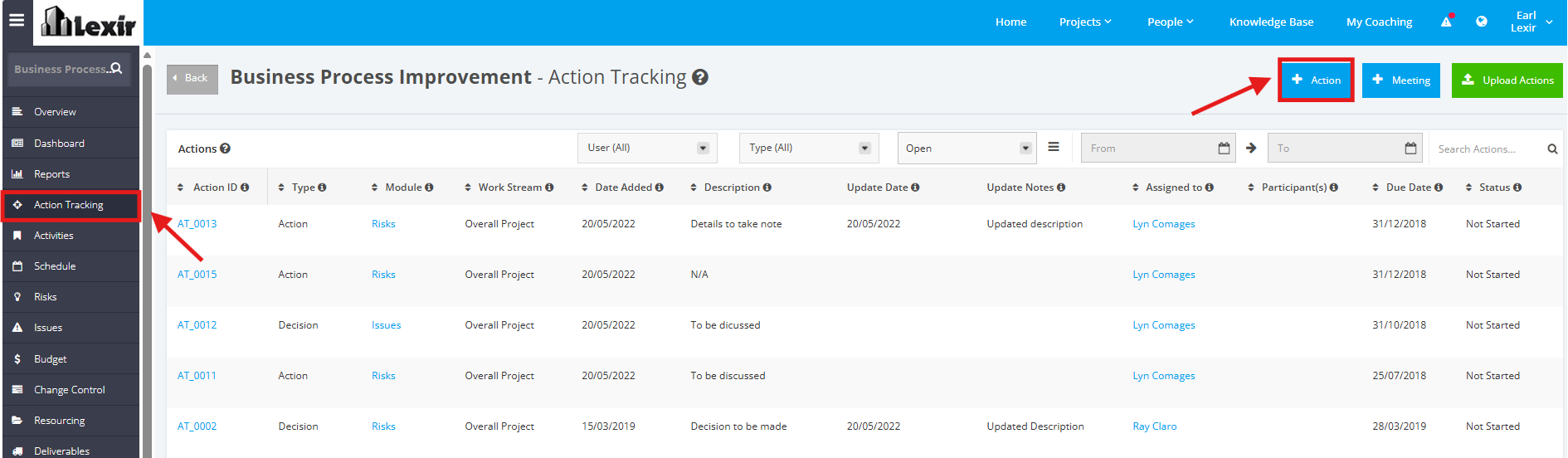
2. In the New Action page, fill in the following details:
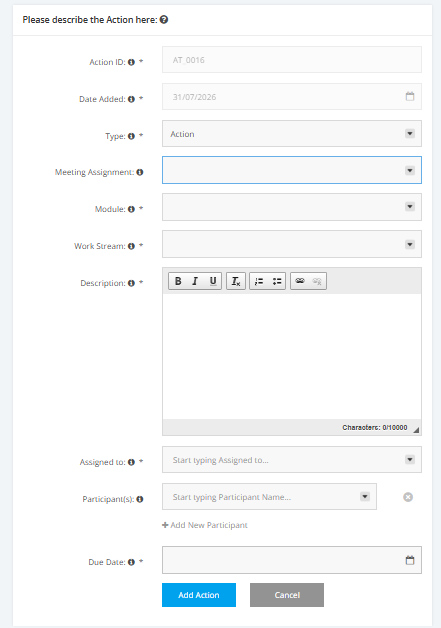
- Action ID - Automatically generated ID
- Date Added - Automatically set to Current Date
- Type - Select from the following dropdown options: Action, Decision, Dependency, Assumption
- Meeting Assignment - Select from the added Meetings in the Project
- Module - Select from the following dropdown options: Risks, Issues, Deliverables, Change Control, Resourcing, Quality Management, Others
* If you choose a module as an option, an Item will appear below the Module field. Select a module item from the dropdown list that will be associated to the Action Item.
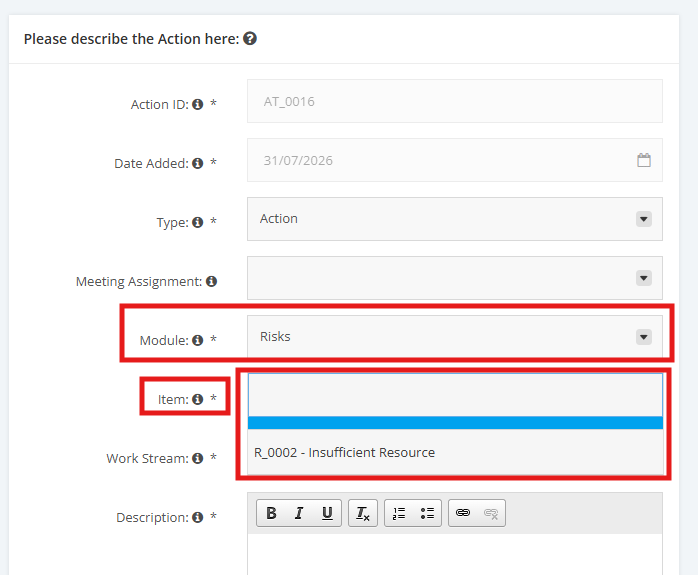
* If you choose Others as an option, a text field will be displayed. Create your own entry item in the field provided.
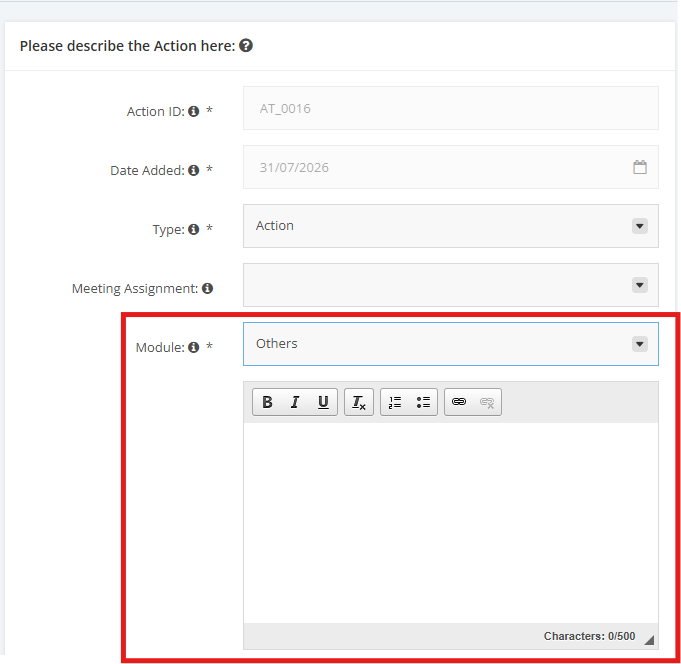
- Work Stream - Select from the added Work Streams in the Project
- Description
- Assigned to
- Participants
* If you like to add more participants, click +Add New Participant.
- Due Date
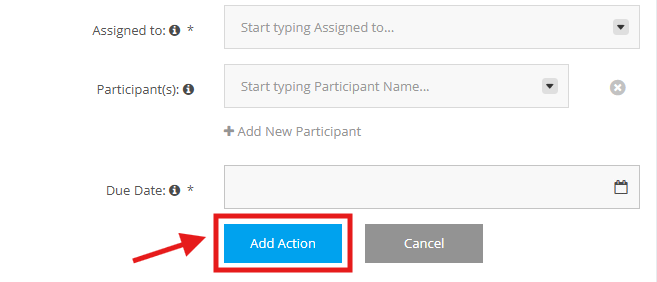
3. Once all the required information has been provided for Action, Decision, Dependency or Assumption, click the Add Action button.