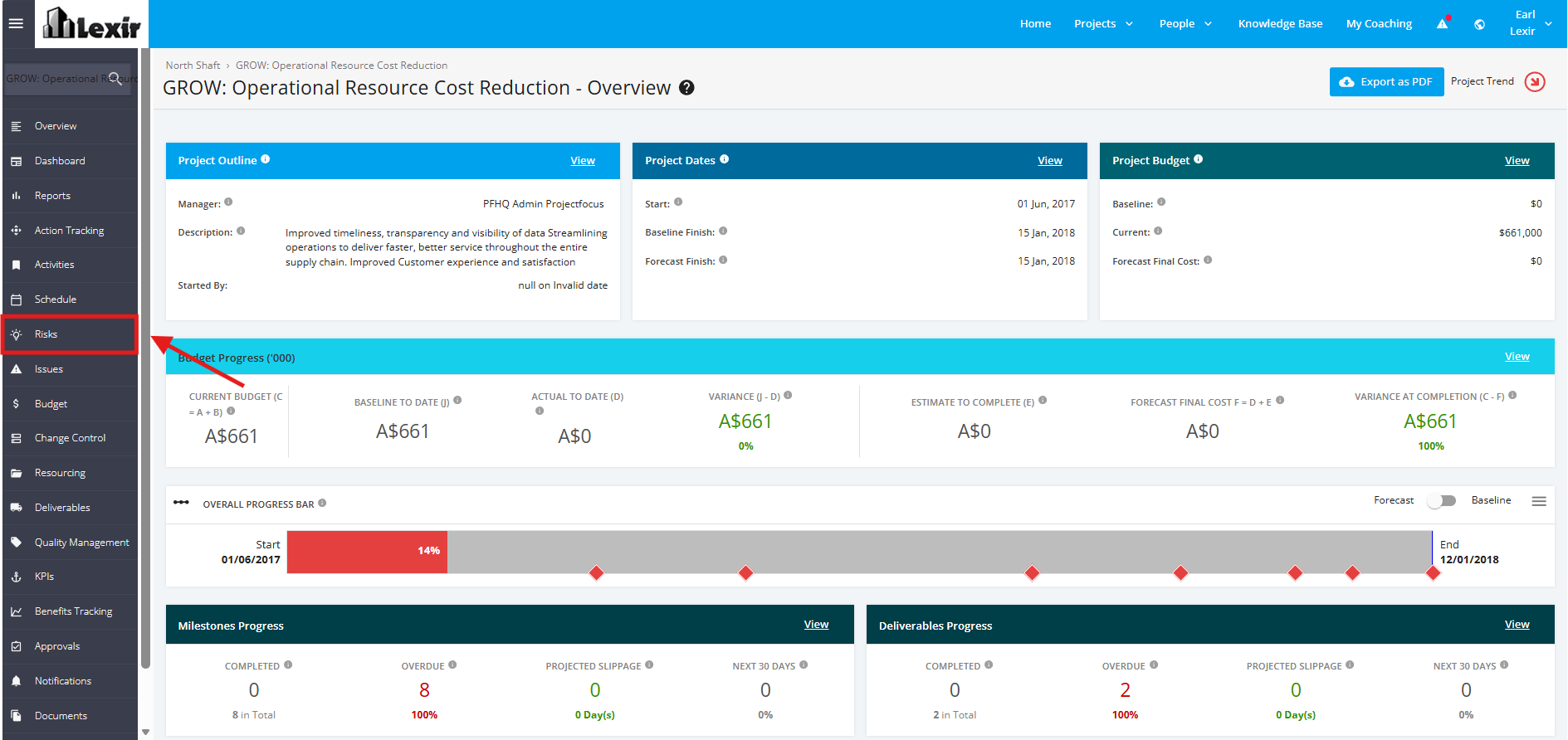
1. Navigate Project Risks
- To navigate to the ‘Project Risks’ page, open the Focus tool using your ‘Username’ and ‘Password’ and click the ‘Log in’ button.
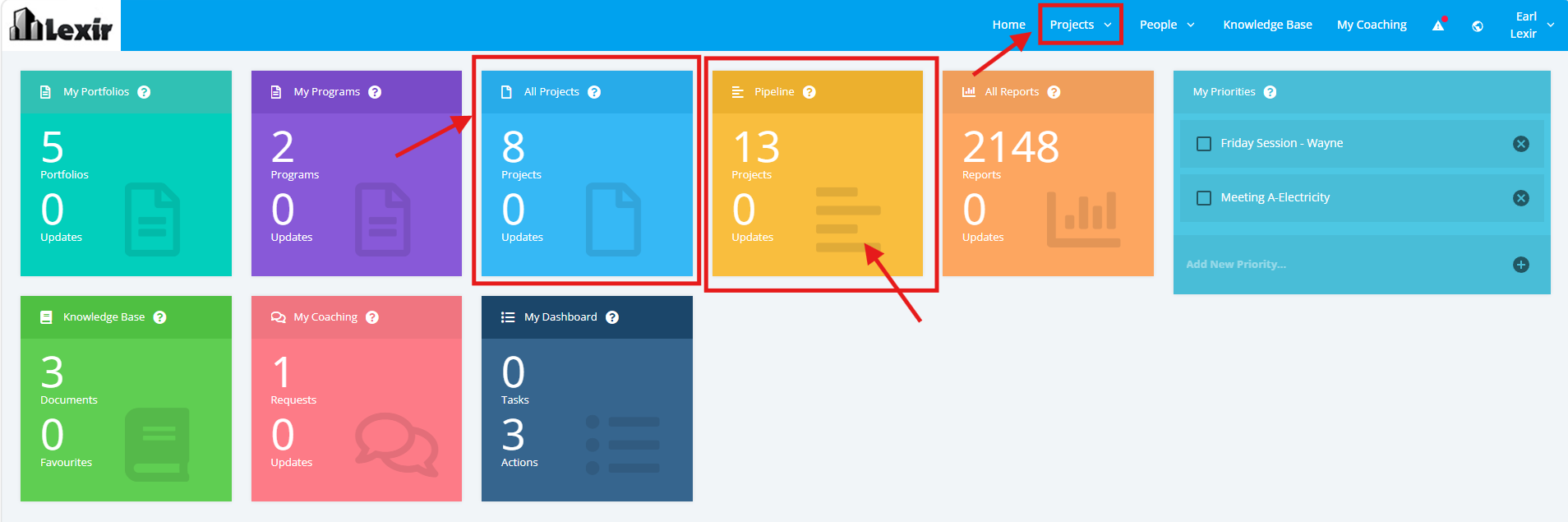
- Once logged in, you will reach the Company’s Homepage. Within the ‘Tiles’ section, navigate to ‘Project Dashboard’ by clicking either the ‘All Projects’ tile, 'Pipeline' tile, or ‘Projects’ from the main navigation.
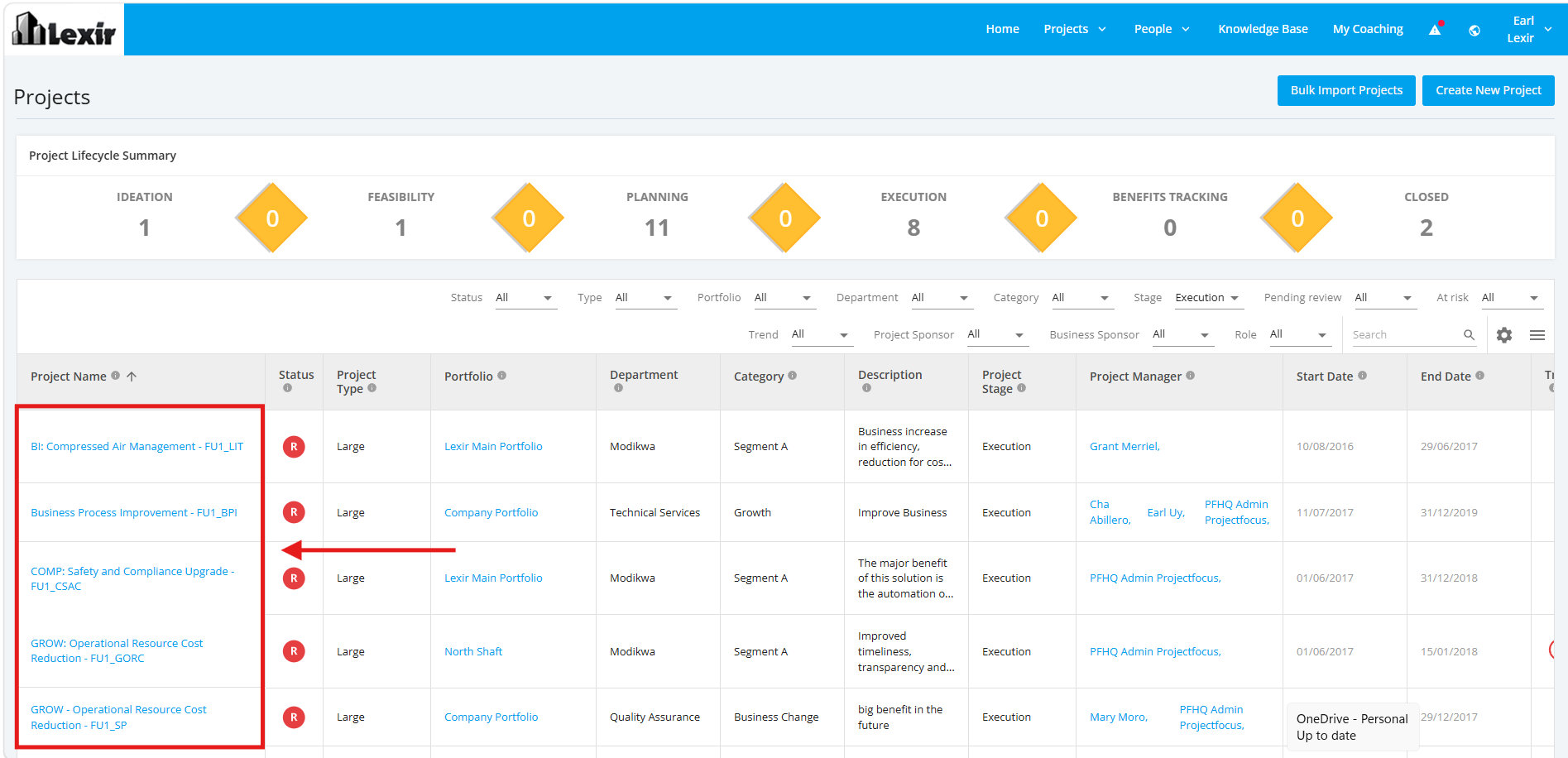
- In the ‘Project Dashboard’ section, click the ‘Name’ of the ‘Project’ that you want to navigate
Note: In this section, you can only see the Projects assigned to you unless the administrator has provided you a Company Access Level to all Projects.
- Once a project is selected, go to the left sidebar and click the ‘Risks’ module.